Excalidraw and tldraw are the two most-recommended hand-drawn-style infinite whiteboards on the web. Both run in the browser and support real-time collaboration. The practical split is clearer: pick Excalidraw for a permissive open-source whiteboard; pick tldraw when a polished embeddable SDK and multiplayer foundation matter more.
But underneath they are run on different principles — different licensing, different developer stories, different ideas about what an embeddable whiteboard SDK should cost, and different AI integrations. If you're choosing between them, the right answer depends much more on what you do with the canvas than on how the canvas itself feels. Here's an honest, fact-checked side-by-side.
At a Glance
| Excalidraw | tldraw | |
|---|---|---|
| Free tier | Unlimited, no signup | Unlimited on tldraw.com |
| Real-time collab | ✓ (end-to-end encrypted, free) | ✓ (link share, free) |
| License | MIT (core) | Source-available, custom license |
| Built-in shape library | Minimal | Minimal |
| Built-in AI | Mermaid → diagram (free) | Make Real demo (BYO key) |
| SDK / embeddable | Yes, MIT | Yes, paid license for production |
| Native app | None (PWA only) | None (PWA only) |
| Company model | Open-source core + Excalidraw+ SaaS | Open-source-ish core + commercial SDK |
The summary: Excalidraw is more open, tldraw is more polished for developers building products on top of it. Below is the detail behind each row.
Canvas Feel
If you put Excalidraw and tldraw side-by-side and asked someone to draw a rough flow on each, they probably wouldn't notice the difference. Both nail the same essential feel: instant load, no setup, no signup, a wobbly hand-drawn line that gets out of the way and lets you think on the page.
tldraw is slightly more refined in the small details — the snapping behavior is tighter, the multiplayer cursors are smoother, the toolset feels a little more considered as a UI. Excalidraw feels marginally more sketch-paper-honest: a touch more wobble, a slightly more "open notebook" quality.
These are real differences, but small ones. If "canvas feel" is your deciding factor, try both for ten minutes — you'll know which one your hand prefers. For most people the choice comes down to the other dimensions below.
Licensing: This Is Where They Really Differ
This is the single biggest difference and the one most likely to actually decide your choice.
Excalidraw is MIT licensed. The core editor at github.com/excalidraw/excalidraw is real, permissive open source. You can fork it, embed it in a commercial product, modify it however you want, ship it however you want — no license fee, no permission required. Excalidraw+ (the company's SaaS) is separate and commercial, but it's an additional layer, not a gating mechanism on the core.
tldraw is source-available, not OSI open source. The SDK code on GitHub is readable, but the license is a custom one written by tldraw, not MIT. Personal and hobby use is free; production use embedding the SDK in a commercial product requires a paid license. There's a 100-day free trial and startup pricing, but the public app at tldraw.com is the one that's free to use — the SDK is the company's revenue product.
What this means in practice:
- If you just want to use a whiteboard in your browser: both are equally free.
- If you want to embed a hand-drawn whiteboard into your own app and ship it: Excalidraw is permissively free, tldraw needs a commercial conversation.
- If you care about OSI-approved open source on principle: Excalidraw qualifies, tldraw does not.
Built-in AI
Both have AI features, and they work differently enough to matter.
Excalidraw's free AI is Mermaid-to-diagram. You write Mermaid syntax (a popular text-based diagramming notation) and Excalidraw renders it as native, editable Excalidraw shapes. It's most polished for flowcharts; other Mermaid diagram types render as static images. The conversion library is itself open source (mermaid-to-excalidraw). Excalidraw+ paid plans add more AI: text-to-diagram with natural language, "Wireframe to code," and others.
tldraw's AI is Make Real. Make Real (makereal.tldraw.com) takes a sketched UI on the canvas and turns it into a working webpage via an LLM you provide the API key for. It's a famous demo and genuinely useful for rapid prototyping, but it's purpose-built for sketch-to-code and you bring your own LLM credentials.
The two AI stories aren't competing — they're solving different problems. Excalidraw's Mermaid integration is for people who want structured diagrams from text. Make Real is for designers and front-end devs who want to take a UI sketch and immediately see what it would look like running.
If you want AI that drops editable content onto your canvas from a plain-language conversation — neither does that out of the box. That's a separate category (see CodePic below).
Shape Libraries and Diagram Depth
Both editors ship with the same intentionally minimal set: rectangle, ellipse, diamond, arrow, line, freehand, sticky note (or its equivalent), text, image. Neither has built-in flowchart symbols, ERD notation, UML, BPMN, swimlanes, or wireframe components.
Excalidraw has libraries.excalidraw.com — a community-contributed library system where you can browse and one-click import shape sets (AWS icons, UML shapes, ERD notation, and many more). It's not as deep as a dedicated diagramming tool like draw.io, but it's a real expansion path.
tldraw doesn't have an equivalent library marketplace. Structured shapes come from writing custom shape definitions in the SDK, which means it's a developer task, not a one-click import.
For someone who wants to draw a quick UML class diagram without writing code, Excalidraw + the library system is the easier path. For someone who's already building on the tldraw SDK, custom shapes are part of the workflow anyway.
Test the Everyday Whiteboard Job
For normal browser use, evaluate both editors with the same brainstorming task. Open this mind map template, add two branches, rearrange a cluster, and share the result with another person.
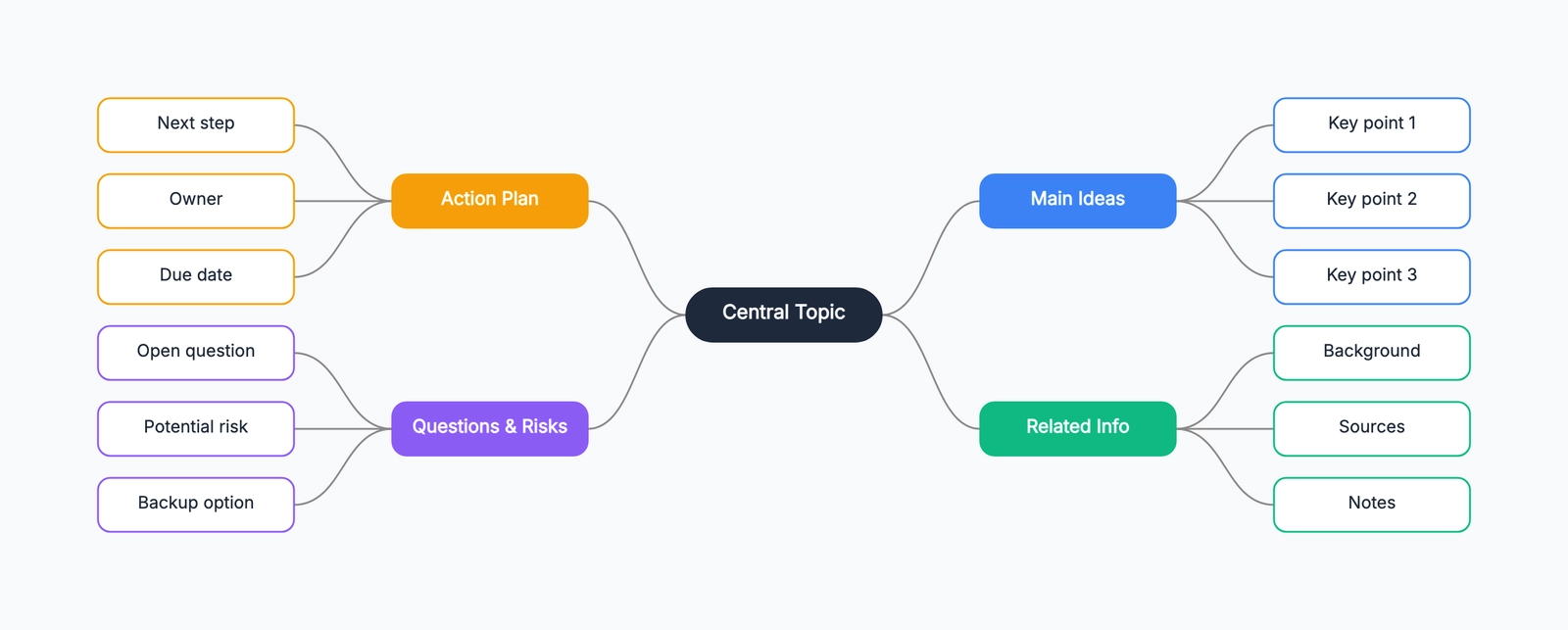
Mind map
Try this templateThat short test reveals more than a feature checklist: drawing feel, editing speed, export quality, and whether the collaboration model fits your team.
Real-time Collaboration
Both have real-time multi-user collaboration via shared link on their free tiers, which is genuinely good.
Excalidraw's collaboration is end-to-end encrypted. The room key is in the URL fragment (after #), so Excalidraw's servers never see the unencrypted content. This is a real privacy story — your sketches are not server-visible — and it matters if you're whiteboarding anything sensitive. The trade-off is that rooms are ephemeral: when everyone leaves, the unencrypted state goes with them. Persistent cloud-stored rooms are an Excalidraw+ feature.
tldraw's collaboration is also free via shared link, with the same instant "click to share" experience. tldraw's free rooms are also ephemeral; persistent rooms come from self-hosting the multiplayer infrastructure (Cloudflare Durable Objects) via the SDK.
Day-to-day usage is similar. The differences show up at the edges: Excalidraw's E2EE matters if you whiteboard regulated or sensitive work; tldraw's self-hostable multiplayer matters if you're a developer who wants to control where the data lives.
Data and Privacy
Free Excalidraw stores everything in your browser's localStorage — there is no Excalidraw account, no cloud sync, no server-side storage of your drawings. This is great for privacy and also means you can lose your work by clearing browser data. Excalidraw+ adds cloud storage with an account.
tldraw.com is similar in spirit: drawings are stored client-side by default. The tldraw company SaaS story is less developed than Excalidraw+; tldraw's commercial focus is the SDK, not a hosted whiteboard product.
Native Apps
Neither has a native desktop or mobile app. Excalidraw deprecated its Electron desktop app in 2023 and now points users to the web/PWA version. tldraw never had one. Both work as Progressive Web Apps — you can install them to your dock or home screen and they'll feel close to native, but they're still the browser under the hood. Third-party apps exist (e.g. "ExcalidrawZ" on the Mac App Store) but they're not official.
Pricing
Both have a generous free tier on their hosted apps. The paid tiers exist for different audiences.
Excalidraw+: $6/user/month annual, $7/user/month monthly. One paid tier. Adds cloud workspaces, team collaboration, advanced sharing controls, presentation mode, advanced AI features, voice/screen share.
tldraw SDK: No public list price. "Value-based pricing" — you contact sales. Free for hobby/non-commercial use, 100-day trial, startup pricing available. The hosted app at tldraw.com remains free for end users.
The shape of these two pricing models tells you what each company is selling: Excalidraw is selling a hosted whiteboard subscription to teams; tldraw is selling an embeddable whiteboard SDK to companies building products.
When to Choose Which
Choose Excalidraw if:
- You want a permissively-licensed, fork-and-go open source whiteboard.
- You're going to embed a whiteboard into your own product and ship it commercially without a paid SDK conversation.
- You want end-to-end encrypted real-time collaboration on the free tier.
- You sometimes write Mermaid and want it to render as editable shapes.
- You like the idea of importable community shape libraries.
Choose tldraw if:
- You're building a product that needs a polished embeddable whiteboard SDK and you're prepared to pay for the production license.
- You want the slightly more refined canvas micro-interactions out of the box.
- The Make Real "sketch to working webpage" workflow is genuinely useful to you.
- You want fully self-hostable multiplayer infrastructure.
A Third Option
Both Excalidraw and tldraw are deliberately bare in their shape libraries — that's part of the aesthetic. If you keep finding that "bare" is the limitation rather than the feature — you want flowchart symbols, ERD notation, sequence diagrams, swimlane lanes, and a deep template library on the same hand-drawn canvas, and you want AI that places editable content onto the whiteboard from a plain-language description — that's a different category.
CodePic is also a hand-drawn-style infinite whiteboard, free with no signup, with the depth of shape library that Excalidraw and tldraw both intentionally skip, plus native MCP integration so Claude or Cursor can drop editable content straight onto the canvas. The trade-off is collaboration: CodePic supports read-only link sharing rather than the simultaneous editing both Excalidraw and tldraw give you. Worth a look if "more structured content, AI in the loop, but I work solo or asynchronously" describes you better than the multiplayer scenarios above.
The Honest Summary
Excalidraw and tldraw are siblings, not rivals. They start from the same canvas idea and diverge mostly in business model: open core vs commercial SDK. If your use is "open it in a browser and draw," it genuinely doesn't matter much which one you pick — try both for an afternoon.
The choice gets sharp when you have a specific need: licensing (Excalidraw wins for permissive), polish in micro-interactions (tldraw edges ahead), embeddable SDK with vendor support (tldraw, with the price tag), Mermaid in your workflow (Excalidraw), Make Real sketch-to-code (tldraw), depth of structured shapes (neither — look elsewhere).
Related Reading
- tldraw Alternatives in 2026: Hand-Drawn Whiteboards Compared — Six tldraw alternatives, side-by-side.
- Excalidraw Alternatives: Hand-Drawn Whiteboard Tools Compared — The matching alternatives list from the Excalidraw side.
- Excalidraw vs Miro: Infinite Canvas Tools for Very Different Jobs — A broader whiteboard comparison when team workshops enter the picture.
- Miro vs draw.io: Collaboration Platform or Diagramming Tool? — Useful if your next question is collaboration canvas or technical diagramming.
- Mermaid vs draw.io (2026): Diagram-as-Code or Visual Editor? — For developer diagrams that start as text but may need visual editing.
- The Best Free Online Whiteboard Tools in 2026 — Broader whiteboard roundup, including non-hand-drawn options.
- What Is an Infinite Whiteboard? A Clear Explanation with Examples — Conceptual primer.
- Mermaid vs Lucidchart (2026) — Free diagram-as-code vs paid visual platform, for when you outgrow bare whiteboards.