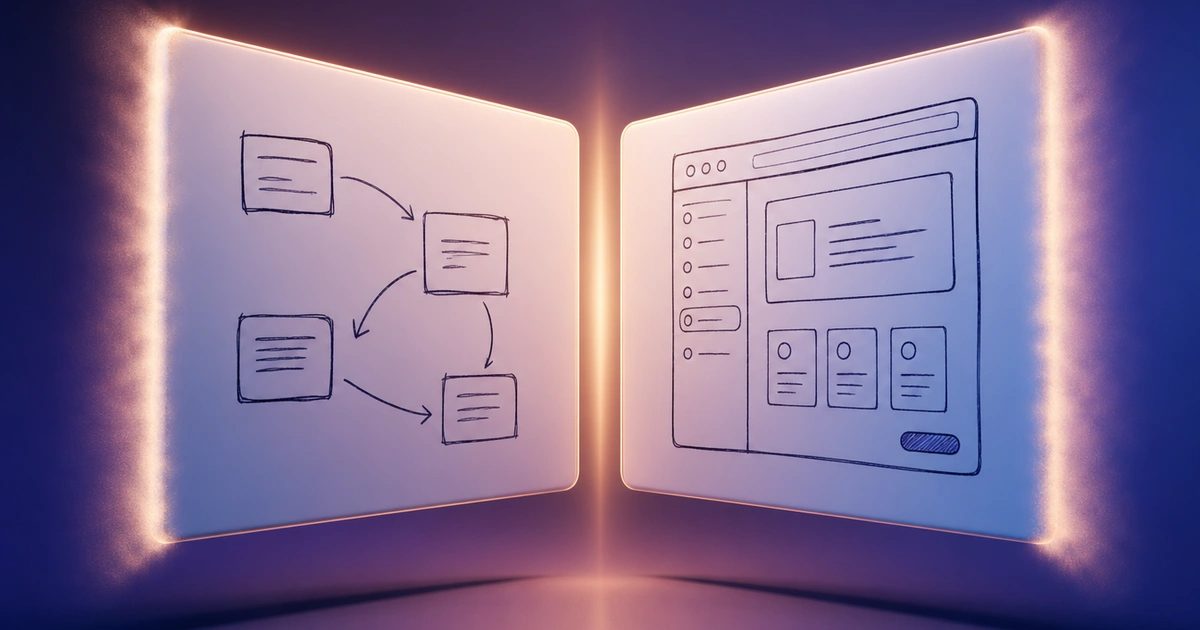
tldraw is one of the cleanest infinite whiteboards on the web — a fast, hand-drawn-feeling canvas with real-time multiplayer that works just by sharing a link. It also ships an SDK (tldraw.dev) that developers can drop into their own products, which is a big part of why people know the name.
It's not the right tool for every situation. The SDK is source-available, not OSI open source, and production use needs a paid license — fine for indie projects, but a real constraint if you wanted MIT. The built-in shape library is intentionally minimal: rectangles, ellipses, arrows, freehand, sticky notes, plus Mermaid — but no flowchart symbols, no ERD shapes, no UML, no template library. And if you wanted a richer AI integration than the Make Real demo, you have to build it yourself. Whatever the reason you're looking, here's an honest comparison of the actual alternatives.
What to Look for
Before getting into specific tools:
Canvas feel. tldraw's appeal is the canvas — instant, hand-drawn, no setup. Some alternatives keep that feel; others trade it for deeper diagramming or richer collaboration.
Shape and template depth. tldraw is deliberately bare. If you find yourself needing flowchart symbols, ERD notation, swimlane lanes, or wireframe components, you're going to want a tool with a real shape library and templates.
Collaboration. tldraw has reliable real-time multiplayer via shared link on tldraw.com. Some alternatives match this; some don't. Worth knowing which.
Licensing. tldraw's SDK is source-available with a custom license — production use requires a paid key. If you want truly free or truly open source, that narrows the field.
AI integration. Make Real is great as a demo (sketch → working webpage) but you bring your own API key, and the integration is purpose-built for that one use case. If you want AI that actually drops editable content onto your canvas, look elsewhere.
1. Excalidraw
Free tier: Unlimited Collaboration: Real-time via shared link License: MIT (true open source) AI: None built-in
Excalidraw is the most direct tldraw alternative. Same hand-drawn aesthetic, same canvas-first feel, same instant real-time collaboration through a shared link, and — crucially — actually MIT licensed. It's the reference point most people compare both against.
The shape library is similarly minimal — basic shapes, arrows, freehand, sticky notes, text, and Mermaid support. Excalidraw+ adds persistent rooms and team features for organizations that need them, but the free single-user/shared-link experience is the same.
If you want something almost indistinguishable from tldraw with no license worry and a permissive open source license, Excalidraw is the most natural swap.
Best for: Anyone who likes the tldraw experience but wants a permissively-licensed open source whiteboard with no production-use restrictions.
2. CodePic
Free tier: Unlimited Collaboration: Read-only link sharing Style: Hand-drawn AI: MCP integration with Claude and Cursor
CodePic is also a hand-drawn-style infinite whiteboard — same canvas-first feel as tldraw, with sticky notes, freehand drawing, and an endless surface to think on. Where it goes further is depth: a much broader shape library and a template library covering flowcharts, sequence diagrams, system architecture, ERDs, org charts, mind maps, swimlane diagrams, and more — exactly the structured content tldraw deliberately doesn't ship. These aren't a separate diagramming mode; they live on the whiteboard alongside your sketches.
The other meaningful difference is AI. CodePic supports the MCP (Model Context Protocol), so Claude or Cursor can place editable content onto the canvas from a plain-language description — say "draw a sequence diagram showing a user login flow" and it appears on the whiteboard you're already on. Unlike Make Real (which is a one-shot sketch-to-webpage demo), MCP keeps Claude in the loop as an ongoing collaborator that writes editable content onto your canvas.
The trade-off is collaboration. CodePic shares read-only via link, which is fine for handing off finished work but not for the simultaneous editing tldraw gives you on a shared link.
Best for: People who want the hand-drawn canvas feel but with a deep shape library and AI integration — and who can live without simultaneous editing.
3. Miro
Free tier: 3 boards Collaboration: Full real-time, unlimited collaborators on free plan Style: Polished/flat AI: Limited (Miro AI on paid plans)
Miro is what you reach for when collaboration is the headline. Real-time, full-featured, with comments, cursors, voting, and a vast template library for facilitated workshops. The free plan caps at three boards, which is enough to evaluate but not enough to use seriously over time.
The visual style is the opposite of tldraw's — flat and corporate rather than hand-drawn. That's the point: Miro is built for meetings and retrospectives where polish matters, not for the rough exploratory canvas tldraw gives you.
Best for: Teams running facilitated sessions where real-time multiplayer is essential and they can either live with three boards or pay for more.
4. FigJam
Free tier: 3 files Collaboration: Full real-time Style: Polished/cartoonish AI: FigJam AI on paid plans
FigJam is Figma's whiteboard companion. If your design work already lives in Figma, FigJam is the most frictionless place to do brainstorms and retros — you stay in the same account, the same workspace, the same paying plan. Like Miro, the free tier caps at three files.
The aesthetic is more playful than Miro and more polished than tldraw. It's good at sticky-note-heavy workshops; it's less suited to dense technical diagrams.
Best for: Teams already on Figma who want their whiteboard work in the same workspace.
5. draw.io
Free tier: Unlimited (no paid plan exists) Collaboration: Via file sharing (Google Drive, OneDrive, Confluence) Style: Formal/clean AI: None
draw.io doesn't try to replicate the tldraw aesthetic — it looks formal and clean. But the shape library is the deepest free option around: UML, BPMN, ERDs, network topology, AWS/Azure/GCP icons, circuit diagrams, and more. If you need standards-compliant technical diagrams, this is the tool.
Files live in your own storage (Google Drive, OneDrive, Confluence, or local), and there's no account system. The trade-off is no native real-time co-editing — collaboration is async, through the file-sharing layer of whatever cloud you're on.
Best for: People who need comprehensive technical diagrams at zero cost and don't need simultaneous editing.
6. Whimsical
Free tier: 4 boards Collaboration: Real-time Style: Clean illustrated AI: Whimsical AI on paid plans
Whimsical is a focused middle ground — not as bare as tldraw, not as expansive as Miro. Its strengths are flowcharts, wireframes, mind maps, and sticky-note boards, each as a dedicated mode with sensible defaults rather than a free-form canvas where you build everything from scratch.
The aesthetic is clean and illustrated rather than hand-drawn, and the free tier caps at four boards. It's a good fit when you want structure for specific deliverables (a flowchart, a wireframe) more than a blank exploratory canvas.
Best for: Designers and PMs who want focused tools for specific diagram types more than a free-form whiteboard.
Quick Comparison
| Tool | Free Tier | Real-time Collab | Hand-Drawn | Shape Depth | License | AI |
|---|---|---|---|---|---|---|
| tldraw | Unlimited | ✓ (link share) | ✓ | Minimal + Mermaid | Source-available | Make Real demo |
| Excalidraw | Unlimited | ✓ (link share) | ✓ | Minimal + Mermaid | MIT | None |
| CodePic | Unlimited | Read-only link | ✓ | Deep + templates | Free (no license) | MCP / Claude / Cursor |
| Miro | 3 boards | ✓ | ✗ | Medium + templates | Proprietary | Limited (paid) |
| FigJam | 3 files | ✓ | ✗ | Medium | Proprietary | Paid |
| draw.io | Unlimited | Via file sharing | ✗ | Very deep | Apache 2.0 | None |
| Whimsical | 4 boards | ✓ | Partial | Mode-specific | Proprietary | Paid |
How to Choose
If you want the closest thing to tldraw with a permissive open source license: Excalidraw. Nearly identical canvas feel, MIT licensed, no SDK licensing concerns.
If you want the hand-drawn canvas feel but with deep shape coverage and AI integration: CodePic. Best fit when you're working alongside Claude or Cursor and you do more structured diagrams (ERDs, sequence diagrams, system architecture) than tldraw's bare shape library supports — and you don't need simultaneous editing.
If real-time multiplayer with a team is the headline: Miro or FigJam. Pick by which ecosystem you already live in.
If you need standards-compliant technical diagrams (UML, BPMN, ERD) and aren't picky about real-time editing: draw.io.
If you want focused tools for specific diagram types over a free-form canvas: Whimsical.
The honest advice: tldraw is excellent at the thing it's designed for — a beautiful, fast, collaborative canvas for the exploratory stage. Most people looking for alternatives are really looking for something tldraw deliberately doesn't try to be: deeper shape libraries, formal diagram support, or different licensing terms. Pick the one whose trade-offs match where your work goes after the canvas.
Related Reading
- tldraw vs Excalidraw (2026): Which Hand-Drawn Whiteboard Is Better? — The direct head-to-head comparison if those are your final two options.
- Excalidraw Alternatives: Hand-Drawn Whiteboard Tools Compared — The closest sibling comparison; many of the same tools, different starting point.
- Excalidraw vs Miro: Simple Sketching or Team Whiteboard? — Helpful if you're choosing between fast sketching and structured team workshops.
- Miro vs draw.io: Collaboration Platform or Diagramming Tool? — The next comparison when you need either collaboration depth or formal diagrams.
- The Best Free Online Whiteboard Tools in 2026 — Broader whiteboard roundup, including non-hand-drawn options.
- What Is an Infinite Whiteboard? A Clear Explanation with Examples — Conceptual primer if you're new to the category.