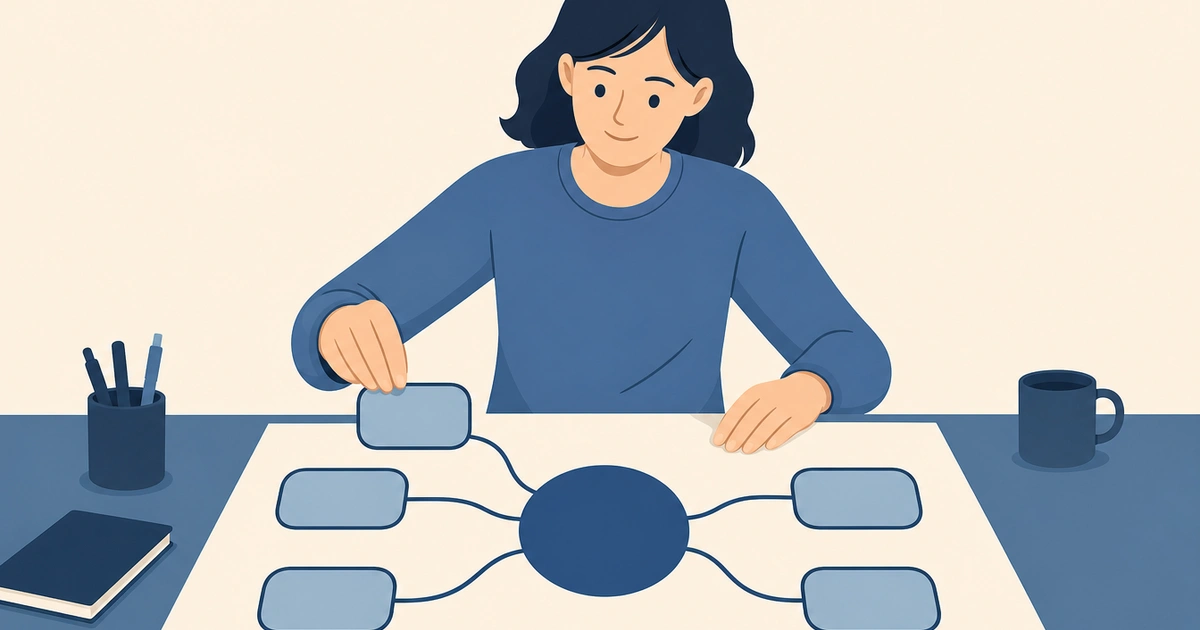
An infinite whiteboard is a digital canvas with no fixed edges. Instead of working inside a page, a slide, or a frame of a set size, you pan and zoom across a space that extends in every direction as far as you need. You drop ideas wherever they make sense, then move, group, and connect them later — the canvas grows to fit your thinking rather than forcing your thinking to fit the canvas.
That single difference — no boundaries — is what separates an infinite whiteboard from almost every other tool you've used to capture ideas. A document scrolls in one direction. A slide is a fixed rectangle. A drawing app gives you one sheet. An infinite whiteboard gives you room to think out loud, spatially, without ever running out of space.
If you want to try one right now, you can open a blank canvas and start drawing — no signup required.
What Makes a Whiteboard "Infinite"
The word "infinite" points to two things working together: an unbounded coordinate space, and smooth navigation across it.
Unbounded space. There is no edge to bump into. You can place something far to the right, scroll back to the left, and put something completely unrelated there. Six months of meeting notes, a product roadmap, and a quick sketch can all live on the same canvas without competing for room.
Pan and zoom. Because the space is large, navigation is the core interaction. You zoom out to see the whole picture, zoom in to work on one detail, and pan to move between regions. Good infinite whiteboards make this feel effortless — the canvas behaves like a physical table you can lean over, not a document you scroll through line by line.
Together these create something a fixed page can't: a sense of place. Ideas have locations. The cluster in the top-left is last quarter's retro; the area you keep zooming into is the thing you're actively figuring out. Spatial memory does real work here — you remember where you put something, which makes it easier to find and easier to relate to everything around it.
Whiteboard vs. Document vs. Slides
It helps to see the contrast directly.
| Best for | Structure | Limit | |
|---|---|---|---|
| Document | Linear writing, final prose | Top-to-bottom flow | Forces a single sequence |
| Slides | Presenting a finished argument | Fixed rectangles | One idea per frame, fixed size |
| Infinite whiteboard | Thinking, sketching, planning | Free spatial layout | Less suited to long-form prose |
A document is great once you know what you want to say. Slides are great once you know the story. But the messy middle — figuring out what you think in the first place — is exactly where a fixed format gets in the way. An infinite whiteboard fits that stage because it doesn't ask you to commit to an order before you have one.
This is also why a whiteboard is not the same as a diagramming tool. A flowchart or an ER diagram is a finished artifact with rules about how shapes connect. A whiteboard is the open space those artifacts get created in. You can absolutely draw a flowchart on a whiteboard — but you can also sketch a rough idea next to it, paste a screenshot, jot three questions, and leave half of it unfinished. The diagram is content; the whiteboard is the medium.
When to Use an Infinite Whiteboard
- Brainstorming. Dump every idea onto the canvas first, organize later. The lack of structure is the point — you're not deciding what matters yet.
- Planning and mapping. Lay out a project, a system, or a user flow spatially so you can see how the pieces relate before committing to a formal document.
- Thinking through a problem. Sketch the parts, draw arrows between them, erase, redraw. The canvas is a place to externalize half-formed reasoning.
- Explaining something visually. A rough hand-drawn sketch often communicates an idea faster than a paragraph — especially anything involving structure, flow, or relationships.
- Collecting reference. Pull screenshots, notes, and links into one spatial place you can return to.
When Not to Use One
An infinite whiteboard is the wrong tool for finished, linear deliverables. If you're writing a report, a document editor is better. If you're presenting a polished narrative to an audience, slides are better. And if you need a strict, standardized diagram with formal notation, a dedicated diagramming tool with validation rules will serve you better than a freeform canvas. The whiteboard's strength is the open, exploratory stage — not the final, formatted output.
A Simple Example
Say you're planning a new feature. On a document you'd be forced to start writing it up in order — overview, then requirements, then risks — before you actually understand it.
On an infinite whiteboard you start differently. You drop a sticky note for the core idea in the middle. Around it you add the open questions as they occur to you, wherever there's space. Off to one side you sketch the rough screen flow. You draw arrows from the questions to the parts of the flow they affect. You paste a screenshot of the current UI for reference. None of it is in order, and that's fine — you can see all of it at once, rearrange it as the shape of the problem becomes clearer, and only then write the tidy document.
The whiteboard held the thinking. The document captured the conclusion.
How to Start
-
Open a blank canvas. Don't pick a template or a diagram type yet. Start with empty space.
-
Get ideas out fast. Use sticky notes, quick shapes, text, and freehand drawing. Don't worry about layout — just externalize.
-
Move things around. Once ideas exist, drag them into clusters. Spatial grouping is how structure emerges without you forcing it.
-
Connect what relates. Draw arrows or lines between things that influence each other. Relationships are often where the insight is.
-
Zoom out to see the whole. Step back, look at the full picture, and decide what to formalize, cut, or explore further.
CodePic is a free, hand-drawn-style infinite whiteboard built for exactly this — an endless canvas where you can sketch, plan, and explain, with shapes, sticky notes, freehand drawing, and a large template library when you want a starting point. There's no signup, and it's AI-friendly via MCP if you want to generate editable diagrams from tools like Cursor and Claude. Open a blank canvas and start thinking visually.