Useful AI video prompts describe what changes over time: who or what moves, how the camera behaves, and what sound belongs to the event. Start with one readable action. Add scene information when generating from text; when animating an approved image, concentrate on the motion that image needs.
The eight examples below are original prompt designs for different jobs, with a specific revision for each. They are not a collection of measured model outputs. Syntax and supported inputs vary by provider, so put duration, ratio, reference files, and other available controls in the interface rather than assuming ordinary prose overrides them.
A prompt structure you can actually edit
Use five decisions: scene, subject action, camera, timing, and sound. You do not need all five in every prompt. The point is to make each instruction easy to locate when a result fails. A long chain of cinematic adjectives makes diagnosis harder because it hides the intended event.
For text-led generation, identify the subject and setting first. For image-led generation, check that the proposed movement makes sense with the visible pose, crop, and space. An image of a cup cut off at the frame edge cannot comfortably support a wide orbit without inventing missing geometry.
Runway's image-to-video guide supports the distinction between an image supplying appearance and text directing motion. Google's Veo guide documents audio-oriented prompting in its described workflow, but also carries an endpoint shutdown notice. Verify current access before adopting a provider-specific example.
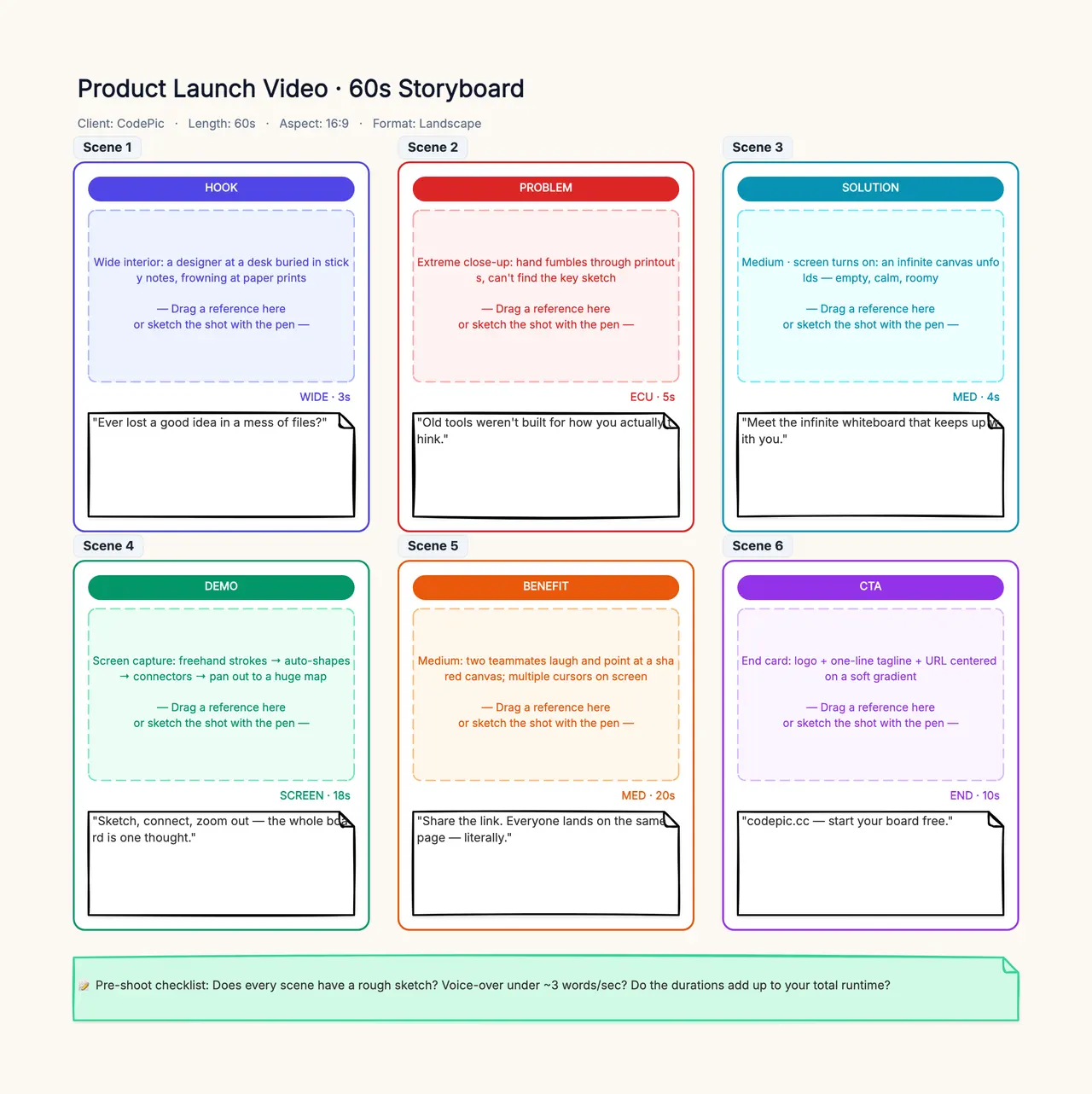
Keep a brief beside the prompt: what information must the shot communicate, what must remain unchanged, and what would make the take unusable? That brief belongs in a storyboard. It prevents you from approving a beautiful clip that no longer tells the intended story.
1. Animate a still without moving the whole frame
Use this with an approved picture of a ceramic cup on a counter:
Locked camera, close view. A thin ribbon of steam rises gently from the cup and disperses above its rim. The cup and counter remain stationary. The movement is slow and continuous, with calm air around the cup.
The important distinction is between environmental motion and object motion. You want steam to change while the solid objects remain coherent. The cup does not need to rotate, lift, or slide merely to make the output look more animated.
If the whole image drifts, revise the stable reference: “The countertop edge remains fixed in the frame as only the steam moves.” If the cup changes shape, reduce visible motion and inspect the input for defects. Do not add more activities to compensate. The image-to-video workflow explains the corresponding crop and contact checks.
2. Give an object one clear path
For a text-generated insert, try:
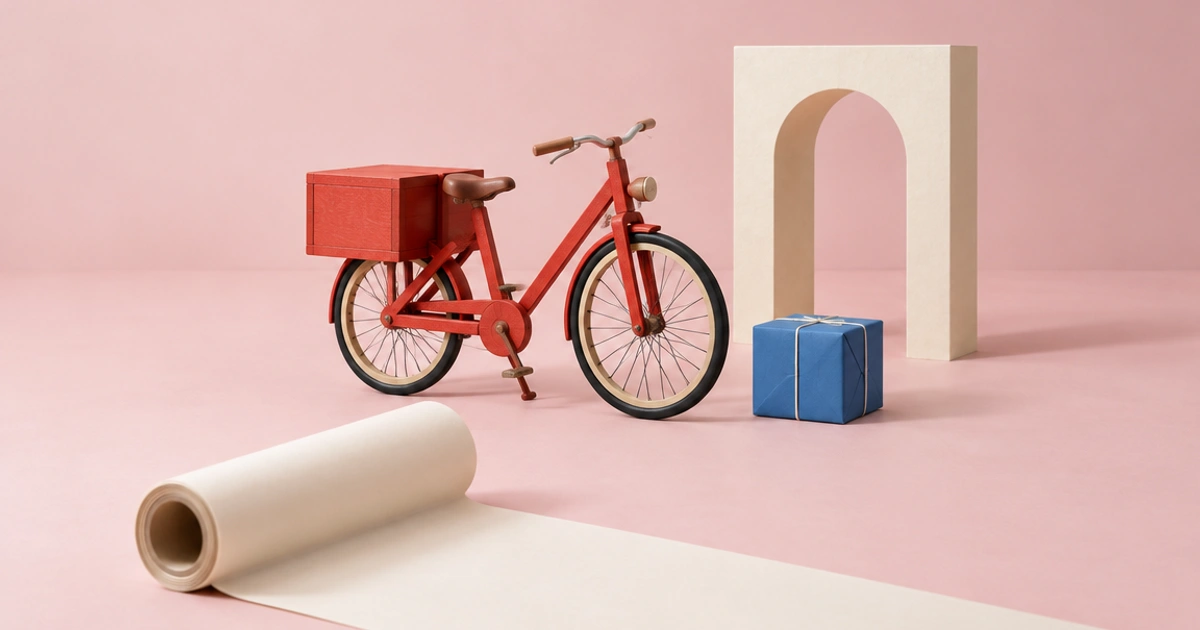
A small red wooden toy car rests on a pale oak floor. From a low side view, the car rolls slowly from left to right along a straight path and stops near the center of the frame. Stationary camera, soft even room light, one continuous realistic shot.
This names the start, direction, and end state. It is more useful than “a dynamic toy car scene,” which leaves both the route and camera unspecified. Keep enough floor visible to judge the wheel contact and relative movement.
If the car turns toward the viewer, remove competing directional language and keep the side view. If it travels too far, ask for a short distance instead of demanding exact screen coordinates the interface does not support. Inspect the wheel count and contact throughout the usable interval. For a larger narrative, connect such actions with the three-shot text-to-video example.
3. Separate a camera push from subject movement
A push-in changes the camera's position rather than asking the subject to approach:
A plain amber bottle stands upright on a matte cream plinth. The camera slowly moves closer in a straight line, keeping the bottle centered and at the same viewing angle. The bottle remains still. Soft broad reflections move naturally across the glass as perspective changes.
Use an approved reference if the bottle's identity matters. Keep labels and mandatory copy for editing or a source-preserving composite. Prompting alone does not guarantee exact text through a camera move.
If the bottle grows like an inflating object, reduce the move and strengthen the perspective relationship: “The camera advances slightly; the plinth becomes larger in frame with the bottle.” Review whether both objects change coherently. A zoom and a physical push can produce different perspective cues; choose the one your shot actually needs. Apply the product-video checklist before using the result commercially.
4. Reveal a space without demanding a full orbit
For a small fictional workshop:
Eye-level view of a quiet pottery workshop with cream walls and a central wooden workbench. The camera slides slowly to the right, revealing a blue stool that was partly hidden behind the bench. All furniture stays in place. Soft diffuse daylight appearance, unhurried continuous movement.
A lateral reveal gives the camera a purpose: new information appears. It is often easier to evaluate than a large orbit around a complex scene. The viewer should see consistent relative positions, not furniture rearranging itself.
If the stool materializes in open space, use a starting image that contains it partly occluded or change the shot to begin with it visible. Text instructions cannot ensure the same hidden layout across attempts. If the reveal is not essential, a static wide shot may deliver the information more reliably. Compare candidate workflows using the shared-task method in Runway vs Kling.
5. Write one short line of dialogue
Use this only in a mode that currently supports the needed audio and speaking inputs:
Medium close view of one fictional adult shopkeeper facing the customer just beside the camera. The shopkeeper says, “Your parcel is ready.” A brief pause follows. Relaxed delivery, a single speaker, quiet indoor room tone, stable camera and consistent soft lighting.
The line is short, the speaker is identified, and there is a pause for editing. Do not request several speakers in the same first test unless that is the specific task you need to evaluate. Longer dialogue increases timing and identity dependencies.
If the words are wrong, approve a separate voice recording and use a suitable synchronization route rather than repeatedly rewriting an exact transcript. If the voice is correct but mouth timing is wrong, inspect the original file before shifting audio. The AI lip-sync guide separates a constant offset from changing mouth-generation errors.
6. Request sound that follows a visible event
For a short Foley-oriented scene:
Close view of a wooden spoon resting beside a blue enamel cup on a kitchen counter. The spoon tips gently and taps the cup once, then becomes still. One light ceramic-like tap at contact, quiet room ambience, no spoken dialogue. Locked camera, clear view of the contact point.
The sound is tied to an event the viewer can identify. A single tap is easier to check than a general request for “immersive sound.” Watch whether the sound arrives when contact happens and whether there are extra noises that suggest unseen actions.
If sound generation is unavailable or inconsistent, keep the useful picture and replace the track in editing. Exact sync can be handled there. Also inspect the material: an enamel cup may sound different from a ceramic one, so choose the desired prop and sound together instead of leaving a contradictory brief. For narration-led inserts, see AI B-roll planning.
7. Keep a product demonstration physically modest
For an approved photograph of a reusable lunch box:
The open lunch box rests securely on the countertop. The camera makes a small, slow lateral move to show the depth of its existing compartments. The box, hinges, and lid retain their original shape. Gentle realistic shadows, no additional objects entering the scene.
This prompt asks for a view, not proof of performance. It does not demonstrate leak resistance, insulation, or durability. Those claims require appropriate real evidence, not generated imagery of a product apparently succeeding at a test.
If the lid changes shape, remove the camera move and use a stable detail shot. If a compartment appears or disappears, reject the interval even if the lighting is attractive. For exact packaging, conventional filming or compositing can preserve details more reliably than continuous redrawing. Build an accurate product-video brief before turning the shot into an advertisement.
8. Design an edit bridge instead of a transformation
A bridge shot can connect two scenes without asking one object to morph into another:
Close view of a plain blue parcel on a cream shelf. The camera remains still as a soft shadow moves across the parcel and passes out of frame. The parcel stays closed and unchanged. Calm realistic lighting, continuous shot with a quiet moment at the end.
The moving shadow creates a small visual beat that an editor can place between arrival and opening. You are not asking the model to transform a parcel into the next location. That keeps the object's identity and the story's meaning easier to review.
If the shadow reveals a person who was never planned, simplify it to a subtle lighting change or use a static insert. If the bridge feels too slow, shorten the selected interval in editing. Save the original take so the editor can restore handles. The script-to-storyboard workflow helps assign such inserts a clear role.
Diagnose the output before changing the prompt
Classify the failure. A wrong object calls for better input or a narrower identity brief. A wrong action calls for clearer subject relationships. Unwanted camera motion calls for an explicit camera decision. Unusable sound calls for audio revision or replacement. None of these is automatically solved by adding “professional” to the end.
Use one revision at a time and preserve the surrounding settings. Record what you observed rather than what you hoped happened. “Bottle label changes in the final second” is actionable; “not cinematic enough” is too vague for a teammate to repair.
Stop when the selected interval meets its purpose, not when every hypothetical variation has been explored. Keep the prompt, input, settings, file, and acceptance note together. That record turns AI video prompts into reusable production instructions while leaving room for honest uncertainty about model behavior.