To go from script to storyboard, identify what changes in a scene, decide what the viewer must see, establish the space, and turn those decisions into numbered shots. Add dialogue, rough timing and references after each shot has a clear purpose. A storyboard is a proposed visual sequence, not simply an illustrated copy of every sentence.
This guide breaks one original station scene into eight shots. You will see the source paragraph, the decisions behind the breakdown, a complete shot table and a specific repair for a missing transition. The example is fictional planning material, not a record of a filmed or generated scene.
Start with the scene's question
Original script paragraph: A departure tone sounds. Lin, a courier with a teal bag, notices a parcel on the bench. Farther down the platform, a passenger searches an empty red cloth bag. Lin glances at the train door, then picks up the parcel and walks away from the train. “I think this is yours,” Lin says, handing it over. The train leaves. The passenger opens the parcel and lifts a brass key. “Then you arrived in time.” Lin notices that the key's notch matches the clasp on the teal bag.
The scene asks whether Lin will choose the train or the person. Its ending turns that practical choice into a mystery. If your breakdown preserves the key but hides the choice, the final images may look intriguing while the scene's emotional logic disappears.
Underline the action verbs: notices, searches, glances, picks up, walks, hands over, leaves, opens and notices again. These are candidates for visual beats, not an instruction to produce nine shots. Several actions can share one camera setup; one complicated action may require several drawings.
Write a one-sentence purpose beside the paragraph: Make Lin's decision and its cost visible before introducing the key. That sentence becomes the basis for reviewing the sequence.
Separate a beat, a shot and a panel
A beat is a meaningful change in action or understanding. A shot is a planned continuous camera view between cuts. A storyboard panel depicts a useful moment within that view. A moving shot may need a beginning and ending panel under the same shot ID.
This distinction prevents a common error: assigning one picture to each script sentence and calling the result a shooting plan. The paragraph's first sentence supplies sound. It does not require a close-up of a loudspeaker. The sentence about the key might need both the object and Lin's reaction, depending on how the reveal plays.
| Story beat | What must become visible | Possible coverage |
|---|---|---|
| Discovery | Parcel is unattended | Bench detail with Lin entering frame |
| Recognition | Passenger may be the owner | Passenger searching the empty bag |
| Choice | Lin gives up the train | Look toward door, turn away |
| Consequence | Opportunity is lost | Departing train with Lin still on platform |
| New question | Key and clasp are linked | Readable object comparison |
Keep the beat labels as an explanation for your team. The audience sees actions and relationships, not those labels. If you are still changing the whole episode's premise, resolve the episode outline before polishing every shot.
Draw the geography before the close-ups
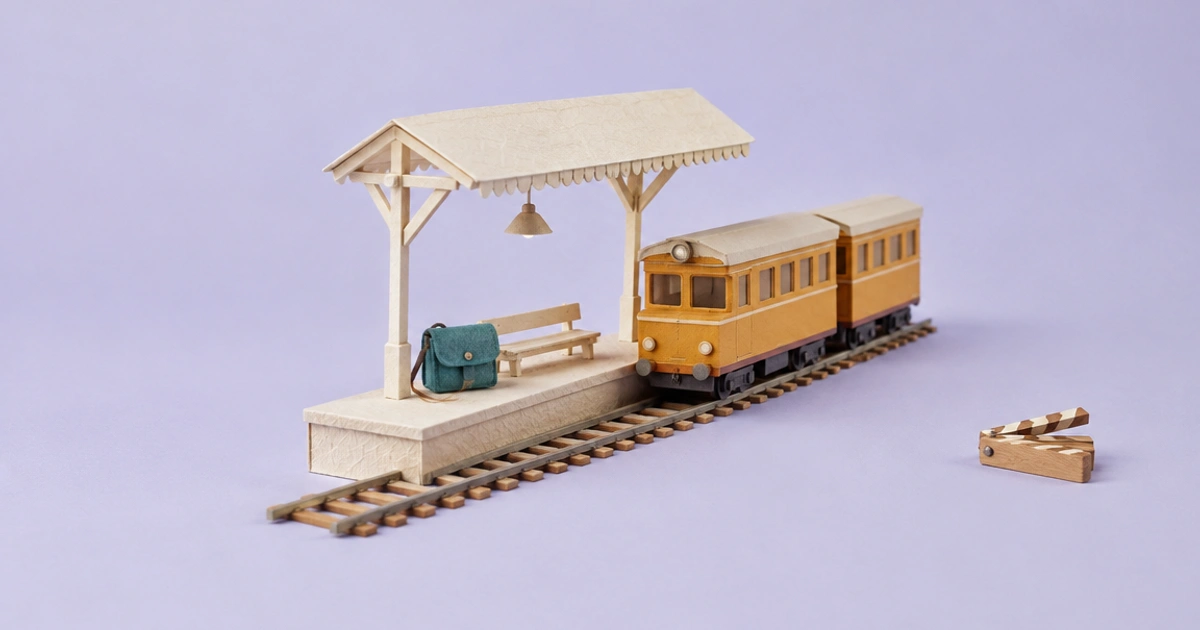
Place the bench on the left of a simple overhead platform sketch. Put the train on the right and the passenger farther along the platform. Mark the route Lin will take and the side from which you intend to view it. This gives close-ups a shared spatial reference.
Decide which way the train will leave on screen and which way Lin will move to reach the passenger. These directions can change intentionally, but the change needs visual information. If each generated image independently invents a platform, continuity becomes a problem that prompts alone may not solve.
You do not need a polished floor plan. Rectangles for the bench and train, two circles for people and one route line are enough to discuss the blocking. Keep that map beside the storyboard rather than hiding it in a separate folder.
For an orientation principle, StudioBinder's storyboard rules discuss the 180-degree line. Use it as a way to preserve readable relationships, not a ban on every purposeful reversal. The camera-shot examples show how an establishing view can support action and dialogue.
Build the complete eight-shot breakdown
The table below assigns an editorial purpose, composition and sound to every shot. The timing is a proposed 60-second plan. It is not a requirement for all scenes or a promise about any generator's output duration.
| ID | Duration | Framing and visible action | Sound / dialogue | Why this shot exists |
|---|---|---|---|---|
| 01 | 6s | Wide: bench left, train right, passenger beyond | Departure tone | Establish space and urgency |
| 02 | 6s | Close: Lin's hand lifts parcel from bench | Paper rustle | Show the discovery |
| 03 | 7s | Medium: passenger checks empty red bag | Platform ambience | Suggest the owner |
| 04 | 8s | Medium: Lin looks right at train, then turns away | Brief pause | Make the choice visible |
| 05 | 11s | Two-person view: Lin arrives and hands over parcel | “I think this is yours.” | Connect the spaces and complete the action |
| 06 | 8s | Wider reaction: train moves behind Lin | Train departs | Confirm the cost |
| 07 | 8s | Insert: passenger opens parcel and reveals key | “Then you arrived in time.” | Introduce the unexpected object |
| 08 | 6s | Close: key notch and bag clasp share readable space | Ambience softens | Link the mystery to Lin |
The arithmetic is 6 + 6 + 7 + 8 + 11 + 8 + 8 + 6 = 60. When a shot changes, recalculate. Adding a reaction without adjusting another duration produces a longer scene even if the table still says “one minute.”
Shot 05 is deliberately longer than the discovery insert. It contains movement, a handoff and dialogue. During an animatic review, you may find that it needs two shots. Preserve the beat and revise the shot count rather than forcing the action into the original grid.
Write panel notes another person can execute
A useful note identifies subject, visible state, camera relationship and required change. Compare these notes for shot 04:
Too vague: “A dramatic close-up of a worried courier, cinematic.”
More useful: “Medium view from the platform side. Lin's teal bag remains visible. Lin first looks toward the train on screen right, then turns toward the passenger on screen left. End after Lin steps away from the train.”
The second note gives the next person decisions they can check. Mood can be added after the action is clear. Keep references labelled by role: character identity, location geometry, or visual style. An image used for colour mood should not silently become the authority for where the bench stands.
A copyable shot record can use these fields:
Shot ID: 04
Purpose: show the choice
Start state: Lin holds parcel beside bench
End state: Lin steps toward passenger
Framing: medium; train direction remains screen right
Dialogue: none
References: Lin identity; platform map
Continuity check: same teal bag and parcel; no reversed direction
Approval: viewer can tell Lin has chosen not to board
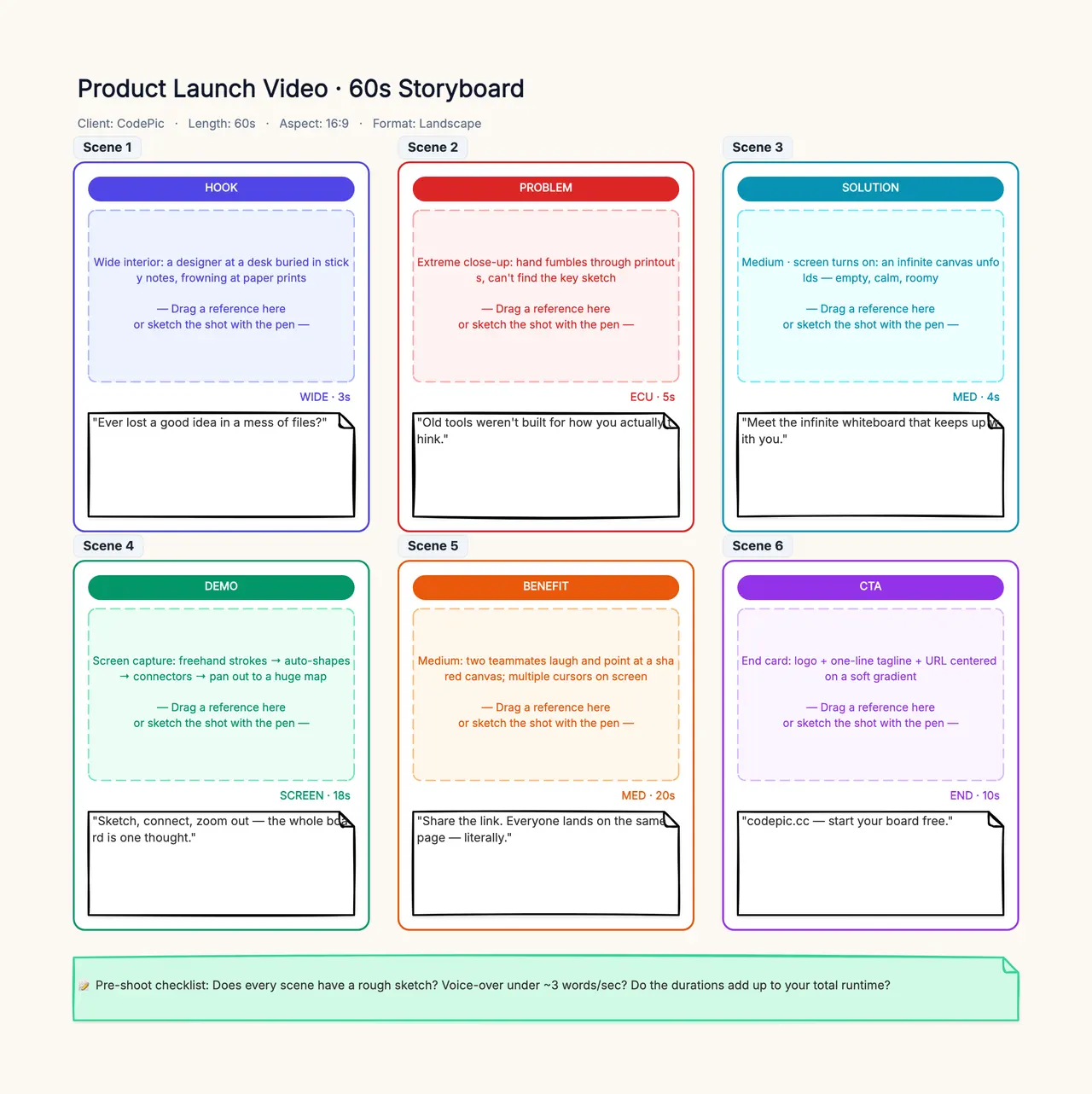
Use the storyboard template for the pictures and notes. Its default six panels and commercial labels are starting content; duplicate or rename them to fit this eight-shot narrative. CodePic supplies the editable layout here, not an automatic script-to-image conversion service.
Repair a missing transition instead of adding decoration
Consider this flawed cut: shot 02 shows Lin lifting the parcel, shot 03 shows the passenger, and shot 04 suddenly shows a completed handoff. The viewer knows who has the parcel at the end but may not understand the movement, the distance or the missed train.
There are several valid repairs. Keep a wider two-person view as Lin enters the passenger's space. Add a short movement shot with the same screen direction. Or stage the passenger close enough that a continuous view can contain the discovery and handoff. Each solution changes the plan differently.
Choose the cheapest planning change that carries the information clearly; “cheapest” here means fewer unnecessary decisions, not a measured monetary saving. Do not add a beautiful train exterior if the missing information is Lin's choice. After the change, watch the sequence silently and ask someone to describe why Lin remains on the platform.
Turn the approved board into a production handoff
A storyboard emphasizes how a sequence looks. A shot list adds the operational fields needed to make it: owner, assets, status, version and delivery. StudioBinder's shot-list explanation distinguishes those planning purposes. Do not confuse a full table with a fully reviewed visual sequence.
For each shot, record the approved board version and chosen references. Separate “draft image,” “story approved” and “ready for edit.” A visually appealing result can be story-rejected, while a rough placeholder can be good enough to prove the sequence works.
If the project uses AI-generated assets, maintain the original shot ID when replacing a failed result. Record the actual problem in a sentence. The AI storyboard guide expands this handoff; the production workflow connects it to sound and editing.
Before sending the plan onward, check that every scene question has an answer on the board, dialogue fits the proposed time, the space reads without explanatory labels, and all temporary assumptions are visible. Changes after approval should identify which shots need renewed review rather than silently replacing the package.