Kanban boards and Gantt charts are both tools for managing project work. They look completely different, they're built on different assumptions about how work flows, and teams that try to use one when they need the other usually end up frustrated.
The confusion is understandable: both are labeled "project management tools" and both show tasks visually. That's where the similarities end.
What Is a Kanban Board?
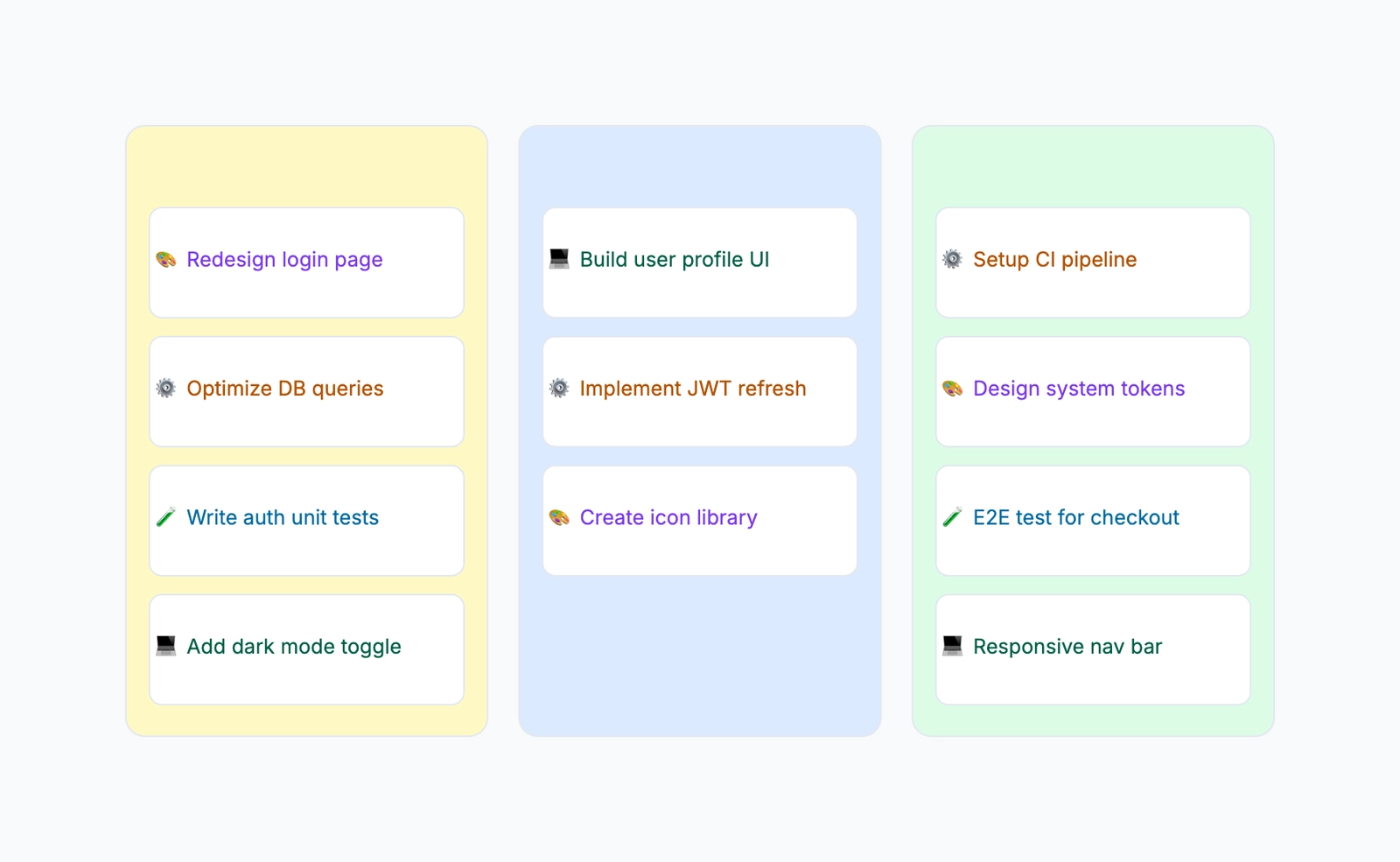
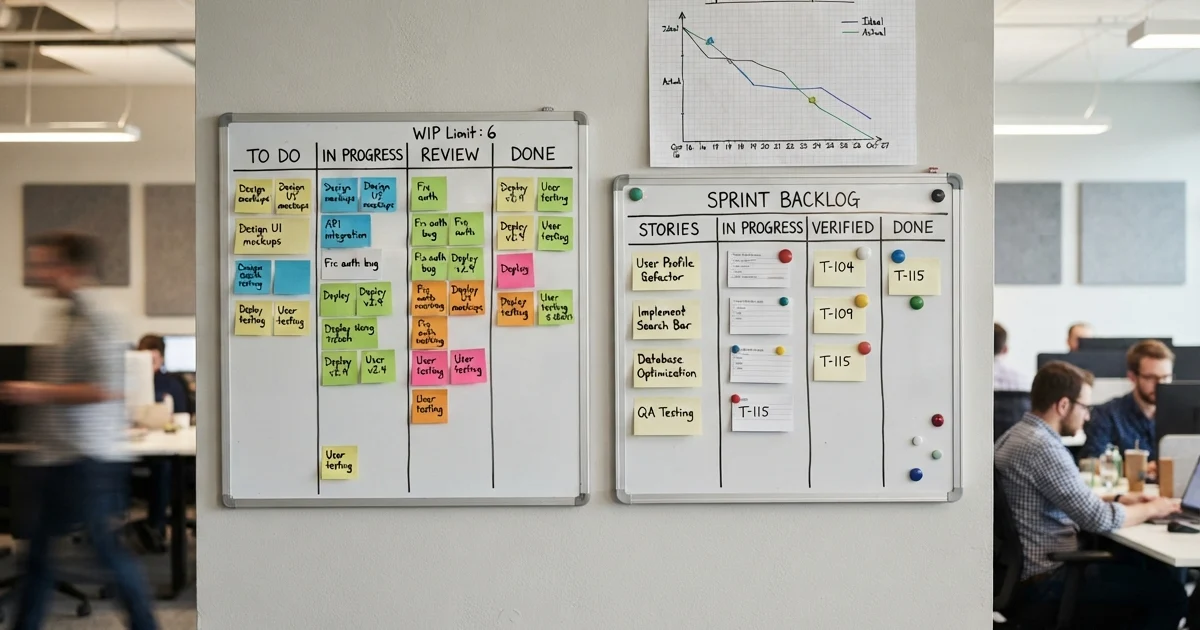
A Kanban board organizes work into columns representing stages of a workflow. Tasks — usually represented as cards — move left to right as work progresses. The simplest board has three columns: To Do, In Progress, Done. Most real-world boards have more, matching however work actually flows in that team.
The core mechanism that makes Kanban more than a glorified to-do list is the WIP limit (Work In Progress limit). Each column can have a maximum number of cards it can hold at once. When a column is full, no new work enters until something moves out.
This constraint is what Kanban is really about: controlling how much work is active at any moment to improve how quickly individual tasks complete. When teams have too many things in flight simultaneously, everything moves slowly. WIP limits force focus.
Kanban measures:
- Cycle time (how long a task takes from start to done)
- Throughput (how many tasks complete per week)
- Where work is accumulating (which columns fill up)
It does not, on its own, show you a project timeline, task dependencies, or when anything is due.
What Is a Gantt Chart?
A Gantt chart maps tasks against a calendar. Each task appears as a horizontal bar spanning from its start date to its end date. Arrows between bars show dependencies — Task B can't start until Task A finishes. The overall shape of the chart reveals the project schedule.
The critical path — the longest unbroken chain of dependent tasks — determines the earliest the project can finish. Any task on the critical path that slips delays the whole project. Tasks not on the critical path have float: they can slip a limited amount without affecting the end date.
Gantt charts are planning and communication tools. Building one forces you to list every task, estimate how long each takes, and think through sequencing. The result is a shared view of what needs to happen, in what order, and by when — which is exactly what stakeholder reporting requires.
Gantt measures:
- Project timeline from start to end
- Dependencies between tasks
- Critical path
- Which tasks are on schedule vs. delayed
It does not show work-in-progress flow, detect bottlenecks in execution, or tell you how fast tasks are actually moving through a team's workflow.
Head-to-Head Comparison
| Dimension | Kanban | Gantt |
|---|---|---|
| Core question | What's flowing and where is it stuck? | What needs to happen by when? |
| Time model | Flow-based, no defined end | Schedule-based, fixed timeline |
| Planning overhead | Low — set up columns, add cards | High — requires task list, estimates, dependencies |
| Flexibility | High — reprioritize anytime | Lower — changes cascade through dependencies |
| Dependency tracking | Not shown | Central feature |
| Deadlines | Implicit | Explicit |
| Stakeholder reporting | Shows current state | Shows timeline and progress |
| Best for | Continuous work | Projects with a defined end |
When Kanban Is the Right Choice
Ongoing operational work. Support queues, bug fix pipelines, content calendars, maintenance backlogs — any work that keeps coming in without a defined project end date is a natural fit for Kanban. There's no "done" state for the system as a whole, just a continuous flow of tasks through it.
Frequently changing priorities. On a Gantt chart, reprioritizing mid-project means redrawing the timeline. On a Kanban board, you reorder the backlog column. If your work environment changes faster than a monthly planning cycle, Kanban handles that gracefully where Gantt doesn't.
Teams running agile sprints. Scrum teams often use a Kanban-style sprint board to visualize the current sprint's work. The WIP limits and column structure fit naturally with how sprint work flows.
When you want to find and fix bottlenecks. The visual accumulation of cards in a particular column makes operational problems visible in a way that a timeline chart simply doesn't. If the Code Review column is always full, the team knows where to look — not because someone analyzed the data, but because the board makes it obvious.
When a Gantt Chart Is the Right Choice
Projects with a fixed deadline. If the project has a launch date, a contract delivery date, or an external commitment, you need a Gantt chart. WIP limits tell you nothing about whether you'll finish by Friday. A Gantt chart, if built honestly, tells you exactly that.
Work with meaningful dependencies. When Task B genuinely can't start until Task A is complete — a developer can't build a feature until the designer finalizes the spec; a content piece can't publish until legal reviews it — that dependency needs to be explicit. Gantt charts make sequencing constraints visible and trackable in a way Kanban doesn't attempt.
Stakeholder communication. Executives, clients, and non-technical stakeholders understand timelines. "We're in the Code Review column" means nothing to them. "We're on track to launch on March 15, with QA completing on March 10" is comprehensible. Gantt charts speak that language.
Resource planning. Seeing all tasks on a timeline reveals when people are double-booked, when a bottleneck role (one designer, six developers) will become a constraint, and when capacity needs to change. Kanban boards track task flow, not resource allocation.
Real-World Examples
Use Kanban: A three-person engineering team manages ongoing bug fixes, small feature requests, and tech debt alongside regular sprint work. New items arrive continuously from users and internal stakeholders. The team's main challenge is keeping things from piling up in review. A Kanban board with WIP limits on In Progress and Review makes the backlog and bottlenecks visible.
Use Gantt: The same team is launching a new feature with a committed customer date. The feature requires design, backend API work, frontend implementation, QA, and documentation to happen in a specific sequence. The product manager needs to show the CEO whether they're on track. A Gantt chart maps the sequence, identifies the critical path, and makes it clear that if the API work slips by three days, the launch date moves.
Use both: The team uses a Gantt chart for the launch project to communicate timeline to stakeholders, and a Kanban board for their day-to-day execution to manage flow and catch bottlenecks in real time.
Common Mistakes
Using Kanban when you need a deadline. Teams sometimes adopt Kanban because it's simpler to set up, then discover three months later that no one knows when the project will finish. If there's a deadline that matters, plan to a timeline.
Using Gantt when priorities change constantly. A Gantt chart built on assumptions that change weekly is worse than no plan — it creates false confidence. If your environment is genuinely unpredictable, the overhead of maintaining a Gantt chart exceeds its value.
Building a Gantt chart without honest estimates. A Gantt chart where every task is estimated as one week isn't a plan, it's a wish. The value of the tool comes from realistic estimates and honest sequencing.
Treating Kanban as just a to-do list. Without WIP limits, a Kanban board is a to-do list with columns. The limits are what make it a flow management system.
The Short Answer
Use Kanban when: Work is continuous, priorities shift frequently, you want to optimize flow and find operational bottlenecks, or you're running an agile sprint.
Use Gantt when: You have a project with a defined end, tasks have meaningful dependencies, you need to communicate a timeline to stakeholders, or resource planning matters.
Use both when: You have an ongoing team running both project work and operational work simultaneously — Gantt for the project, Kanban for the continuous work.
When One Tool Isn't Enough
Most teams start with one tool and eventually realize they need both. Here is what that evolution looks like in practice:
Stage 1 — A team of 5, one project. A Kanban board on a whiteboard or a simple digital tool is all you need. The work is visible, the WIP limits keep people focused, and planning happens in a weekly standup. Nobody needs a Gantt chart yet because dependencies are minimal and the team can hold the full project in their heads.
Stage 2 — A team of 15, three workstreams. The Kanban board is getting crowded. Three different workstreams share the same board, and it is becoming unclear which cards belong to which project. This is when a Gantt chart becomes useful — not for the daily work, but for the monthly planning session where you need to see how the three workstreams interact. The Kanban board remains the daily driver; the Gantt chart is the planning tool.
Stage 3 — A team of 40, multiple dependencies. Kanban still handles the daily flow. The Gantt chart is now essential for stakeholder communication — it answers "when will this be done?" in a way a Kanban board cannot. The two tools are used side by side: Kanban for the team, Gantt for the roadmap conversations with leadership.
Common Misconceptions
"Gantt charts are for waterfall, not agile." A Gantt chart shows dependencies and timelines. Agile teams have dependencies and timelines too — they just have shorter planning horizons. Using a Gantt chart for a two-week sprint is unnecessary overhead. Using one for a quarter-long initiative with three dependent teams is practical.
"Kanban boards are just to-do lists." A to-do list shows what needs doing. A Kanban board shows what is being done, what is blocked, and what is finished — plus it enforces WIP limits. The columns and limits are what make it a workflow tool rather than a checklist.
"You have to pick one tool for the whole company." Different teams within the same company often need different tools. The engineering team might live in a Kanban board while the marketing team plans campaigns on a Gantt chart. The tools should fit the work, not the other way around.
Create Your Own
- Kanban Board Template — Start with a ready-made Kanban board.
- Gantt Chart Template — Plan your project timeline visually.
- Free Timeline Maker: 7 Best Tools Compared — Sometimes the right answer isn't Kanban or Gantt but a simple timeline of milestones; here's the tool comparison.