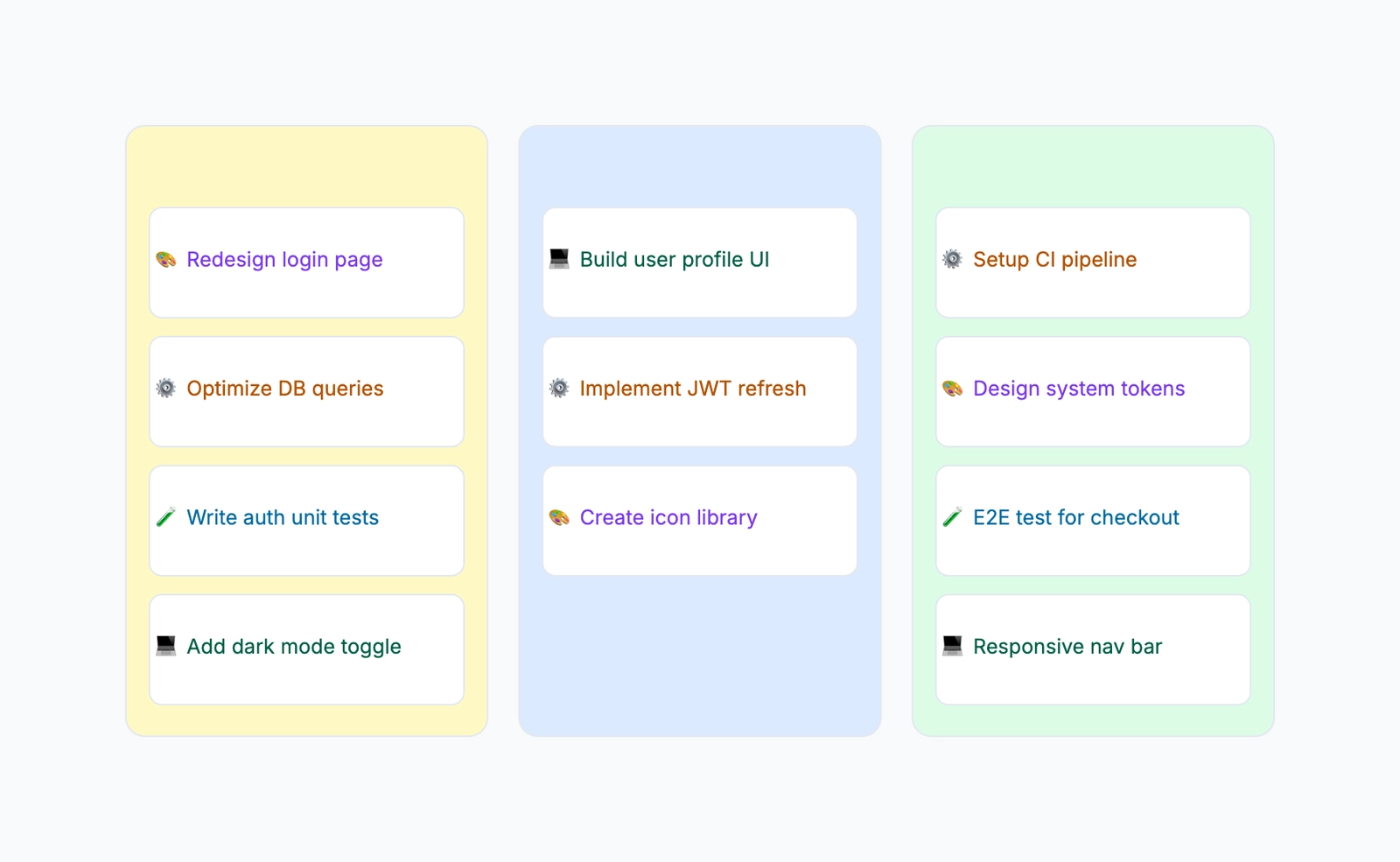
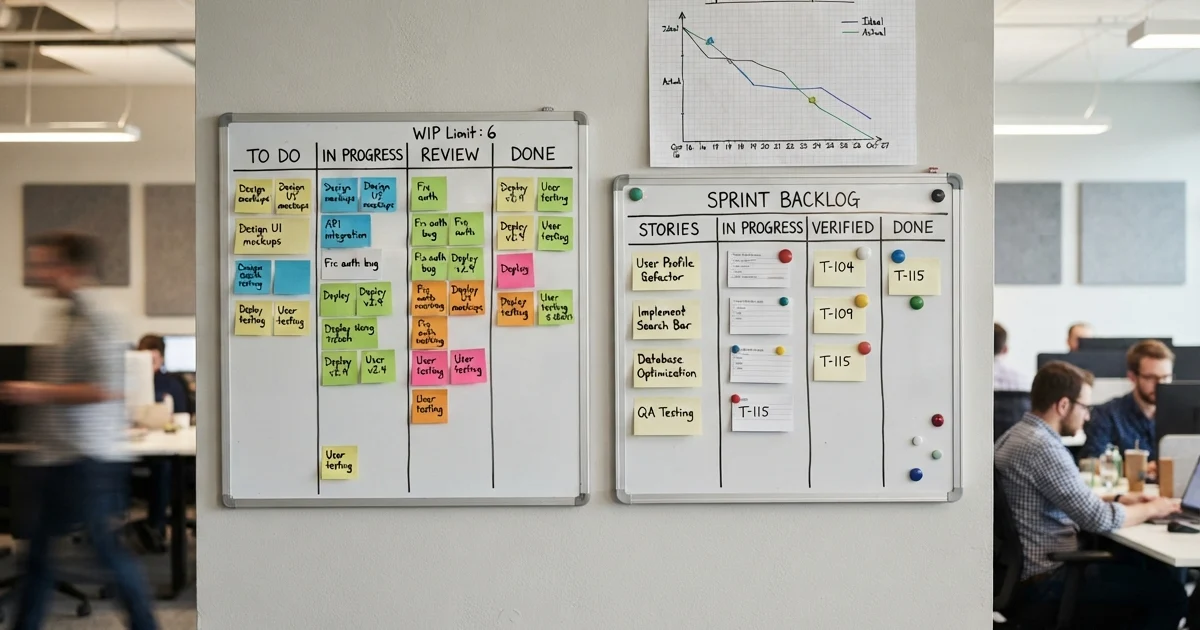
A Kanban board is a visual tool for managing work in progress. It uses columns to represent stages of a workflow, cards to represent individual tasks, and movement from left to right to show progress. When a task advances through the process, its card moves to the next column.
The term "Kanban" comes from the Japanese word for "signboard" or "visual card." The system was originally developed by Toyota in the 1940s for manufacturing — workers would use physical cards to signal when a part needed to be replenished. Software teams adopted and adapted it starting in the 2000s, and today Kanban boards are used in virtually every industry for any kind of knowledge work.
The core idea is deceptively simple: make work visible. When you can see every task, where each one is, and how work is flowing through your system, it becomes much easier to spot problems and improve performance.
If you're evaluating project management tools, you might also want to understand how Kanban compares to Gantt charts — they solve different problems and work best in different contexts.
The Three Core Components
Columns
Columns represent the stages your work passes through. The minimum viable Kanban board has three columns:
- To Do — work that hasn't started yet
- In Progress — work actively being done
- Done — completed work
Most real teams add more columns to match their actual workflow. A software team might use: Backlog → Ready → In Progress → Code Review → QA → Done. A content team might use: Ideas → Brief → Writing → Editing → Published.
The rule is that each column should represent a meaningful, distinct state — not just a label. If you can't explain the difference between two adjacent columns, they should probably be merged.
Cards
Cards represent individual units of work. One card per task. Each card typically contains:
- A title describing the task
- Who is responsible for it
- Priority level
- Relevant links or attachments
- Notes or context
Physical Kanban boards use sticky notes. Digital boards use cards with more structured information. In both cases, the card is the atomic unit — one card, one task, one owner.
WIP Limits (Work In Progress Limits)
WIP limits are the mechanism that transforms a Kanban board from a passive information display into an active flow management system. They set a maximum number of cards that can be in a given column at any time.
A WIP limit of 3 on the "In Progress" column means a fourth card cannot be added until one of the existing three moves to the next column.
Why WIP limits matter: Without them, teams naturally gravitate toward starting everything and finishing little. WIP limits force a different behavior: finish what's in progress before starting something new. This exposes bottlenecks (a column that's always full), reduces context switching, and shortens the time from start to done for each task.
How Kanban Improves Flow
The metric that Kanban optimizes is cycle time — the time from when work starts to when it's done. Shorter cycle time means faster delivery.
WIP limits improve cycle time by preventing the most common cause of slow flow: starting too many things at once. When every team member has five tasks in flight simultaneously, each one moves slowly because attention is divided. When WIP is limited, each task gets more focused effort and completes faster.
Another key concept is identifying bottlenecks. If one column consistently fills up faster than it empties, that column is the bottleneck. The right response is to direct attention to clearing it — not to start more work in earlier stages.
A column that's always full while the column before it is always empty tells you the constraint in your system. Fix the constraint, and the whole system moves faster.
Kanban Board Examples Across Different Teams
Software Development Team
Columns: Backlog → Sprint Ready → In Progress (WIP: 3) → Code Review (WIP: 2) → QA → Done
The WIP limit of 2 on Code Review means reviewers must complete reviews before new ones come in. This prevents the review queue from becoming a graveyard where code waits for days before anyone looks at it.
Content Marketing Team
Columns: Ideas → Brief → Writing → Editing → Design → Scheduled → Published
Each piece of content is a card that moves through the production pipeline. The editing column frequently becomes a bottleneck in content teams — making it visible means the team can add review capacity rather than just blaming writers for not producing faster.
Customer Support Team
Columns: Open → In Progress → Waiting on Customer → Escalated → Resolved
The "Waiting on Customer" column is the key insight here. Without it, tickets that are blocked by the customer's response sit in "In Progress" and inflate the number of apparently active tickets. The separate column makes the distinction clear: the team isn't slow, they're waiting.
HR Recruiting Team
Columns: Applicants → Screening → Phone Screen → Interview → Reference Check → Offer Extended → Hired
Each candidate is a card. The board shows at a glance how many candidates are in each stage and where the pipeline is moving slowly. If 20 candidates are stuck in "Interview," the bottleneck is interviewer availability, not application volume.
Personal Task Management
Columns: This Week → Today → In Progress (WIP: 2) → Done
A simple personal board with a strict WIP limit of 2 forces prioritization. You cannot start a new task until you finish one that's in progress. For people who tend to scatter their attention across many half-finished projects, this discipline is transformative.
Setting Up a Kanban Board
Step 1: Define your workflow stages. Write down every state a work item passes through from start to finish. Look at how work actually flows, not how you think it should flow. The stages should match reality.
Step 2: Create the columns. One column per stage. Start simple — you can always add columns later. Starting with too many columns is a common mistake.
Step 3: Add existing work. Create a card for every work item currently in progress or waiting to start. Place each card in the column that reflects its current state.
Step 4: Set WIP limits. If you're new to Kanban, start with a WIP limit of 3 on your "In Progress" column. Adjust based on what you observe. If the limit is hit constantly and work piles up, the limit is revealing a bottleneck — investigate before raising it.
Step 5: Move cards daily. The board only works if it reflects reality. Cards should move when work moves. Make updating the board a habit — it should take seconds, not minutes.
Step 6: Review regularly. At the end of each week (or iteration), look at the board. Where are things stuck? What cards have been in the same column for too long? Use the board as a conversation tool, not just an information display.
Kanban vs. Scrum vs. Waterfall
| Dimension | Kanban | Scrum | Waterfall |
|---|---|---|---|
| Planning cycle | Continuous | Fixed sprints (1-4 weeks) | Upfront, project-level |
| Scope flexibility | High | Moderate | Low |
| Commitments | WIP limits | Sprint commitments | Project plan |
| Delivery cadence | Continuous | End of each sprint | End of project |
| Best for | Ongoing operations, support | Product development | Fixed-scope projects |
Kanban suits work where the volume is continuous and unpredictable: support tickets, bug fixes, content production, maintenance work. Scrum suits development work where you want to plan in batches and commit to a specific set of work for a period.
Many teams use both: Scrum for development planning, Kanban for the ongoing operational work that runs alongside development.
Common Kanban Mistakes
No WIP limits. Without limits, the board is just a to-do list with columns. It doesn't actively manage flow.
Too many columns. If you have 10 columns and most cards barely move, simplify. Start with fewer stages and add only when you can clearly articulate what distinguishes the new stage.
Stale cards. A card that hasn't moved in two weeks is a signal. It's either blocked, abandoned, or forgotten. The board should prompt action, not hide problems.
Ignoring blocked cards. When a card can't move because of an external dependency, it should be flagged and addressed immediately. Blocked work is the most expensive kind.
Using the board for reporting instead of managing. A Kanban board is a live operational tool, not a status report. If people update it once a week to show management what happened, it's not serving its purpose.
Frequently Asked Questions
How is Kanban different from a simple to-do list? A to-do list tells you what needs to be done. A Kanban board shows you where everything is in the workflow, who's working on what, and where the bottlenecks are. The column structure and WIP limits create active flow management that a list can't provide.
Do I need software for a Kanban board? No. Physical sticky notes on a wall or whiteboard work perfectly well for co-located teams. Digital boards (Trello, Jira, Linear, or a whiteboard tool like CodePic) are better for remote teams or teams that need history and search.
How many WIP limits should I set? Start with one: on your "In Progress" or "Active" column. Only add WIP limits to other columns once you've observed where bottlenecks form.
Can Kanban work for a team of one? Yes, and it works well. Personal Kanban with a strict WIP limit of 2 or 3 is an effective system for managing individual workloads and preventing the scattered-attention problem.
Related Reading
- The Best Free Kanban Board Tools in 2026 — A hands-on comparison of free options and where their limits are.
- How to Make a Kanban Board — Build a practical board from your real workflow, not a generic template.
- Kanban vs Gantt Chart — Choose between continuous flow and date-based project planning.
- Kanban Board Template — Start with a ready-made Kanban board in CodePic.