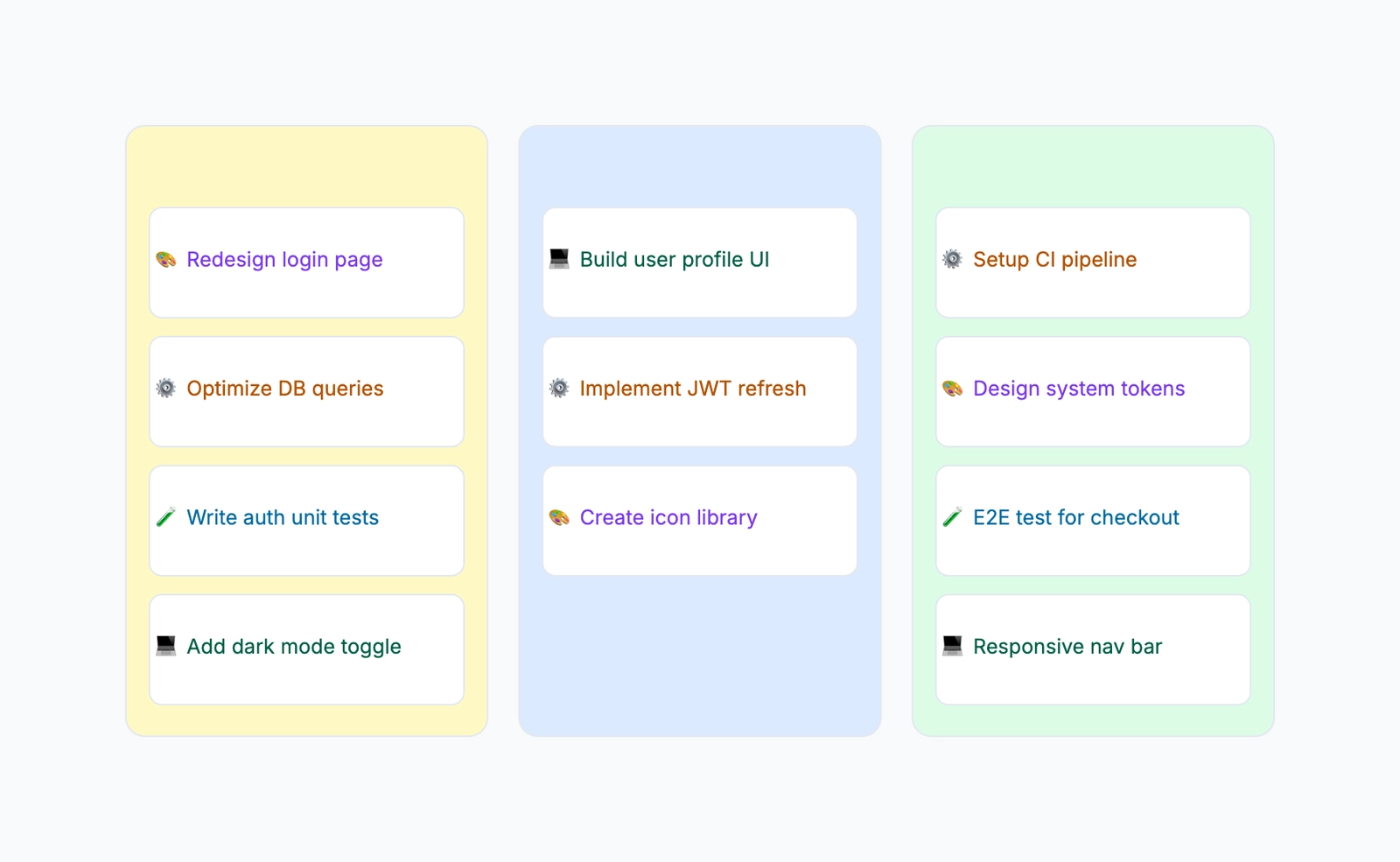
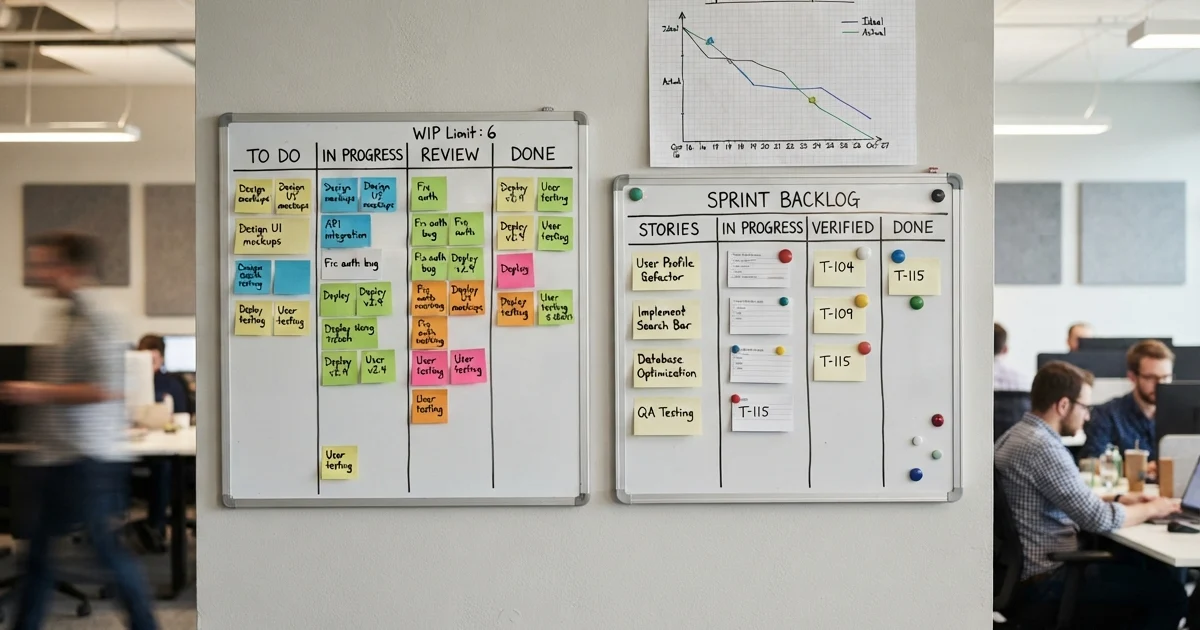
A Kanban board is a visual workflow management tool with columns representing stages and cards representing tasks. "Free kanban board" is one of those search terms that returns a wall of tools all claiming to be the best. Most of them are free — up to a point. Some cap the number of boards. Others lock automation or custom fields behind a paywall. A few are genuinely free but limited in scope.
This article breaks down the free kanban options worth trying, with specific attention to what you actually get without paying and where each tool falls short.
What to Look For in a Kanban Tool
Card customization. Labels, custom fields, color coding, attachments, checklists — these determine whether a board can reflect your actual workflow or just a simplified version of it.
Automation and workflow rules. Moving a card to "Done" and having it auto-assign the next person, or flagging cards that have been idle for a week. Automation separates a kanban board from sticky notes on a wall.
WIP limits. Work-in-progress limits are a core kanban concept — they cap how many cards can sit in a column at once. Without them, your "In Progress" column becomes a dumping ground. Surprisingly few free tools support this natively.
Integrations. Slack notifications, GitHub links, Google Drive attachments, calendar sync. A kanban board that lives in isolation requires constant manual updating.
Collaboration. Real-time editing, comments, mentions, activity logs. A solo kanban board works fine for personal task management, but team use requires proper collaboration features.
Trello
Free tier: Unlimited cards, up to 10 boards per workspace
Collaboration: Real-time
Card customization: Labels, checklists, due dates, attachments
Automation: 1 Butler rule per board (free), more on paid
Trello is probably the tool most people think of when they hear "kanban board." The drag-and-drop interface is fast and intuitive, and the free tier is genuinely usable for small teams. You get unlimited cards, members, and storage (10 MB per file), plus labels, checklists, and due dates on every card.
The 10-board limit per workspace is the main constraint. If you're managing a single project or a few parallel workflows, that's plenty. If you're running an agency or a department with many active projects, you'll hit the ceiling quickly.
Butler automation on the free tier is severely limited — one rule per board. Paid plans unlock significantly more automation capacity. Power-Ups (integrations) are also restricted: one per board on free, unlimited on paid.
There's no native WIP limit feature, though you can approximate it with Butler rules on paid plans or just rely on team discipline.
Best for: Small teams and individuals who want the simplest possible kanban experience and don't need more than 10 boards.
Notion
Free tier: Unlimited pages and databases
Collaboration: Real-time
Card customization: Fully customizable database properties
Automation: Basic (via database automations, limited on free)
Notion isn't a kanban tool — it's a workspace tool that happens to have a kanban view. Any database in Notion can be displayed as a board by grouping rows by a select or status property. This means you can build exactly the kanban board you want, with whatever custom fields your workflow needs.
The flexibility is both the strength and the weakness. You get unlimited boards, unlimited customization, and real-time collaboration. But there's no built-in WIP limit, no dedicated kanban automation (like "when a card moves to Done, archive it after 7 days"), and the board view is one of many views rather than the primary interface.
For teams already living in Notion, adding a kanban view to an existing project database takes seconds and costs nothing. For teams that want a purpose-built kanban experience, Notion can feel like building everything from scratch.
Best for: Teams already in Notion who want kanban as one view of their project data, alongside tables, timelines, and docs.
Jira
Free tier: Up to 10 users, unlimited projects
Collaboration: Real-time
Card customization: Custom fields, labels, story points, sprints
Automation: Limited (100 rule executions/month on free)
Jira's free tier is more generous than most people expect — 10 users, unlimited projects, kanban and scrum boards, backlog management, and basic automation. For a small development team, it's a serious option at zero cost.
The kanban board in Jira is one of the most full-featured available. WIP limits are natively supported and configurable per column. The board can pull from a backlog, and cards support custom fields, labels, story points, epics, and sprint tracking. If you're practicing kanban as a methodology (not just using a board as a task list), Jira supports the workflow properly.
The tradeoff is complexity. Jira is built for software teams running agile processes, and the interface reflects that. Setting up a board for a non-technical team or a simple personal workflow feels like driving a truck to the grocery store. The learning curve is real, and casual users often find the configuration overwhelming.
Best for: Software development teams of 10 or fewer who want a proper agile kanban workflow with WIP limits, sprints, and backlog management.
ClickUp
Free tier: Unlimited tasks and boards
Collaboration: Real-time
Card customization: Custom fields, tags, statuses, priorities
Automation: Limited (100 actions/month on free)
ClickUp's free tier includes kanban board view alongside list, calendar, Gantt, and timeline views. Cards support custom fields, multiple assignees, priorities, tags, and time tracking. The free plan doesn't restrict the number of boards or tasks.
The board view is functional and customizable — you can group by status, assignee, priority, or any custom field. Automation exists on the free tier but is capped at 100 actions per month, which runs out fast if you're automating anything meaningful.
ClickUp does not have native WIP limits on the board view. You can create workarounds with automations or custom statuses, but it's not a first-class feature.
The platform's main drawback is density. ClickUp packs a huge number of features into every screen, and the learning curve reflects that. Users who just want a clean kanban board may find the interface noisy.
Best for: Teams that want kanban as part of a broader project management platform and don't mind a steeper learning curve in exchange for more features.
GitHub Projects
Free tier: Unlimited (included with GitHub)
Collaboration: Real-time (for repo collaborators)
Card customization: Custom fields, labels, milestones
Automation: Built-in workflows (auto-move on issue close, PR merge, etc.)
GitHub Projects turns Issues and Pull Requests into kanban cards on a board. For development teams already using GitHub, this is the most natural kanban integration available — cards link directly to code, PRs, and CI status.
The built-in workflows are developer-centric: auto-move a card when an issue is closed, when a PR is merged, or when a review is requested. Custom fields let you add priority, sprint, or any other metadata.
WIP limits aren't supported natively. The board view is clean but basic compared to dedicated kanban tools. Non-developers won't find much use here — the entire experience is built around GitHub's issue and PR workflow.
No cost, no user limits, no board limits — but only useful if your workflow is already on GitHub.
Best for: Development teams using GitHub who want kanban boards tightly integrated with their code and issue workflow.
CodePic
Free tier: Unlimited
Collaboration: Read-only link sharing
Card customization: Visual only (freeform text, colors, shapes)
Automation: Not applicable
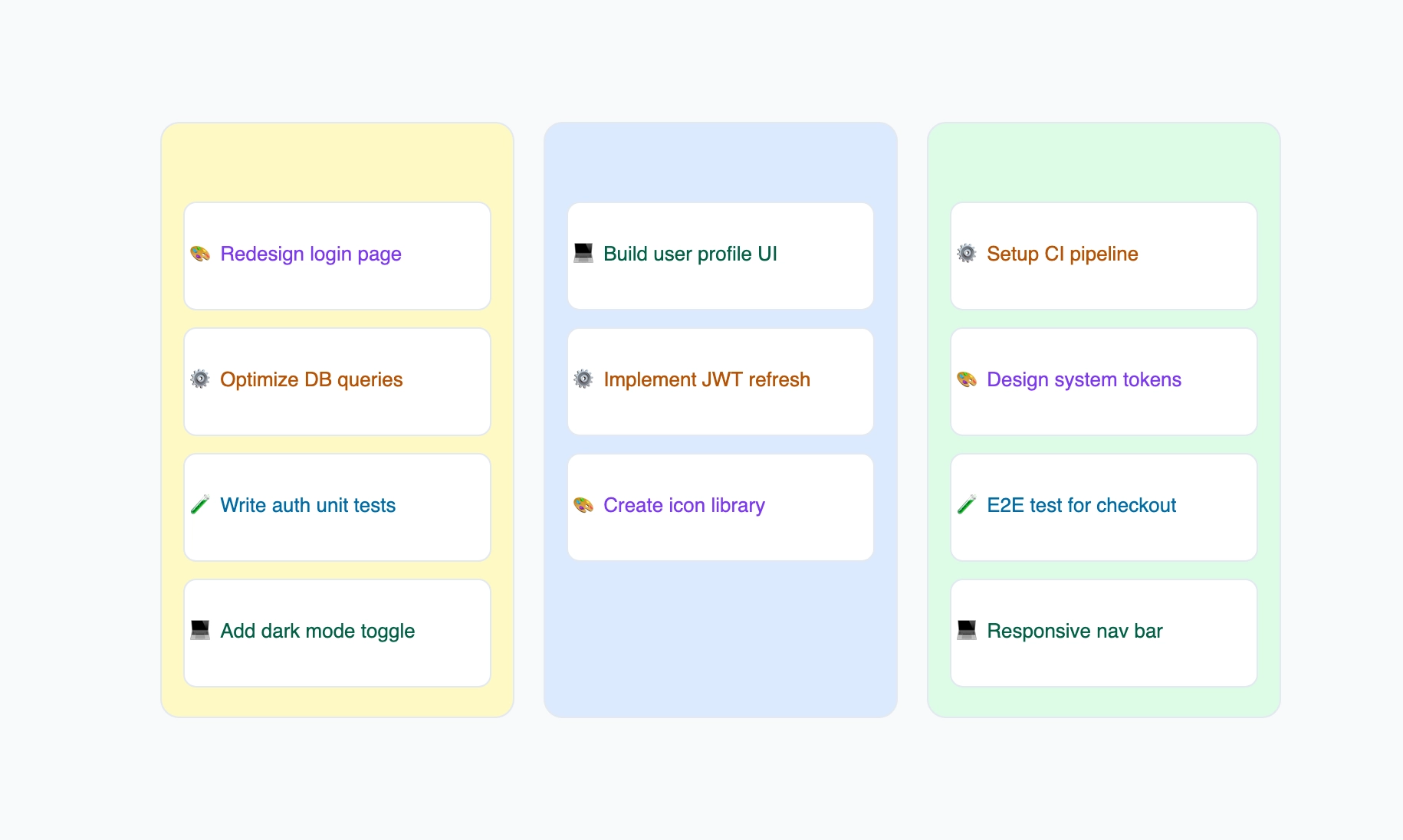
CodePic is a diagramming tool, not a task management platform. It has a kanban board template, but the board is visual — you arrange cards, columns, and labels as drawing elements. There's no underlying task database, no automation, no WIP limits, no due dates.
This is a fundamentally different use case from the other tools on this list. CodePic's kanban template is for situations where you need to show a kanban board, not run one: project proposals, team presentations, process documentation, onboarding materials, blog illustrations, or strategy decks.
The hand-drawn style makes boards feel approachable — more like a whiteboard sketch than a rigid project management screenshot. You can customize every visual detail: card colors, column widths, annotations, arrows between cards.
If you need to explain a workflow to stakeholders who don't have access to your project management tool, a CodePic kanban board communicates the concept faster than a screenshot of Jira ever will.
Best for: Anyone who needs a kanban board visual for communication — presentations, proposals, documentation, or process diagrams — rather than day-to-day task tracking.
Asana
Free tier: Up to 10 users, board view included
Collaboration: Real-time
Card customization: Limited on free (custom fields are paid)
Automation: Paid only
Asana's free tier includes a board view that works as a basic kanban board. You get task cards with assignees, due dates, tags, and subtasks. The interface is clean and the drag-and-drop experience is solid.
The catch: custom fields and automation rules are locked behind paid plans. Without custom fields, your cards are limited to Asana's default properties. Without automation, every card movement is manual. WIP limits are not available on any plan.
For simple workflows with small teams, the free tier works. For anything requiring customization or process automation, you'll need to upgrade — and Asana's paid plans start at $10.99/user/month, which adds up.
Best for: Small teams wanting a clean, simple kanban board for basic task management, who don't need custom fields or automation.
Quick Comparison
| Tool | Free Plan | WIP Limits | Automation | Custom Fields | Best For |
|---|---|---|---|---|---|
| Trello | 10 boards | No | 1 rule/board | Via Power-Ups (paid) | Simple kanban for small teams |
| Notion | Unlimited | No | Basic | Unlimited | Teams already in Notion |
| Jira | 10 users | ✓ | 100 runs/mo | ✓ | Agile dev teams |
| ClickUp | Unlimited | No | 100 actions/mo | ✓ | Feature-rich PM platform |
| GitHub Projects | Unlimited | No | Built-in (dev) | ✓ | Dev teams on GitHub |
| CodePic | Unlimited | N/A | N/A | N/A | Visual communication |
| Asana | 10 users | No | Paid only | Paid only | Simple boards, clean UI |
How to Choose
If you want the simplest kanban experience: Trello. It does one thing well and the free tier covers most personal and small-team use.
If your team already lives in Notion: Use Notion's board view. No new tool to learn, no context switching.
If you need proper WIP limits and agile kanban methodology: Jira is the only free tool on this list with native WIP limit support. The complexity is the price you pay.
If you want kanban inside a full PM platform: ClickUp gives you the most features for free, though the interface takes time to learn.
If you're a dev team on GitHub: GitHub Projects. Zero friction, direct integration with your code workflow.
If you need a kanban board for a presentation, proposal, or document: CodePic. It's not a project management tool, but for communicating workflows visually, it's faster and more flexible than screenshotting any of the above.
The reality is that most free kanban tools are good enough for basic board usage. The differences show up when you need automation, WIP limits, or deep integrations — and those features are often where the paywall kicks in.
Related Reading
- What Is a Kanban Board? — A complete guide to how Kanban works.
- Kanban vs Gantt Chart — When to use each approach.
- Kanban Board Template — Create a visual Kanban board in CodePic.