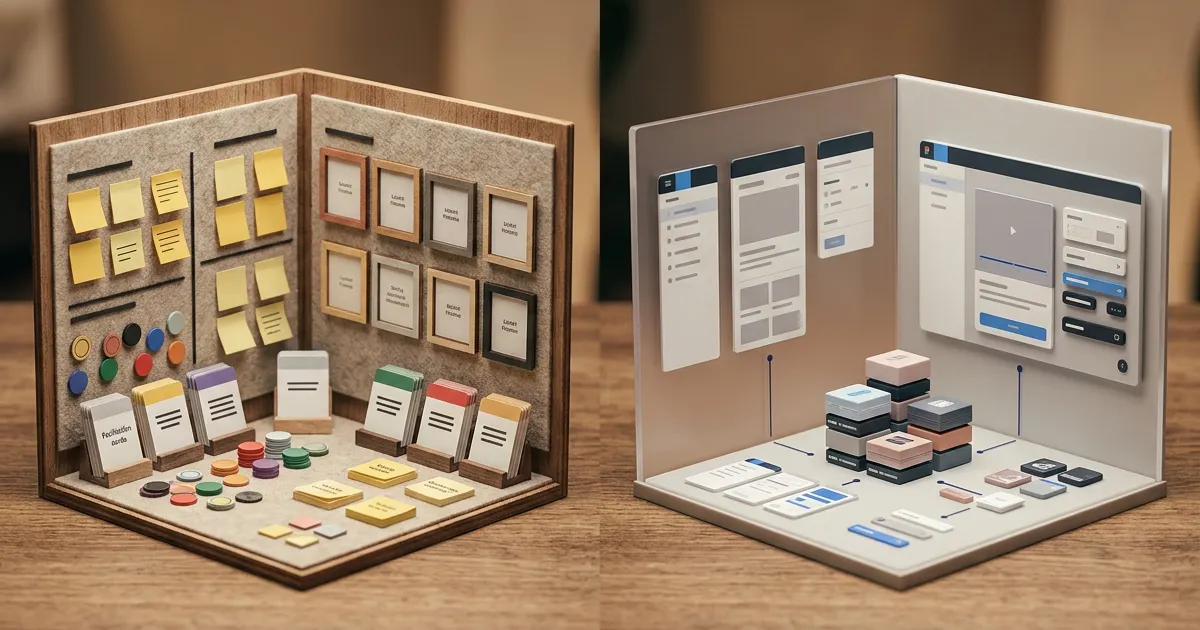
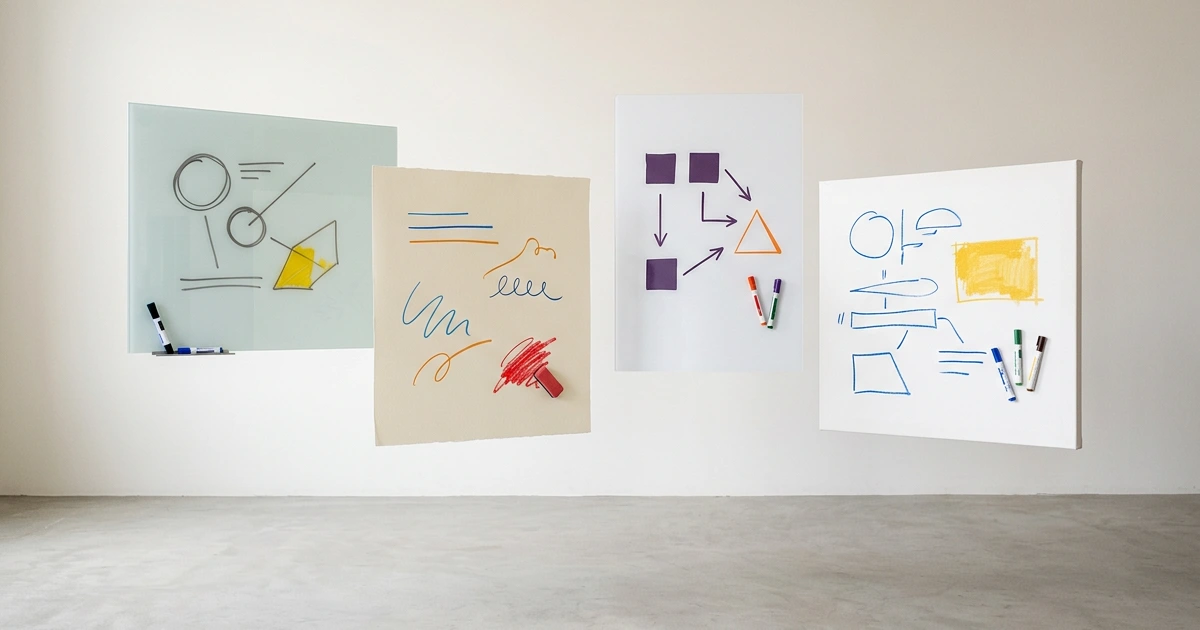
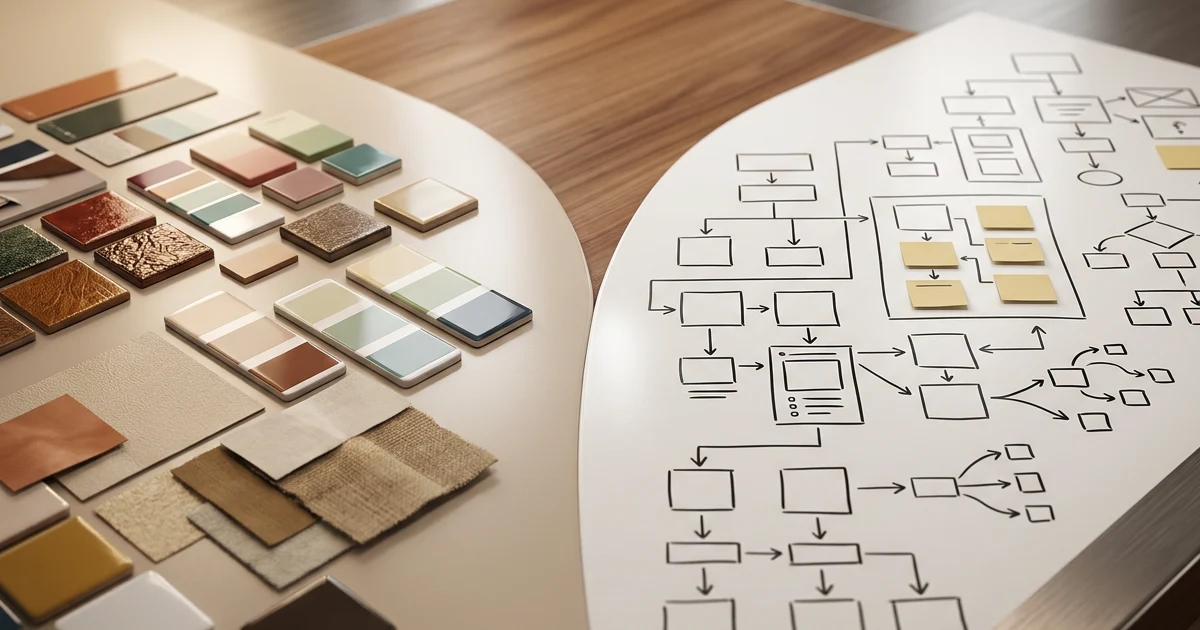
Choose Miro for structured cross-functional workshops, Excalidraw or tldraw for free hand-drawn collaboration, CodePic for templates and AI-assisted diagrams, Lucidchart for formal technical work, or Whimsical for polished product flows. Keep FigJam when the whiteboard must stay next to Figma files and design reviews.
The six alternatives solve different reasons for leaving: the three-file free limit, shallow non-design templates, formal diagram requirements, or a preference for a sketch-like canvas. Start from the missing job rather than a generic feature count.
What to Look For in a FigJam Alternative
Before jumping into specific tools, consider which parts of FigJam actually matter to your workflow — and which parts you're willing to trade.
Figma integration. FigJam's biggest advantage. If this is central to your workflow and you leave Figma, no alternative will fully replace it. If you don't use Figma, this advantage doesn't apply, and the field opens up.
Template depth. FigJam's template library is design-workflow focused. If you need strategy, planning, diagramming, or research templates, most alternatives have more to offer.
Free access. Compare shared-file allowance, participant role and source retention separately. A sketch canvas may reduce setup, but account-based cloud files and SDK licenses have their own rules.
Aesthetic. FigJam is clean and playful — not hand-drawn. If you prefer the sketch feel for early-stage work, several alternatives nail it.
When FigJam Is Still the Right Choice
A good FigJam alternatives article should not pretend every team should leave FigJam. Many should not. If your design system, critique rhythm, prototypes, and product reviews already live in Figma, FigJam has a real home-field advantage: the board is one click away from the files people are discussing.
The switch becomes worth considering when the whiteboard work starts drifting away from design. Strategy workshops, engineering diagrams, research synthesis, stakeholder mapping, and cross-functional planning often need different defaults from a design critique board. In those cases, the best replacement is not necessarily “more powerful FigJam.” It is the tool that matches the job: Miro for facilitation, CodePic or Excalidraw for fast hand-drawn thinking, Lucidchart or draw.io for formal diagrams, and Whimsical for polished product flows.
Test the Alternative with One Mind Map
Open the mind map below, ask a teammate to add ideas, reorganize the branches, and export the result. Repeat the task in the tools on your shortlist.
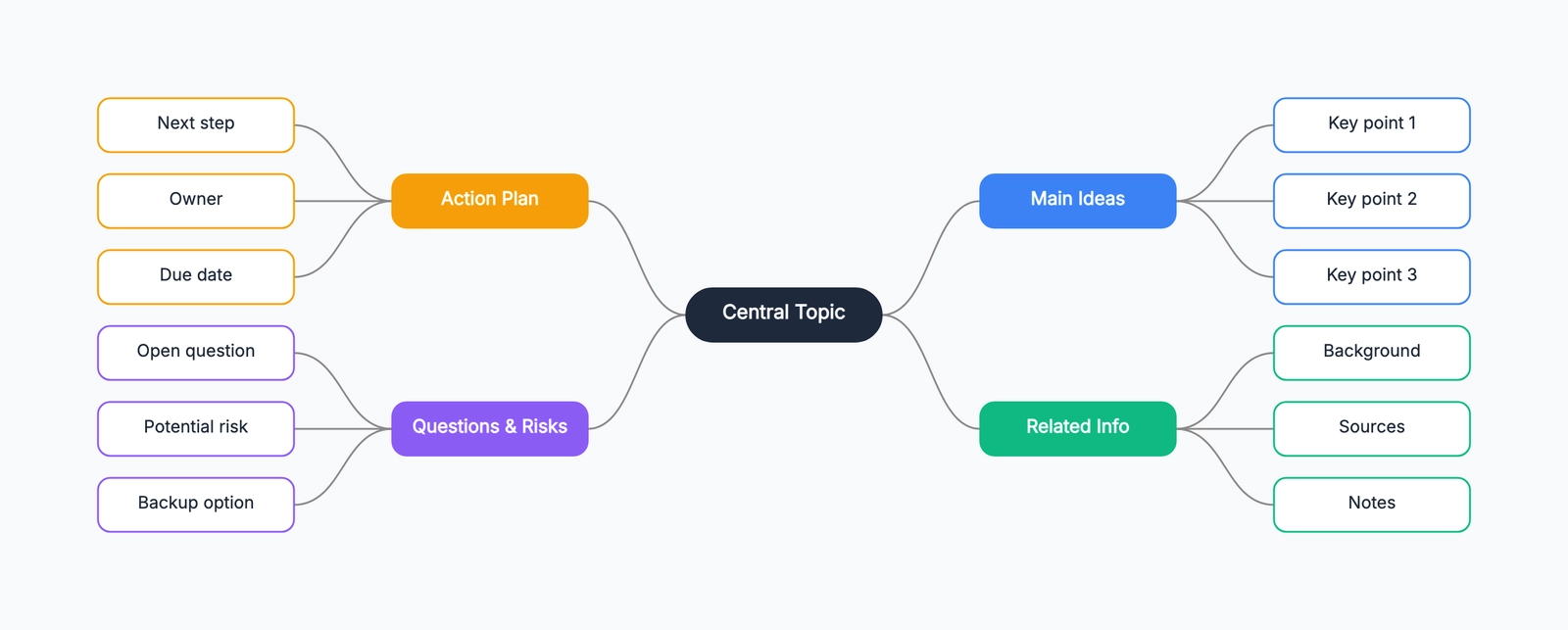
The workflow reveals whether Figma proximity, facilitation, hand-drawn speed, technical structure, or free-plan limits should decide the switch.
1. Miro
Free tier: 3 boards (unlimited members)
Style: Clean, professional
Best for: Cross-functional workshops, enterprise collaboration
Miro is the most direct comparison to FigJam in the team whiteboard category, but it comes from the opposite direction. While FigJam grew out of Figma's design ecosystem, Miro grew out of workshop facilitation — replacing conference-room whiteboards and sticky-note exercises.
The template library is significantly larger: 300+ templates spanning workshops, strategy, planning, diagramming, research, and technical architecture. The facilitation toolkit — timer, voting, breakout frames, presentation mode — is the best in the category. If FigJam feels too design-specific and you need a whiteboard that works across departments, Miro is the default alternative.
The trade-off: Miro requires an account, caps free use at 3 boards, and has none of Figma's design-file integration. For a design team already in Figma, staying with FigJam is usually the better call. For a cross-functional team that needs one whiteboard for everyone, Miro is the stronger choice. See our Miro vs FigJam comparison for a deeper breakdown.
2. Excalidraw
Free tier: Unlimited, no signup
Style: Hand-drawn
Best for: Zero-friction sketching, privacy-first whiteboarding
Excalidraw is the antithesis of FigJam in philosophy. No accounts, no file limits, no team management, no platform — open the URL and draw. Everything saves to your browser's localStorage. Real-time collaboration works via shared link and is end-to-end encrypted.
The hand-drawn aesthetic is the defining feature. Everything looks like a sketch, which signals "work in progress" and makes diagrams easier to iterate. For early-stage ideation — the kind of work that happens before anything goes into Figma — Excalidraw is often a better fit than FigJam's polished interface.
The trade-off: no template library to speak of, no Figma integration, no facilitation toolkit, and a minimal shape library. Excalidraw is a sketchpad, not a workshop platform. If you need structure, templates, or deep collaboration features, look at Miro or CodePic instead.
3. tldraw
tldraw is a visual canvas with a hosted application and a separate developer SDK. The hosted app now supports account-based cloud file management; do not evaluate it from the old claim that every shared file has no account, ownership or storage boundary.
Use the app to test drawing, saving and reopening with the people who will actually maintain the board. Check what an invited collaborator can edit and who owns the file after the creator leaves. A successful shared-link session does not by itself establish long-term retention or administrative controls.
For application embedding, read the SDK's current license and deployment terms separately. The hosted app's free access is not a commercial SDK license. Compare the integration contract—load, save, export, authentication and version ownership—before building around it. For formal technical notation, also compare the shape and routing workflow with draw.io or Lucidchart.
4. CodePic
Free tier: Unlimited, no signup
Style: Hand-drawn
Best for: AI-assisted diagramming, template-rich whiteboarding
CodePic sits between the bare-sketch tools (Excalidraw, tldraw) and the platform tools (Miro, FigJam). It keeps the hand-drawn whiteboard feel but adds what those minimalist tools deliberately skip: a deep shape library, a template library covering flowcharts, ERDs, sequence diagrams, wireframes, org charts, and more, plus MCP (Model Context Protocol) integration so Claude or Cursor can place editable diagrams on the canvas from plain-language descriptions.
For a design team that occasionally needs to sketch a system architecture or a user flow alongside freeform whiteboarding, CodePic covers more ground on a single canvas. The AI integration is unique — describe a diagram in words and it appears as editable shapes.
The trade-off: collaboration is read-only link sharing, not simultaneous multi-user editing. If real-time co-editing is essential, Excalidraw, tldraw, or Miro are better fits. If you work solo or asynchronously, this isn't a limitation.
5. Lucidchart
Free tier: 3 documents
Style: Clean, professional
Best for: Structured technical diagrams, data-linked visuals
Lucidchart isn't a whiteboard — it's a diagramming tool. But it earns a spot on this list because FigJam users who need deeper diagramming (UML, ERDs, BPMN, network topology) often find themselves switching between FigJam and a separate diagramming tool. Lucidchart consolidates both needs with strong template coverage and data-linked diagrams (import from CSV to auto-generate org charts or system inventories).
The free tier is limited to 3 documents, and paid plans start around $9/user/month. Real-time collaboration is solid with granular permissions. The main trade-off: it doesn't feel like a whiteboard. If the informal, playful canvas is what you like about FigJam, Lucidchart will feel formal and structured in comparison.
6. Whimsical
Whimsical fits product flows, wireframes, mind maps and documents that benefit from a consistent visual workspace. Its current Free pricing lists 50 board objects and 50 doc blocks per month, watermarked exports and seven-day history. Compare that allowance with the number of new objects your team creates rather than an outdated three-board description.
Test one complete flow and a second edit. For a team, check reviewer versus editor access and the ongoing plan before moving a shared library. A clean first diagram is useful, but it does not answer whether the next screen, exception route or review round fits the allowance.
Quick Comparison
| Tool | Style | Free Tier | Real-time Collab | Best For |
|---|---|---|---|---|
| FigJam | Clean, playful | 3 files | ✓ | Figma-native design teams |
| Miro | Professional | 3 boards | ✓ | Cross-functional workshops |
| Excalidraw | Hand-drawn | Unlimited | ✓ (E2E encrypted) | Zero-friction sketching |
| tldraw | Hand-drawn | Check hosted account plan | ✓ | Polished hand-drawn canvas |
| CodePic | Hand-drawn | Unlimited | Read-only link | AI-assisted, template-rich |
| Lucidchart | Professional | 3 docs | ✓ | Structured technical diagrams |
| Whimsical | Clean | 50 board objects/month | Plan-dependent teamwork | Product flows |
How to Choose
The FigJam alternative that fits depends on why you're looking:
If Figma integration doesn't matter to you: The field opens up entirely. Excalidraw and tldraw for zero-friction sketching. CodePic for hand-drawn with templates and AI. Miro for cross-functional workshops.
If shared-file allowance is the issue: compare the actual saved-source and ownership model. A free canvas can fit solo work, while an ongoing team workspace may justify a paid plan. Test the intended roles instead of assuming all alternatives remove every limit.
If you need templates beyond design workflows: Miro has the deepest library. CodePic covers technical diagramming templates. Lucidchart goes deepest on formal technical documentation.
If you want a hand-drawn aesthetic: Excalidraw and tldraw are the purest expressions of this. CodePic keeps the sketch feel while adding structure.
If you want the simplest possible tool: Excalidraw. Open a tab, draw, done. No accounts, no limits, nothing to manage. It's the tool FigJam isn't trying to be.
Related Reading
- Miro vs FigJam (2026): Which Whiteboard Tool Fits Your Team? — In-depth head-to-head of the two leading team whiteboards.
- Excalidraw Alternatives: The Best Hand-Drawn Whiteboard Tools — Detailed alternatives from the Excalidraw side.
- Best Free Online Whiteboard Tools in 2026 — Roundup of free options.
- tldraw Alternatives in 2026: Hand-Drawn Whiteboards Compared — Six tldraw alternatives compared.
- Best Diagramming Tools in 2026: A Practical Comparison — Broader comparison across diagramming tools.
Run an external-participant and ownership pilot
Use a fictional mind map with three product ideas and one selected action. Assign a board owner, an internal editor, an outside reviewer and a colleague who will inherit the board. Invite each person using the access they would have in real work. A participant successfully opening the URL proves viewing access, not permission to edit or run facilitation controls.
Ask the outside reviewer to leave the type of feedback you need, then remove that access. Ask the future owner to reopen and revise the source. Check seat assignment before and after the invitation so a workshop does not silently become a set of paid editor subscriptions. These are tests to perform in your account; a vendor's generic collaboration claim cannot answer every organization policy question.
Migration is a separate step. Miro's official FigJam guide describes image or PDF exports as the transfer route. Those preserve a reference view, not an assumption of editable FigJam objects. Keep a native backup, identify the live boards worth rebuilding, and archive old workshop material as reference where that is sufficient. Recreate the decision and owner information before moving decorative content.
Finally, retain a dated outcome and a named action owner outside the meeting view. A board that everyone can visit but nobody is responsible for updating will not replace the original workflow. See Mural vs Miro if the main gap is facilitation rather than Figma proximity.