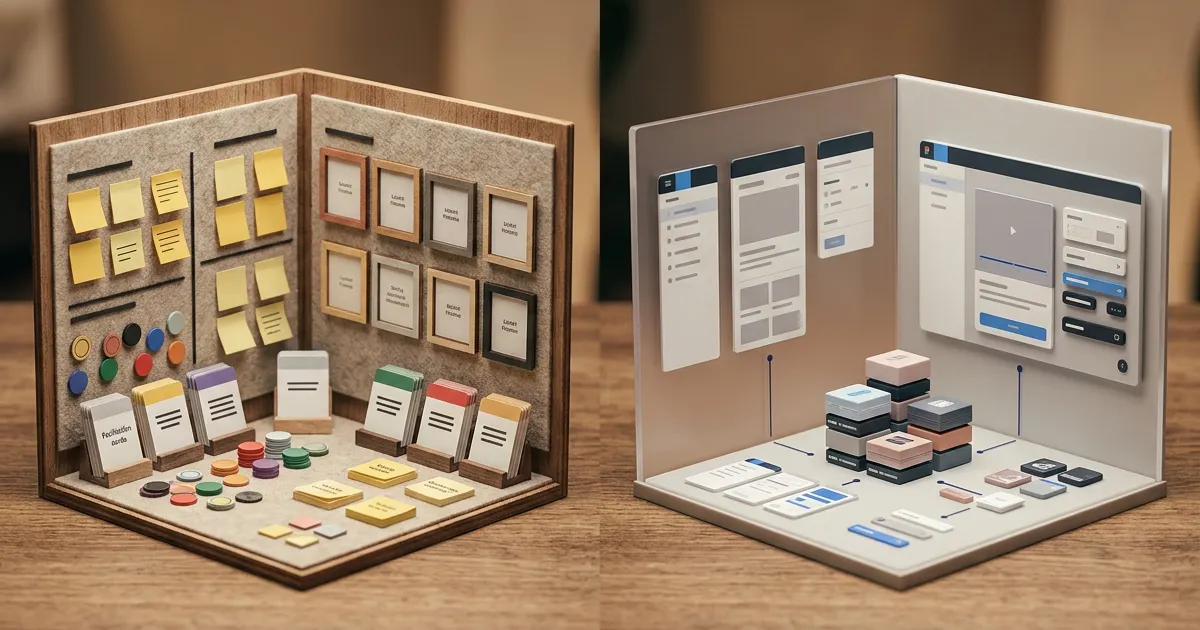
If your team runs workshops, retrospectives, or design sprints, you've probably compared Mural vs Miro. They look similar at first glance — both are infinite canvases with sticky notes, voting, and templates. But they were built with different philosophies, and the differences show up fast when you're 15 minutes into a workshop with 20 people on the board.
Here is what separates them in pricing, workshop control, diagramming, and the cost of moving an established workspace.
At a Glance
| Mural | Miro | |
|---|---|---|
| Best for | Facilitated workshops, design thinking | Cross-functional collaboration, diagrams |
| Free plan | Unlimited murals; 3 editable; unlimited view-only visitors | 3 editable boards; unlimited members; no visitor/guest roles |
| Paid from | $9.99/member/month annually | $8/member/month annually |
| Templates | 250+ | 7,000+ Miro and community templates |
| Facilitation tools | Superpowers included on Free | Timer, voting, private mode on Starter |
| Diagramming | Mapping and diagramming tools | Deeper structured formats and technical diagrams |
| Integrations | Core and advanced integrations by plan | 250+ integrations |
| Visitor access | View-only on Free; editing on Team+ | Starts on Starter |
Where Mural Wins
Mural was designed for facilitators. The entire product is built around the assumption that one person is leading a session and 5-50 people are participating. Features that make this work:
- Private mode: Participants can add sticky notes that only they and the facilitator can see — essential for honest brainstorming where hierarchy otherwise silences junior voices.
- Superpowers: The facilitator can auto-cluster similar sticky notes, summon everyone's cursor to a specific area of the board, and lock elements so they can't be moved by participants mid-session.
- Summon: One click pulls every participant's view to exactly where you want them looking. No "scroll up a bit — no, up — there, to the left of the blue note."
These features sound small but in a real workshop they're the difference between a session that flows and one where the facilitator spends half their time herding participants around the board.
Mural's templates are workshop-native. Its 250+ templates focus on sessions such as retrospectives, Rose-Thorn-Bud exercises, empathy mapping, and journey mapping. Miro advertises 7,000+ Miro and community templates across diagramming, project management, strategy, and workshops.
Where Miro Wins
Template breadth is much larger. Miro's catalog covers workshops, technical diagrams, agile workflows, business strategy, and icebreakers. Mural is more deliberately concentrated around facilitated collaboration.
Cross-functional integrations. Miro's Jira integration means sticky notes become tickets. The Confluence integration embeds live boards in documentation. Azure DevOps, Asana, Monday.com — Miro connects to the tools that teams use outside of workshop hours. Mural integrates with fewer tools and focuses on the ones relevant to live sessions (Teams, Zoom, Webex, Slack).
Diagramming is a first-class feature. Miro combines shapes, connector routing, technical diagrams, and structured canvas formats. Mural also includes mapping and diagramming, but its strongest differentiation remains facilitated problem-solving rather than specialized technical notation.
Pricing at entry level. Miro Starter is $8 per member per month when billed annually, versus Mural Team+ at $9.99 annually. Mural Free includes unlimited view-only visitors; Miro visitor editing starts on Starter. Model your real mix of editors, members, visitors, and guests before comparing totals.
How to Run a Workshop in Each
To make the differences concrete, imagine running a 45-minute remote retrospective with a team of 15.
In Mural, you'd open a pre-built retrospective template. Before the session, you'd enable private mode so participants can add sticky notes without seeing each other's contributions during the brainstorming phase. You'd set a timer for 8 minutes per section — the timer appears at the top of everyone's screen. When someone wanders off to a different part of the board, you summon their cursor back to the active area. After the brainstorm, you use Superpowers to auto-cluster similar stickies into themes. The session ends with a group vote on which themes to discuss. You never once said "please scroll to the bottom left."
In Miro, you'd open the same retrospective template. You'd facilitate manually — "add your stickies to the 'What Went Well' column." You'd set a timer on your phone or use Miro's built-in countdown. If someone gets lost on the board, you'd describe where to go. After the brainstorm, you'd manually drag related stickies together. The session works, but the facilitator is doing more of the mechanical work.
The difference isn't that one session fails and the other succeeds. Both produce useful outcomes. But the Mural facilitator spent their energy on the conversation; the Miro facilitator spent some of theirs on managing the tool. For teams that run workshops weekly, that difference compounds.
The Experience Difference
Spend an hour in each and you'll feel the philosophical gap:
Mural feels like a conference room with a skilled facilitator at the front. The timer is visible at the top of the screen. You can tell where the facilitator wants you to go. The interactions are structured.
Miro feels like a shared workspace that someone left open. You can draw anywhere, build anything, connect to anything. The interactions are emergent.
Neither is wrong. Teams that run a lot of facilitated sessions (consultants, agency workshops, design thinking practitioners) gravitate toward Mural. Teams that want a persistent collaborative space that serves multiple purposes (product teams, engineering teams, cross-functional orgs) lean toward Miro.
Mural vs Miro for Different Team Sizes
Solo consultant running client workshops: Mural. The facilitation features that feel like overhead for an internal team become essential when leading a paid session. Private mode, summon, and the timer keep workshops professional and on schedule.
Internal team of 10 running biweekly retros: Either tool works. Miro is cheaper and the team knows each other, so facilitation needs are lighter. Mural is the better facilitated experience but the price difference matters at this scale.
Enterprise with 500-plus users: Miro. The admin controls, SSO, and cross-functional integrations become deciding factors. Enterprise buyers evaluate platform breadth, not facilitation depth.
Choose by Workflow, Not by Feature Count
Use the work your team repeats every month as the test case:
| Recurring workflow | Better starting point | What to verify in a trial |
|---|---|---|
| Facilitated client workshop | Mural | Visitor permissions, private mode, summon, export |
| Product planning across Jira and docs | Miro | Integration depth, board permissions, structured formats |
| Design-thinking program | Mural | Reusable templates, facilitator controls, participant onboarding |
| Architecture plus team planning | Miro | Technical notation, connector behavior, diagram export |
| Occasional free workshop | Mural | Three-editable-mural rotation and view-only visitor flow |
| Persistent free team workspace | Miro | Whether three editable boards and team-wide visibility are acceptable |
Do not test with a blank board and two people. Duplicate a real workshop with 20 participants, timed exercises, anonymous input, voting, and a follow-up summary. Then test the quiet work after the meeting: finding the board, restricting access, turning outputs into tasks, and sharing the result with someone who does not have a paid seat.
Migration and Data Portability
Neither tool provides a dependable one-click conversion of an entire workspace into the other's editable board format. Images and PDFs preserve appearance, not object behavior, comments, permissions, voting results, or integration links. Large migrations therefore cost more than copying boards.
Before committing, export one representative board and check four things:
- whether text remains searchable and readable;
- whether frames and sections preserve presentation order;
- whether external viewers can access the archive without paid seats;
- whether the source system must remain licensed for audit history.
For a mixed organization, it can be cheaper to leave historical workshops read-only in the old platform and recreate only active templates. Set an owner and retention date for each board so the migration does not become a permanent double subscription.
Track the pilot in a simple migration sheet: board owner, last active date, export format, destination, missing content, and sign-off status. Test one board with comments, one with voting results, and one connected to an external tool. That sample exposes the costly exceptions before procurement, while a plain brainstorming board only proves that screenshots can move between platforms.
A Third Path
Mural and Miro both assume your team needs facilitation features, template libraries, and multi-user administration. If your use case is simpler — quick sketches, solo brainstorming, a shared canvas for a small team that doesn't want to manage another subscription — tools like CodePic offer an infinite whiteboard with zero friction. Open a tab, draw, share the link. No account, no billing tier, no learning curve.
Bottom Line
Pick Mural if you run a lot of structured workshops and want facilitation superpowers that make those sessions run smoother.
Pick Miro if you need a broader collaboration platform with deep diagramming, integrations, and templates across many domains.
Pick neither if you just need a canvas to think on. Both tools were designed for teams that run meetings with agendas, facilitators, and follow-up actions. If you want to sketch a flowchart, map out an idea, or drop thoughts onto a board without setting up a workspace, there are simpler free options that skip the overhead entirely.