Start with FigJam when the session is closely tied to Figma design files and the participants already work there. Start with Miro when the board brings together research, processes, and planning across several teams and systems. Both support collaborative whiteboarding and facilitation; FigJam is not limited to unstructured sketching.
The useful Miro vs FigJam comparison is a recurring meeting, not a contest over template counts. Below is a complete example brief for turning research notes into a product decision. It is a fictional workshop design you can reproduce, not a timed test of either product or a claim that a paid feature has been exercised.
Miro vs FigJam at a Glance
| Decision | Miro | FigJam |
|---|---|---|
| Good starting context | A board connecting work across teams | A shared whiteboard close to Figma design work |
| Meeting structure | Can organize research, activities, and outcomes | Can organize research, activities, and outcomes |
| Voting | Check the plan and required voting workflow | Native voting is documented; not just a plugin workaround |
| External participants | Verify visitor or guest permissions for your plan | Verify open-session eligibility and later access |
| Design material | Test embeds, links, and the actual review destination | Test the distinction between a pasted copy and its design source |
| Cost comparison | Required member roles and board features | Required Figma seats, not automatically a Full seat for everyone |
| Best evaluation | A complete session plus the follow-up revision | The same session plus the follow-up revision |
FigJam's voting documentation is a useful correction to the claim that voting and structured sessions belong exclusively to Miro. The question is which workflow your participants can run and maintain with the permissions available.
Worked Workshop: Turn Research Notes into a Decision
Imagine a fictional team improving account setup. A designer, researcher, product manager, and support representative need to choose one problem to investigate next. The deliverable is a decision with an owner, evidence, and a follow-up question, not an attractive wall of sticky notes.
Prepare the same six notes in both tools:
| Note | Observation in the fictional brief | Suggested cluster |
|---|---|---|
| A | A participant does not know what to prepare before setup | Expectations |
| B | A participant is unsure why a team name is required | Explanations |
| C | A participant cannot find the invitation email | Invitations |
| D | A participant asks whether colleagues must join immediately | Invitations |
| E | A participant cannot tell whether setup is complete | Completion |
| F | Support receives a question about changing the team name | Explanations |
These are invented notes for an exercise, not findings from a research study. Label them that way if you reuse the brief. In real work, retain the link to the observation, consent boundary, or source record appropriate to your research process.
Create four areas: evidence, clusters, candidate changes, and decisions. Keep original notes in the evidence area; cluster copies or references so the context is not lost. Ask participants to explain disagreements before naming a cluster. Similar wording does not necessarily mean the same user problem.
An example outcome is: “Investigate invitation clarity; owner: product manager; next input: observe the next setup session.” That is a proposed follow-up, not proof that changing an email will improve conversion. The board should preserve what the team knows and what it still needs to learn.
Run the Same Session in Both Tools
Use an agenda such as five minutes to read, eight to cluster, five to suggest changes, four to prioritize, and three to record the decision. Those durations are an illustrative 25-minute agenda, not observed product performance.
Check whether a participant can find their activity area without constant directions, whether they can add and move notes using their assigned role, and whether the facilitator can distinguish the original evidence from the group's interpretation.
For prioritization, name the question before starting a vote: “Which uncertainty should we investigate next?” is different from “Which feature should we build?” Give the session a rule for ties and explain that votes do not replace evidence. Then capture an owner and the next action.
If the session ends with a pile of votes but no decision record, the problem may be the workshop design rather than the whiteboard. Repeat the same brief instead of making one product host a well-prepared session and the other an improvised one.
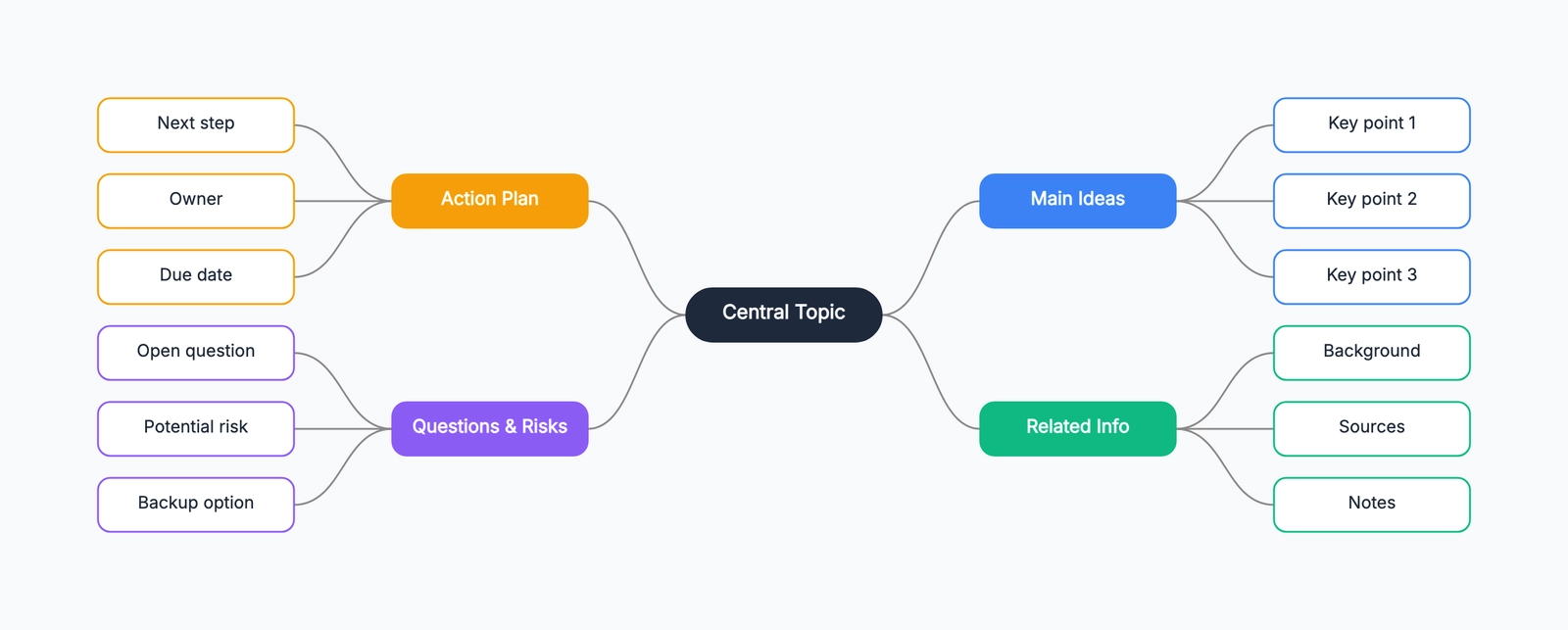
For a separate planning draft, the CodePic mind map can help organize the questions before the meeting. It is an editable reference, not a conversion of this note set or a multiplayer test of Miro or FigJam.
Figma Integration: Check Copies, Links, and Source Ownership
FigJam is a natural candidate when the team already reviews Figma designs. That proximity can reduce the effort of explaining where design material lives, but it does not make every object on a whiteboard a live editable link to the original design.
Include a design reference, change the source afterward, and check what the board displays. Distinguish a pasted snapshot, a linked preview, a prototype, and editable design content. Record which object you are evaluating rather than promising “two-way synchronization” for all pasted frames.
Use the same check in Miro. A supported embed or link might be sufficient when the real discussion stays in the design file. A board may need only enough context to connect design work with engineering dependencies and delivery planning.
Decide where final comments belong. If feedback is split across a design file, a board, and a project tracker, name the authoritative discussion and link to it. Choosing another whiteboard does not solve fragmented ownership by itself.
Pricing: Buy the Roles You Need
Read the current Miro pricing and Figma pricing together. Both have free entry points. For paid Figma use, compare the seat that actually permits the required FigJam work; do not assume every participant needs a Full design seat.
Figma's Professional pricing page lists a Collab seat at $3 per month in its displayed pricing view, while Miro Starter lists $8 per member per month billed annually. Confirm the Figma billing selection, taxes, region, and role permissions before using those figures as a quote. The two roles are not feature-equivalent products.
An existing Full seat may already cover a participant's FigJam work. The incremental cost can therefore differ from starting a new team with no licenses. Conversely, organizational controls or access policies may require a different plan even when the editing task is small.
Build a worksheet with recurring editors, occasional participants, viewers, required administration, and the final quote. Keep AI allowances and any add-ons separate. A small seat price does not establish the complete cost or the right workflow.
Visitors: Test the Day After the Workshop
External participation is not only about joining the call. A consultant or stakeholder may need to return later to review the decision. Check both the meeting-time permissions and the long-term access path.
Figma documents open sessions as temporary access with eligibility and permission conditions. Do not promise that a link makes a file editable forever. Confirm the current plan, administrator settings, and participant requirements before inviting real attendees.
For Miro, distinguish the roles offered by your plan and the intended board-sharing settings. A temporary public visitor workflow and an invited guest are not necessarily equivalent access arrangements.
Use fictional content during evaluation. Ask the external participant to return after the session and identify what they can see or change. If the follow-up requires an account, a different role, or another invitation, document that before rolling the process out to a larger group.
AI: Preserve Evidence When Summarizing
Both vendors offer AI-assisted workflows. For this research brief, the useful question is whether a summary preserves the distinction between an observation, an interpretation, and a proposed action.
Ask the tool to summarize the notes, then compare each conclusion with the six inputs. “Participants need automatic invitations” would be an invented solution if the input only says that someone could not find an email. Keep the original observations visible so another person can challenge the summary.
Figma documents FigJam AI for activities including helping organize ideas. Availability and allowances should be checked in the account you intend to use. Do not rank quality from a feature description or assume that the same credit allowance applies to every participant.
A sensible output from either product is a draft synthesis reviewed by the researcher or facilitator. It should not replace the evidence record or claim an improvement that has not been measured.
Templates and Integrations: Evaluate the Resulting Work
A large template gallery can help you discover an exercise, but the template must match the session. For the brief above, you need places for evidence, interpretation, a decision, and responsibility. Extra decorations or activities can make the task harder to follow.
Before using a community template, inspect instructions, sharing assumptions, and any widgets or integrations it expects. If the template requires features outside your plan, the prepared session may fail for ordinary participants even when the host can edit it.
For project trackers and other integrations, follow one action item from the board to the destination. Change its owner or status and check which side is authoritative. An integration listing does not guarantee every field synchronizes in both directions.
If your actual task is maintaining formal process diagrams rather than running a collaborative session, read Miro vs Lucidchart. Comparing the correct product category can save more effort than adjusting a whiteboard template.
Keep the Follow-Up Useful
After the meeting, ask someone who missed it to find the decision, its owner, and its supporting evidence. If they cannot do that, reduce visual clutter and write a short decision note instead of adding another board section.
For design feedback, link to the correct source file and identify which version was discussed. For planning, connect the action to the team's actual tracker. For research, retain the distinction between fictional exercise notes and approved real observations.
CodePic is an option for an individual or asynchronous hand-drawn draft with read-only sharing. It does not provide the simultaneous group editing evaluated here. Use it when a simple canvas meets the task, rather than presenting it as a replacement for every workshop feature.
For more choices, see FigJam alternatives, Miro alternatives, and Excalidraw vs Miro.