Canva Whiteboard arrived as a natural extension of Canva's design platform — a way to brainstorm, sketch, and collaborate without leaving the Canva ecosystem. For teams already using Canva for presentations and social media graphics, it's a convenient add-on.
But Canva Whiteboard is, at its core, a basic whiteboard bolted onto a design tool. It handles simple brainstorms and mood boards well enough. For anything beyond that — structured workshops, technical diagramming, deep template libraries, or an actually good infinite canvas experience — dedicated whiteboard tools are significantly more capable. Here are six alternatives worth switching to.
What to Look For in a Canva Whiteboard Alternative
Canva Whiteboard's limitations cluster around a few themes. Knowing which one bothers you most helps narrow the alternatives.
Canvas performance. Canva Whiteboard slows down noticeably on larger boards with many elements. Dedicated whiteboard tools handle infinite canvases with hundreds of objects smoothly.
Template depth for whiteboarding. Canva has thousands of design templates, but its whiteboard-specific templates are thin. If you need workshop templates, diagramming templates, or technical architecture templates, look for tools built around those use cases.
Facilitation features. Canva Whiteboard covers the basics, including timer-style session support, but it does not feel like a dedicated facilitation workspace. If you run structured sessions with voting, breakout frames, private mode, and workshop follow-up, you need a tool built around facilitation rather than design assets.
Diagramming capability. Canva Whiteboard has basic shapes. If you need flowcharts, ERDs, UML, network diagrams, or cloud architecture icons, look at dedicated diagramming tools.
The Canva Migration Test
The fastest way to judge a Canva Whiteboard alternative is not to compare feature grids. Take one real Canva board and ask three questions.
First, is the board mostly visual design or mostly thinking structure? If it is a campaign mood board, Canva may still be the best home. If it is a workshop map, technical flow, ERD, or architecture sketch, you probably need stronger connectors, clearer shape behavior, and better canvas control.
Second, do you need the output to stay editable outside Canva? PNG, PDF, and SVG exports are useful for sharing, but they turn most whiteboards into reference material rather than living diagrams. If migration matters, choose a tool where rebuilding the board takes minutes, not hours.
Third, who touches the board after the first draft? Designers may prefer FigJam. Facilitators may prefer Miro or Mural. Developers may prefer draw.io, Excalidraw, tldraw, or CodePic depending on whether the diagram should live in documentation, on a sketch canvas, or in an AI-assisted workflow. That migration lens makes the Canva Whiteboard alternatives below easier to separate.
1. Miro
Free tier: 3 boards (unlimited members)
Style: Clean, professional
Best for: Structured workshops, cross-functional collaboration
If Canva Whiteboard is a sticky-note wall, Miro is a workshop command center. The template library alone — 300+ templates spanning workshops, strategy, planning, diagramming, research, and technical architecture — makes the switch worthwhile for anyone running structured sessions.
The facilitation toolkit is the best in the category: timer with music, voting with results display, private mode for anonymous input, breakout frames, presentation mode. Guests can join via link without creating an account. The infinite canvas handles large boards smoothly — something Canva Whiteboard struggles with.
The trade-off: Miro's free tier caps at 3 boards (unlimited members, though), and paid plans start at $8/user/month. It requires an account. If you want unlimited free use with no signup, Excalidraw or tldraw are better fits.
2. FigJam
Free tier: 3 files (or included with Figma)
Style: Clean, playful
Best for: Design teams, especially Figma users
FigJam is Figma's whiteboard, and it's what Canva Whiteboard aspires to be in the design-tool-ecosystem category — except FigJam is purpose-built for whiteboarding rather than being a bolt-on to a design tool. It handles collaboration more naturally, has better whiteboard-specific templates, and the infinite canvas performs well.
The killer feature for Figma users: paste Figma frames directly into a whiteboard and they stay linked. For design critiques, user flow mapping, and brainstorming alongside design files, no other whiteboard has this level of integration.
The trade-off: outside the Figma ecosystem, FigJam is less compelling. The 3-file free tier fills up quickly. See our Miro vs FigJam comparison for when to pick each.
3. Excalidraw
Free tier: Unlimited, no signup
Style: Hand-drawn
Best for: Quick sketches, privacy-first whiteboarding
Excalidraw is the simplest tool on this list and the furthest from Canva's design-template philosophy. No accounts, no templates (beyond a few basic ones), no team management — open the URL and draw. Everything saves to your browser.
The hand-drawn aesthetic is intentionally rough. It signals "work in progress" and makes diagrams feel approachable. Real-time collaboration is free via shared link and end-to-end encrypted — your content isn't visible to Excalidraw's servers.
The trade-off: no template library, no facilitation tools, minimal shape set. Excalidraw is a sketchpad, not a platform. For structured workshops, use Miro. For diagrams that need to look polished, use draw.io or CodePic.
Test the Whiteboard Job with a Mind Map
Open the mind map below, add several branches, rearrange a cluster, share it, and export the final board. Run the same task in the tools you are considering.
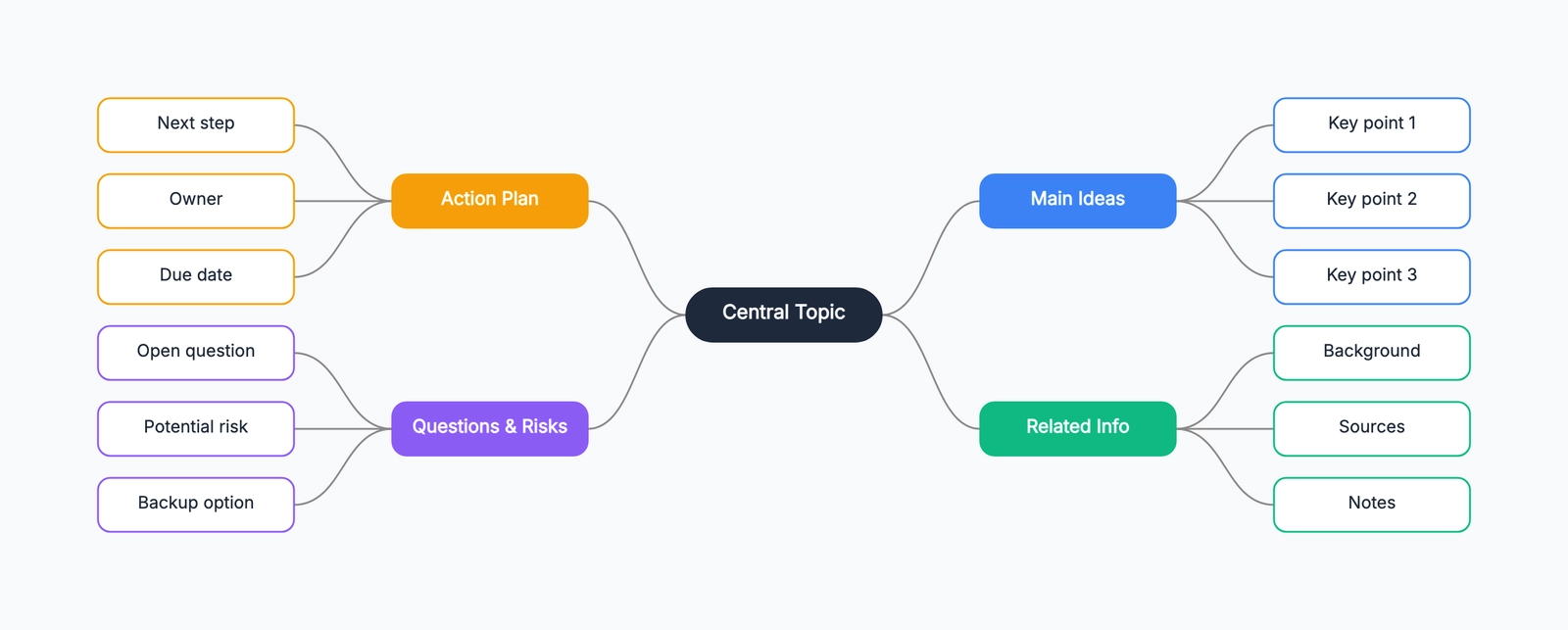
This makes the choice concrete: design-template convenience, workshop control, freehand speed, technical structure, or fewer limits on everyday boards.
4. tldraw
Free tier: Unlimited on tldraw.com, no signup
Style: Hand-drawn
Best for: Polished hand-drawn whiteboarding
tldraw is Excalidraw's closest sibling — same hand-drawn feel, same zero-friction entry, same free collaboration via shared link. The UI is slightly more polished, with tighter snapping and a more considered toolset. It's the version of "open a tab and draw" that feels a bit more refined.
Famous for "Make Real" — a demo that turns hand-drawn UI sketches into working webpages via your own LLM API key. It's impressive as a demo, but it's not a daily-use feature for most people. The core value is the canvas itself: fast, clean, and gets out of your way.
Like Excalidraw, tldraw has no templates, no facilitation tools, and a minimal shape library. It's for thinking on a canvas, not running workshops or producing documentation.
5. CodePic
Free tier: Unlimited, no signup
Style: Hand-drawn
Best for: AI-assisted diagramming, template-rich whiteboarding
CodePic is the middle ground between the bare-sketch tools and the full platforms. It keeps the hand-drawn whiteboard feel but adds a deeper shape library, a template collection covering flowcharts, sequence diagrams, ERDs, org charts, wireframes, and more, plus MCP integration so Claude or Cursor can generate editable diagrams from natural language.
For someone who finds Canva Whiteboard too basic and Excalidraw too bare, CodePic covers more ground on a single canvas. You can sketch freely, then drop in structured content when you need it — without switching tools.
The trade-off: collaboration is read-only link sharing, not simultaneous editing. If real-time co-editing is required, Excalidraw or tldraw handle that on their free tiers.
6. draw.io
Free tier: Unlimited — no paid plan exists
Style: Clean, formal
Best for: Technical diagrams, structured documentation
draw.io isn't a whiteboard in the Canva/Miro sense — it's a diagramming tool. But it's included here because many Canva Whiteboard users who try to create flowcharts or process diagrams hit the limits of Canva's basic shapes quickly. draw.io solves that with the deepest free shape library available: UML, BPMN, network topology, ERDs, AWS/Azure/GCP icons, and more.
Files save locally or to your own cloud storage. No account system exists. The desktop app works offline. For structured, formal diagrams that need to look professional, draw.io is the strongest free option.
The trade-off: no hand-drawn aesthetic (everything looks formal), no native real-time collaboration (file sharing only), and no whiteboard feel. It's a diagramming tool, not a brainstorming surface.
Quick Comparison
| Tool | Style | Free Tier | Signup Required | Best For |
|---|---|---|---|---|
| Canva Whiteboard | Clean, polished | Limited free | Yes | Simple brainstorms, mood boards |
| Miro | Professional | 3 boards | Yes | Structured workshops |
| FigJam | Clean, playful | 3 files | Yes | Design teams, Figma users |
| Excalidraw | Hand-drawn | Unlimited | No | Quick sketches, privacy |
| tldraw | Hand-drawn | Unlimited | No | Polished hand-drawn canvas |
| CodePic | Hand-drawn | Unlimited | No | AI-assisted, template-rich |
| draw.io | Formal | Unlimited | No | Technical diagrams |
How to Choose
If Canva Whiteboard feels too basic and you need real workshop tooling: Miro. The facilitation toolkit and template library are in a different league. You'll need a paid plan for regular use.
If you're in a design team and want ecosystem integration like Canva but for whiteboarding: FigJam, especially if you already use Figma. The integration is what Canva Whiteboard wishes it had with the Canva design editor.
If you want zero friction — no account, no limits, just draw: Excalidraw or tldraw. Pick tldraw if you prefer slightly more polish; Excalidraw if you value end-to-end encrypted collaboration.
If you want hand-drawn feel plus structure and templates: CodePic. It bridges the gap between bare sketch tools and full platforms.
If your primary need is professional-looking technical diagrams: draw.io. It's completely free and covers more diagram types than any other tool at any price.
Related Reading
- Best Free Online Whiteboard Tools in 2026 — Complete roundup of free whiteboard options.
- Excalidraw Alternatives: The Best Hand-Drawn Whiteboard Tools — From the Excalidraw side.
- Miro vs FigJam (2026): Which Whiteboard Tool Fits Your Team? — Detailed comparison of the two leading team whiteboards.
- draw.io vs Lucidchart (2026): Pricing, Features & Which to Pick — When you need deeper diagramming.
- Best Diagramming Tools in 2026: A Practical Comparison — Broader tool comparison.