A construction change order is where projects get into trouble if nobody has a clear process. Work happens on site, someone asks for something different, and without a documented path the change gets built informally — then the cost and schedule claims show up at the end with no paper trail.
A change order process flowchart solves that by making the path visible: who requests, who evaluates, who approves, and what happens after. This guide walks through the eight steps of a typical process and then follows a complete example from request to archive, so you can draw a chart that matches your own contract.
What Is a Construction Change Order?
A change order is a formal amendment to the construction contract. It records three things: what changed, why it changed, and what it costs — in money and in time. It exists so that no scope change happens silently.
Change orders get triggered by all kinds of events. The owner picks different countertop finishes. The site survey reveals rock that the drawings did not anticipate. A specified material is discontinued. A design error has to be corrected in the field. Each of these changes scope, cost, or schedule, and each deserves a written record.
The point of the process is not paperwork for its own sake. It is that an approved change order is the only way everyone — owner, contractor, and site team — is working from the same set of facts about what the final price and date actually are.
The 8 Steps of a Change Order Process
The exact steps depend on your contract, but a typical process looks like this.
1. Request the change. Someone raises the need for a change — the owner, the architect, or the contractor. The request should state what is different from the contract and why.
2. Record scope and reason. Write down the affected work, the reason for the change, and any supporting evidence: a sketch, a photo, a specification sheet, or an email from the owner. This record is what the whole review will be judged against.
3. Estimate cost and schedule impact. The contractor prices the change — materials, labor, equipment, and how it moves the completion date. If the change is complex, this step may involve subcontractor quotes.
4. Technical review. The architect or engineer checks that the proposed change is technically sound and compatible with the design. Not every process has this gate, but it catches problems before money is committed.
5. Review by the owner. The owner or their representative reviews the scope, cost, and schedule impact. This is the point where the change order is either accepted, negotiated, or rejected.
6. Approve or reject. If approved, the change order is signed. If rejected, the request goes back with a reason. A request can also loop back for revision — the owner may approve the scope but ask for a better price.
7. Update the contract and notify the site. The approved change order is added to the contract documents, the new cost and schedule take effect, and the site team is told what changed so the work proceeds under the updated terms.
8. Archive. The signed change order, supporting documents, and the approval trail are filed with the project records. If a dispute ever arises, the archive is the evidence.
Example: A Change Order from Start to Finish
Let's follow one change through the whole process.
A homeowner is remodeling a kitchen. The contract specifies oak flooring. During installation, the owner decides they prefer wide-plank oak with a matte finish — a different product at a higher price.
The contractor records the change: the affected area (kitchen floor, 40 square meters), the reason (owner's finish preference), and attaches the new product sheet. The estimate adds the material difference and two extra days to the schedule.
The architect reviews the change: the new planks are thicker, so the subfloor needs a leveling compound — a technical impact the owner did not anticipate. The revised estimate includes the leveling work and one more day.
The owner reviews the numbers, accepts the cost, and signs the change order. The contract is updated with the new flooring specification and the revised completion date. The site team is told the new material arrives Thursday and the subfloor work moves the schedule.
The signed change order, the product sheet, and the review notes go into the project file. Six months later, when the owner asks "why did the floor cost more than the contract?", the answer is one folder.
Types of Change Orders You Will See
Not every change order looks the same, and knowing the type helps you draw the right path for it.
Owner-requested changes. The owner decides they want something different — another finish, a bigger window, a different layout. These are the most common, and they usually start with a clear request from the owner side.
Field condition changes. The site reveals something the drawings did not cover: rock where the plan assumed soil, an undocumented utility line, an existing wall that is load-bearing. These are discovered during construction and often need the fastest approval path because the crew is standing on the problem.
Design corrections. The drawings contain an error that has to be fixed on site. These are usually initiated by the architect or engineer, and the technical review gate matters most here.
Material substitutions. A specified material is discontinued, back-ordered, or no longer available. The substitution may change cost, appearance, or both, so it still needs the full record even when it looks like a one-for-one swap.
Schedule-driven changes. A change in sequencing or completion timing — for example, the owner asks to fast-track a section — that may not change scope much but changes the plan.
Each type changes who initiates the request and how urgent the approval is, but all of them share the same backbone: a written record, an estimate, a review, and an approval. That is why one flowchart can cover all of them — the type decides who kicks off the process, not whether the process exists.
Drawing the Change Order Flowchart
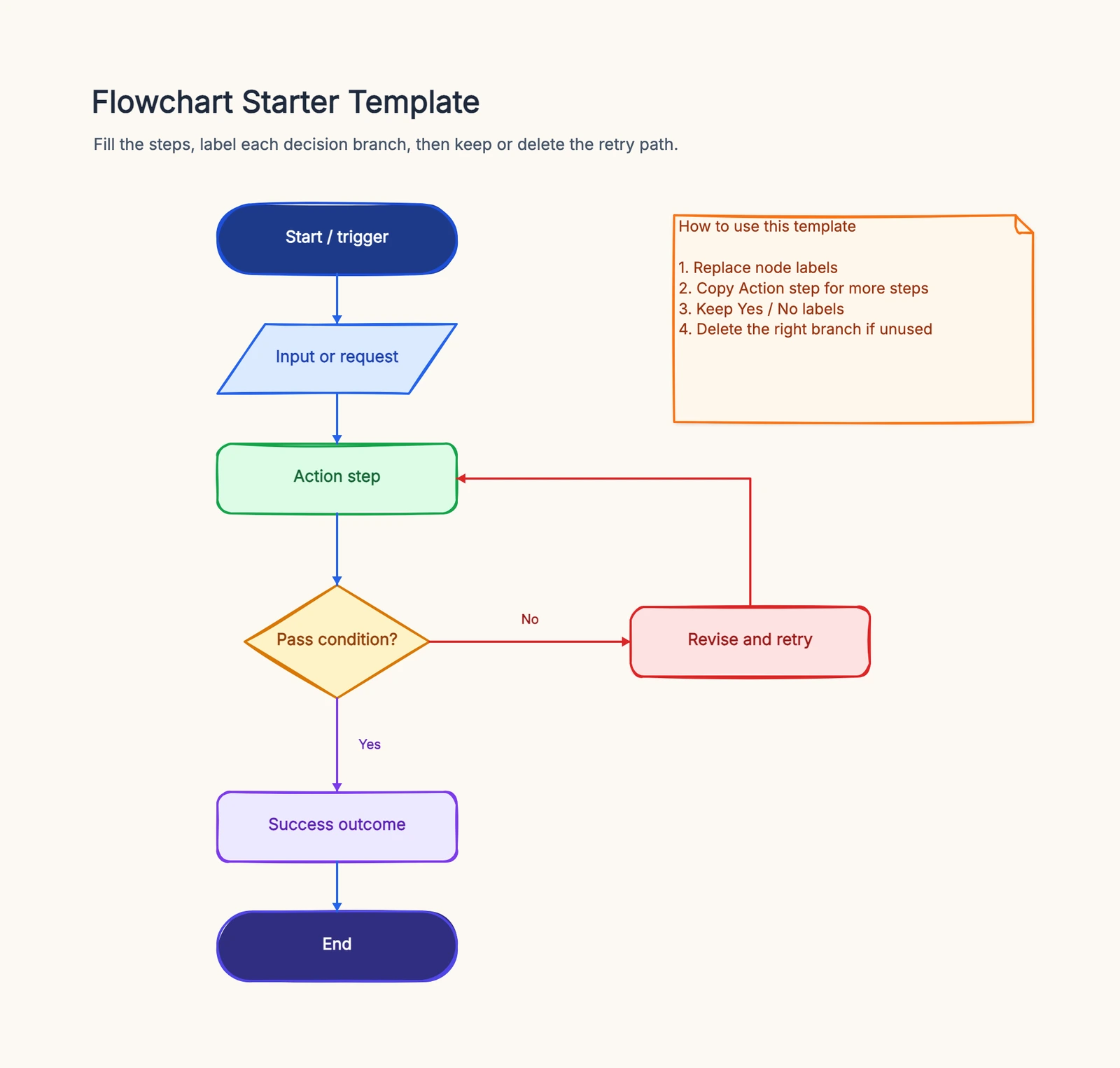
The process reads naturally as a flowchart: one start, a sequence of actions, a decision diamond at each approval gate, and a clear route for approved and rejected requests.
Start with a terminator ("Change requested"), then chain the action steps: record scope, estimate impact, technical review. The first decision diamond is "Approved?" — yes routes to the contract update, no routes back to negotiation or rejection. Add a second diamond if your process has a separate owner review, and always label the branches so nobody has to guess which line means what.
If you want to draw it without fighting with shapes and connectors, the flowchart template gives you the standard shapes ready to place, and the process map template helps when you need to show who owns each step across the whole project. For the review gates, a RACI chart can sit next to the flowchart to spell out who is responsible, accountable, consulted, and informed at each step.
Keep one thing in mind while drawing: this is a general process example, not a legal opinion. Your approval chain, review gates, and sign-off rules come from your own contract and local requirements — adjust the chart to match them.
Common Mistakes
Skipping the written record. A verbal "go ahead" builds the work but not the paper trail. Every change should start with a written scope and reason before any estimate is made.
Estimating before the scope is fixed. Pricing a vague change produces a number nobody trusts. Lock the scope and the reason first, then estimate.
Missing the technical review. A change that looks simple on paper can hit the site with a surprise — thicker material, different structural load, new coordination. The review gate exists to catch those before money moves.
No rejection path. A flowchart that only handles approvals breaks the first time a change is declined. Draw the rejection branch, and remember the rejected request still gets archived.
Forgetting to notify the site. An approved change order that never reaches the crew means the work proceeds under the old contract while the documents say otherwise. Notification is part of the process, not an afterthought.
Next Steps
The value of a change order flowchart is that it makes the process explicit before a dispute makes it necessary. List your actual steps — request, record, estimate, review, approve, update, notify, archive — and draw them with labeled branches so an approved change and a rejected one each have a visible path.
Related Guides
- Approval Process Flowchart — how to draw approval workflows with clean decision branches.
- Process Map Template — map who owns each step across the whole project.
- RACI Chart Template — assign responsible, accountable, consulted, and informed roles at each gate.