SEO Keyword Mapping Template
Map keyword groups to search tasks, target URLs, and editorial actions with two editable SEO and ecommerce examples.
Use this templateWhat you get
- Keyword-to-intent-to-page connections with concrete URLs
- Update, keep, create, and review actions with owners
- Separate SEO tutorials from ecommerce purchase and care pages
What this template is for
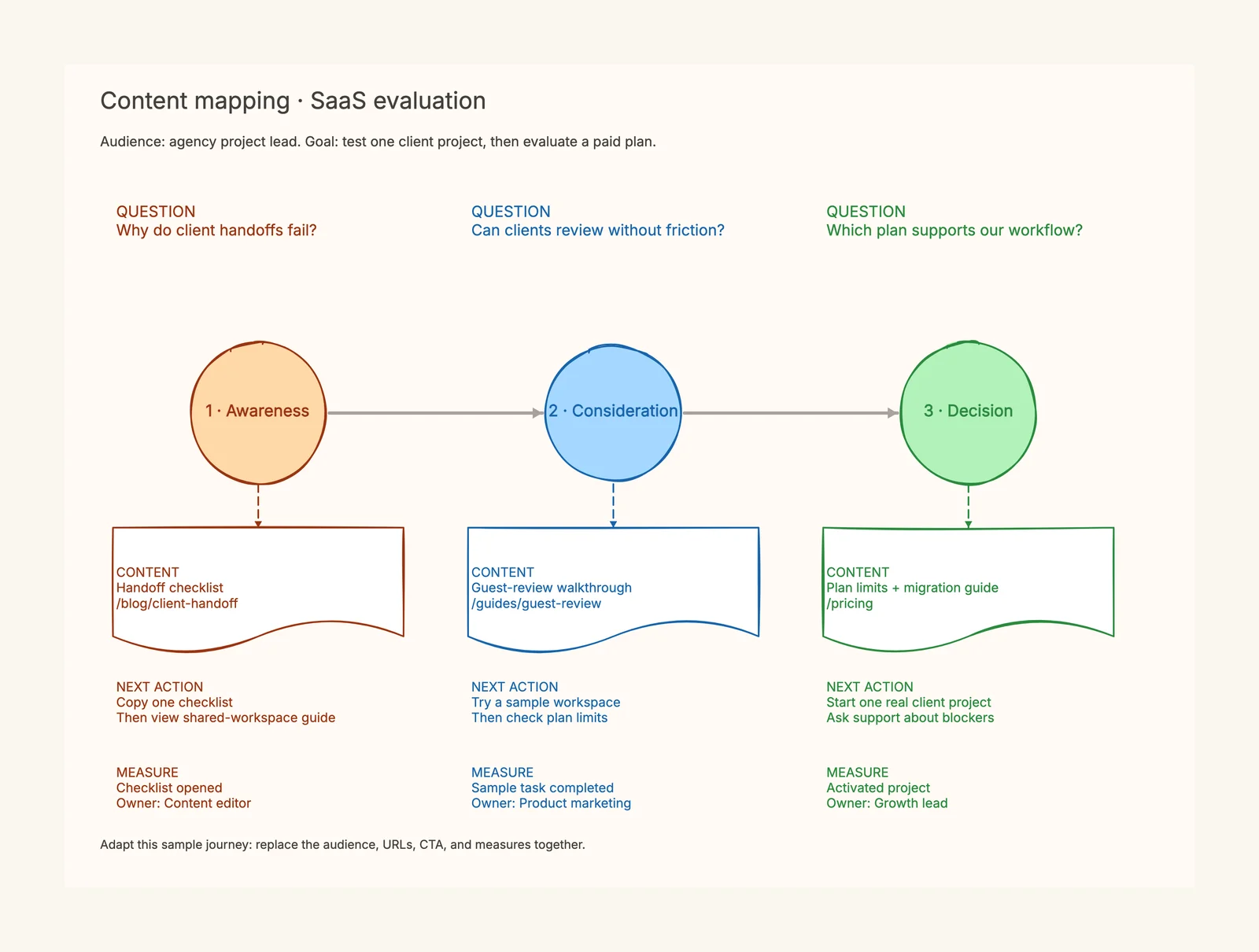
Use this SEO keyword mapping template to assign groups of related searches to the pages that should answer them. Each connected assignment links a keyword group with a search task, target URL, and editorial action. The first scene works through a diagram website: symbol meanings belong to a reference, drawing steps belong to a tutorial, and an editable hiring structure belongs to a template destination. The second scene uses a bedding store to separate product browsing, material comparisons, and washing instructions. These are teaching examples, not measured keyword rankings or search volumes. Replace the examples with your own research before using them as a publishing brief. Start by keeping your keyword export in its original tool or spreadsheet, then bring only the groups that need a decision onto this whiteboard. Review the current results in your intended language and market, inspect the actual content behind each proposed URL, and record why you chose that destination. Give every assignment an action and owner. Keep a dated research note alongside the board so another reviewer can understand the evidence. The canvas helps discuss ownership and priorities; it does not fetch keyword metrics, crawl your site, or automatically decide which pages to merge. Once responsibilities are clear, use a separate content map to plan what visitors should do after reading each page.
When to use this template
- Assign existing articles and template pages to distinct search tasks.
- Plan collection, comparison, and care pages for a small store.
- Review potentially overlapping topics before creating another URL.
- Give a content batch clear owners and update decisions.
How to use it
- 1Copy the scene closest to your website and replace example keyword groups.
- 2Write the user task beside each group before choosing a page type.
- 3Inspect search results and existing page content in the intended market.
- 4Assign an existing or proposed URL and record supporting evidence separately.
- 5Choose keep, update, create, or investigate, then assign an owner and review date.
Quick example
Populated example
Related resources
How it compares to similar tools
Keyword list vs keyword map
A list stores phrases and metrics; a map assigns responsibility to pages.
Keyword map vs content map
Page ownership differs from planning the reader’s next step in a journey.
Spreadsheet vs whiteboard
Keep large exports in a spreadsheet and use the board for reviewed decisions.
Common mistakes to avoid
One page per wording variant
Check the task and search results before making more URLs.
An empty action column
Record a deliverable and owner so the map becomes executable.
Treating unknown KD as easy
Keep missing metrics unknown and do not transfer scores between queries.
Frequently asked questions
Does the template fetch keyword metrics?+
No. Bring verified research from your keyword tool; the canvas organizes page decisions.
Can I use existing URLs?+
Yes. Inventory existing content first, then decide what needs an update or a new page.
Are sample queries verified opportunities?+
No. They demonstrate planning; check their demand and search results before execution.
Start editing online
Open the template in CodePic, replace the sample content, and make it your own in a few minutes.
See examples: /templates/keyword-mapping/examples