AI character consistency means a character remains recognizable across images and shots while pose, expression, camera angle or lighting changes. Use an approved identity reference, record story-state changes, and compare neighbouring shots against explicit criteria. Repeating a character name in a prompt is not a complete review process.
This guide gives you an original character brief, a ten-point checklist and a worked repair log for a fictional courier named Lin. It concerns planning and inspecting generated material. It does not claim a guaranteed consistency rate, a tested model ranking or automatic character locking inside CodePic.
Define what should stay fixed and what may change
Begin with a short identity specification that another reviewer can actually use. “Friendly, cinematic, attractive” does not tell them whether two pictures depict the same character. Distinctive silhouette, clothing and recurring objects usually provide more concrete comparison points.
Original character brief: Lin is an adult station courier with a rounded face, short straight dark hair and no facial hair. Lin wears a sand-coloured jacket with a simple ivory collar, charcoal trousers and a teal cross-body bag. The bag has a brass clasp with a triangular recess. The bag starts closed and remains over the same shoulder unless a shot explicitly shows it being removed.
| Category | Fixed identity or design | Allowed state change |
|---|---|---|
| Face | Approved facial proportions and short dark hair | Surprise, concentration, relief |
| Clothing | Sand jacket, ivory collar, charcoal trousers | Sleeves wrinkle with movement |
| Bag | Teal fabric, brass triangular clasp, same strap attachment | Can swing when Lin runs |
| Parcel | Brown rectangular wrapping in this scene | Moves from bench to Lin to passenger |
| Lighting | Not part of identity | Platform light may change appearance |
A fixed requirement is not a promise that pixel colours never change. A teal bag under warm light can appear different without becoming a different bag. Compare structure and local context before rejecting every tonal variation.
Build a reference package with clear authority
Separate the main identity reference from expression, outfit, prop and scene references. If two references conflict, decide which controls the disputed feature. Do not ask the generator or the next person to resolve that conflict silently.
Save a front or three-quarter view with the face unobstructed, then add other views only when they contribute needed information. A back view explains a strap attachment; it does not replace the face reference for a close-up. Keep the key and clasp designs large enough to inspect independently.
Runway's official reference guide documents one workflow for carrying visual references into new contexts. That capability still needs output review. Exact file limits, interface controls and available modes depend on the tool and can change.
Give the package a version, such as Lin-identity-v1. A reviewer should know whether shot C04 uses the current identity or an earlier draft. On an editable board, place the approved material separately from rejected experiments so “nearest picture” does not become “official reference.”
Use this ten-point consistency checklist
Inspect the intended storytelling feature at a useful viewing size. A tiny costume detail may be irrelevant in a wide shot, while the key's notch must be readable in its insert. Mark “not visible” rather than pretending every field can be judged in every frame.
| Check | What to compare | Example failure |
|---|---|---|
| 1. Facial identity | Face proportions, stable features, recognizable silhouette | Close-up introduces a different face |
| 2. Hair | Length, shape, parting and visible colour under the light | Short hair becomes shoulder-length |
| 3. Body proportions | Relative build and scale against nearby objects | Lin is suddenly taller than the passenger by an unexplained amount |
| 4. Base costume | Jacket shape, collar, trousers and footwear when visible | Jacket gains a new large hood |
| 5. Recurring colours | Clothing and prop identity in lighting context | Teal bag becomes bright red |
| 6. Accessories | Bag clasp, straps and recurring identifiers | Triangular recess becomes a circle |
| 7. Prop ownership | Who carries which object at this moment | Parcel returns to Lin after handoff |
| 8. Left-right and geography | Established positions and screen direction | The passenger switches sides without a re-establishing view |
| 9. Action state | Start, transition and end of the planned action | Hand closes after the key has already disappeared |
| 10. Sequence style | Rendering treatment and detail sufficient for the handoff | One panel changes into an unrelated visual medium |
This is an editorial checklist, not a standardized scientific score. Do not calculate a “90% consistent” marketing claim by counting checks with unequal importance. A failed key identity may break the scene even when nine other items look acceptable.
Work through three neighbouring shots
Our example sequence follows a parcel handoff. C01: Lin holds the parcel while approaching the passenger. C02: the passenger receives it; Lin's hands are now empty. C03: the passenger opens it while Lin notices the brass key.
The prop states are part of continuity. If C03 puts the parcel back in Lin's hands, the issue is not only visual identity; it changes the action's meaning. Write the expected state before inspecting the candidate.
| Shot | Expected state | Deliberately flawed candidate | Decision |
|---|---|---|---|
| C01 | Teal bag, closed clasp, parcel held by Lin | Sand jacket and bag correct | Accept for story review; inspect face at full view |
| C02 | Parcel crosses to passenger; same costume | Bag changes red during handoff | Reject this candidate's bag appearance |
| C03 | Passenger holds open parcel; Lin's hands empty | Parcel is back in Lin's hand | Reject action state; return to shot brief |
These entries are invented review examples, not observations from actual generations. They show why a useful log describes the failure instead of calling the whole batch “inconsistent.” The AI storyboard guide supplies the corresponding shot-brief structure.
Distinguish identity drift from story change
A planned costume change is not identity drift. If Lin removes the jacket in a later scene, record the transition and the new approved costume state. A wet jacket after a rain scene can be a legitimate change; a new jacket before the rain is an unexplained one.
Likewise, camera position can reverse which side of a face is visible. Do not reject a profile just because it differs from a frontal reference. Compare features that can be judged from that angle, and mark hidden details as not visible.
A mirrored image deserves special care. A symmetrical face may still look plausible while the bag strap and clasp move to the wrong side. Flipping a frame to repair screen direction can therefore introduce a costume-continuity problem. Review the whole shot's requirements before using that shortcut.
For spatial continuity, the camera-shot examples explain an action line and dialogue positions. Identity review cannot substitute for a readable location plan.
Repair one cause while preserving approved decisions
Suppose C02 has the correct action but a red bag. The first repair should preserve the framing, handoff and identities while restoring the approved teal bag. If the editing tool cannot isolate that change, a new candidate may be necessary, followed by another full review.
A useful correction request says: “Use Lin-identity-v1 for the sand jacket and teal cross-body bag. Keep the present two-person framing and parcel handoff. Restore the triangular brass clasp. Do not change the passenger's red cloth bag.” The last sentence distinguishes two bags that have different owners and colours.
For C03, the remedy differs: change the action brief so that the passenger holds the open parcel and Lin's hands stay empty. An extra face reference cannot fix who owns the object at this point in the story.
Record the correction, the candidate version and the acceptance condition. If the new bag is correct but the handoff no longer happens, the repair is incomplete. Review neighbouring shots again; a local change can alter the match into and out of the frame.
Run small diagnostic tests before a long sequence
Choose tests that expose the difficult parts of your scene: a profile, a medium two-person handoff and a close insert involving a recurring prop. The purpose is to find ambiguous reference or shot requirements before repeating them across an episode.
This is a suggested working method, not a measured claim about savings. Keep the actual selected tool, settings, references and relevant prompt version in the production record. Change one meaningful factor when possible, so a comparison can tell you something useful.
Do not let the latest candidate automatically replace the approved identity. Otherwise the reference slowly drifts, and every shot becomes “consistent” only with the immediately previous mistake. Promote a new identity version deliberately and identify the shots affected by that decision.
Organize the review on an editable canvas
Place approved identity and props on one side, the shot sequence in the centre, and unresolved issues on the other side. Use a note for each problem: shot ID, failed check, change requested, reference version and reviewer decision.
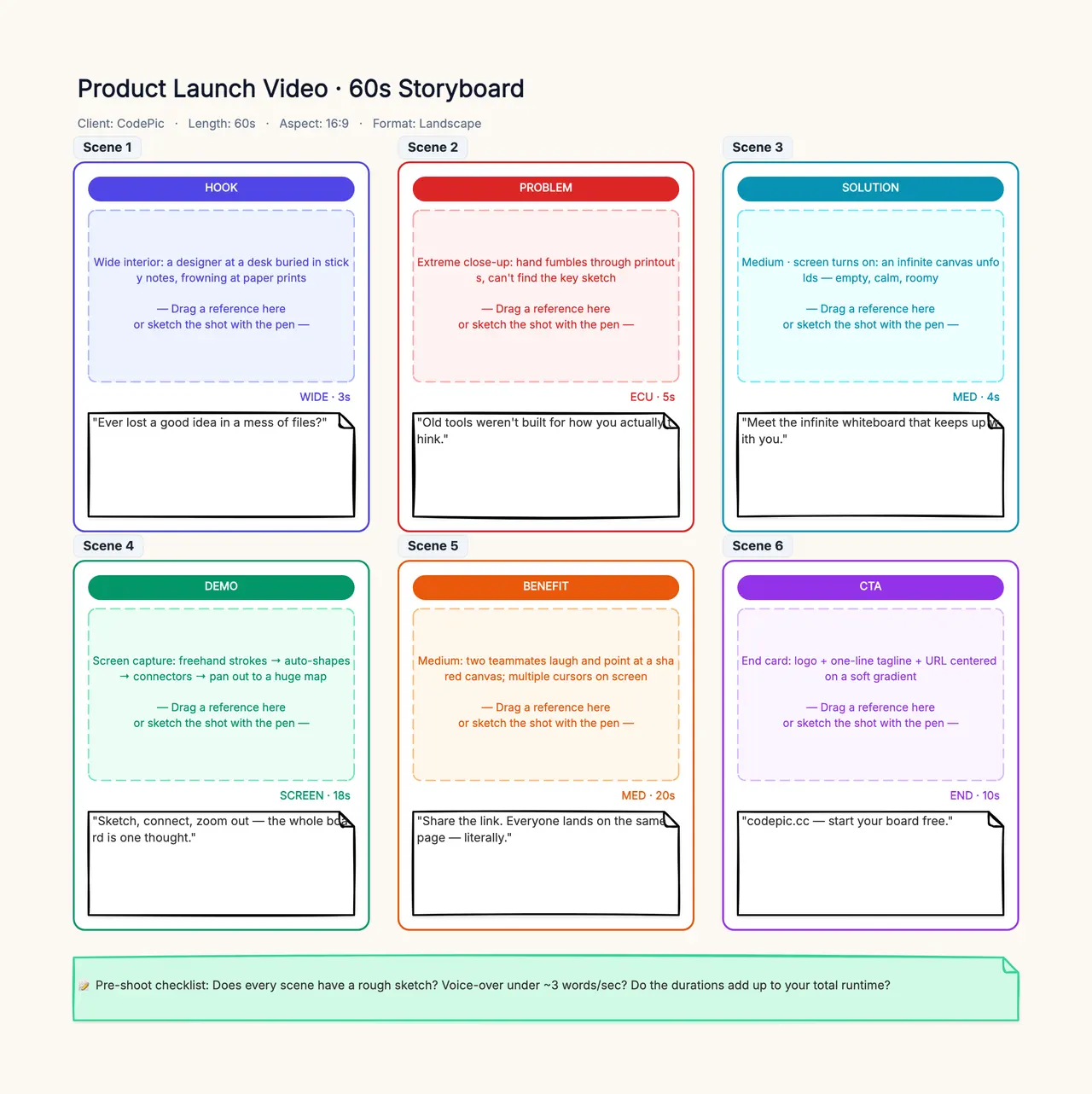
The existing storyboard template provides a panel structure you can rename and extend. It is not a dedicated automatic character-consistency system. You can manually place references and notes beside panels; generation and image editing happen in the relevant external tools.
For a complete production handoff, connect the approved sequence to the comic-drama workflow. If a character's goal or action is unclear, return to the script breakdown. No amount of identity matching makes an unexplained action meaningful.