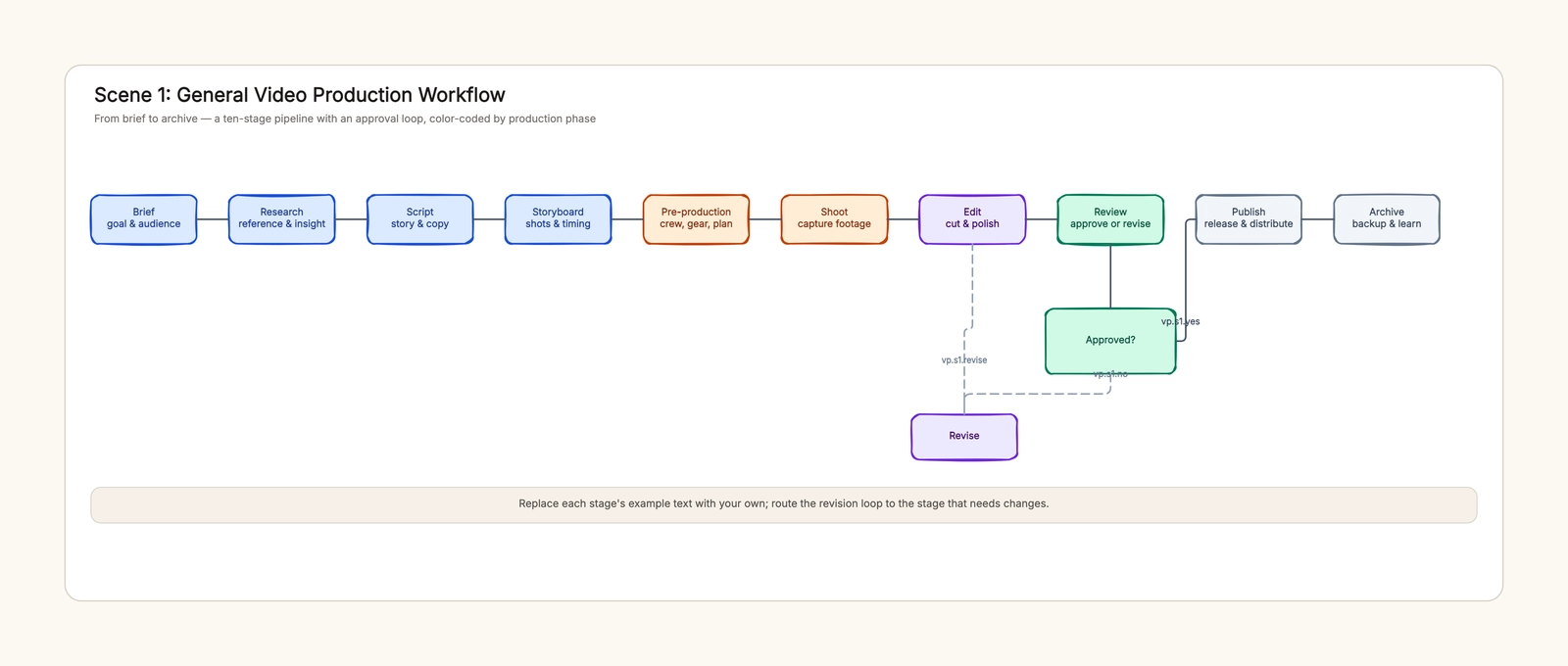
An AI comic drama workflow moves a story through a timed script, character references, a storyboard, generated assets, an edited sequence and a final review. Start by approving what each shot needs to communicate. Attractive images alone do not tell you whether the scene makes sense.
This walkthrough plans The Last Delivery, an original fictional 60-second vertical episode about a station courier returning a lost parcel. It supplies a complete timing plan and explicit handoffs. The story, durations and review records are teaching examples, not results from a completed production or promises about generation cost.
1. Define the episode before choosing models
Write a small brief that someone else could use to reject the wrong result. Our example has two adult characters, one station platform, a parcel, a yellow train and a teal bag. The courier, Lin, notices that an older passenger has forgotten a parcel. Returning it means missing the train. The passenger's unexpected response creates the next episode's question.
| Decision | Example brief |
|---|---|
| Audience experience | A small act of kindness becomes a mystery |
| Format | Vertical composition, planned runtime 60 seconds |
| Main choice | Catch the train or return the parcel |
| Visible ending | The returned parcel contains a key matching Lin's bag clasp |
| Production boundary | One main location, two speaking adults, no crowd sequence |
| Approval question | Can a viewer understand Lin's choice without narration? |
These boundaries reduce ambiguity. A beautiful city montage fails the brief if it consumes the moment where Lin chooses. A third speaking character adds casting and continuity decisions without automatically improving the story. Treat changes to the brief as decisions to review, rather than quietly adding them to later prompts.
An AI comic drama usually adds motion and sound to illustrated storytelling. A static comic page and an animated episode need different timing and delivery checks. Decide which you are making before borrowing a tutorial or template.
2. Write a script with observable decisions
Draft actions before decorative descriptions. “Lin feels conflicted” is an intention. “Lin looks from the closing train door to the parcel, then steps away from the train” gives the viewer evidence.
Original scene brief: A departure tone sounds. Lin lifts a forgotten parcel from a bench. Across the platform, a passenger searches an empty bag. Lin looks toward the open train door, then runs to the passenger. The train leaves. The passenger opens the parcel and reveals a brass key. Its unusual notch matches the clasp on Lin's teal bag.
Only two lines are needed: Lin says, “I think this is yours.” The passenger replies, “Then you arrived in time.” The closing image raises a question without asking the audience to read an explanation.
Read those lines aloud at a believable pace. Leave room for looking, reacting and changing direction. A text-generation tool can suggest alternate dialogue, but the writer still decides what information the audience needs and what can remain unexplained. For a separate script format, use the video script template.
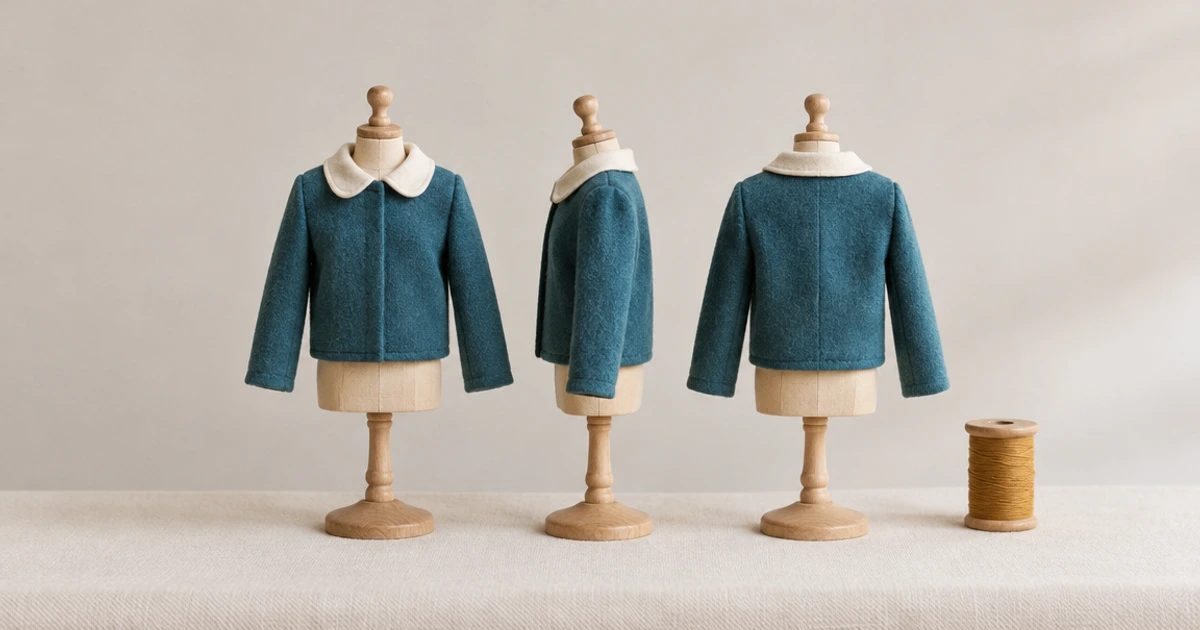
3. Lock the character and location references
Create one approved reference package before producing every shot. For Lin, record short dark hair, a sand-coloured jacket, teal cross-body bag and a distinctive brass clasp. The passenger wears a charcoal coat and carries an empty red cloth bag. Keep these identity details separate from temporary expressions and poses.
Prepare a simple platform map: bench on the left, departure train on the right, passenger farther down the platform. Mark the intended screen direction of Lin's run. The map is a planning aid, not a generated location asset.
A reference-aware generator may help preserve appearance, but different tools accept different kinds of references. Check the current documentation for your chosen tool. Runway's reference documentation describes an image-reference workflow; it does not make every output automatically correct. The character consistency checklist explains how to inspect the results.
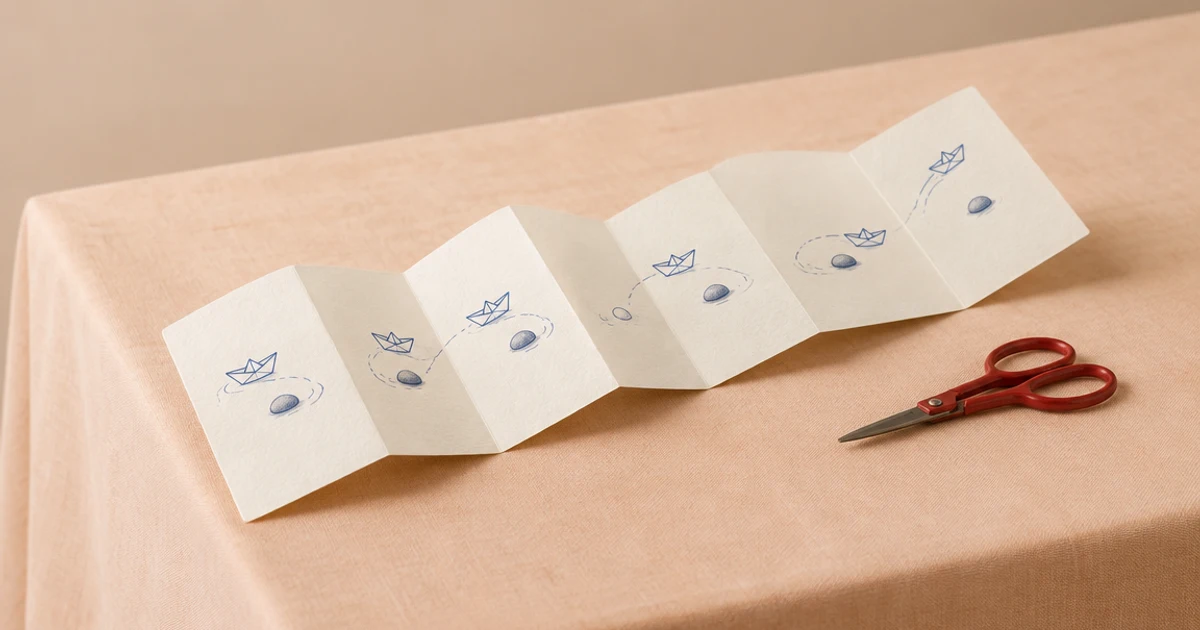
4. Split the story into a timed storyboard
Here is the whole episode's editorial plan. The durations add to exactly 60 seconds. They are proposed timeline allocations, not claims about the clip lengths a provider offers. One editorial segment may require several generated clips or a held frame.
| Shot | Timeline | Picture and story information | Sound |
|---|---|---|---|
| 01 | 0–6s | Wide platform: train right, bench left, passenger in background | Departure tone |
| 02 | 6–12s | Close view: Lin finds the parcel on the bench | Parcel rustle |
| 03 | 12–19s | Passenger searches the empty red bag | Tone continues |
| 04 | 19–27s | Lin looks toward the train, then the passenger; steps away | Brief pause |
| 05 | 27–38s | Lin crosses the platform and hands over the parcel | “I think this is yours.” |
| 06 | 38–46s | Train departs behind Lin, confirming the cost | Train sound fades |
| 07 | 46–54s | Passenger reveals a brass key in the parcel | “Then you arrived in time.” |
| 08 | 54–60s | Close comparison: key notch and Lin's bag clasp | Sound falls quiet |
Review why each shot exists. Shot 03 identifies the owner; shot 04 makes the choice visible; shot 06 confirms its consequence. Removing any of those requires another shot to carry that information. Do not shorten everything uniformly when the sequence runs long.
Use the existing storyboard template as a starting grid, then duplicate panels for eight shots and rename its commercial-stage labels. The template starts from a product-video example, so its default labels are not the narrative structure of this story.
5. Generate assets against shot briefs
Keep a stable shot ID beside each prompt, reference and chosen result. Ask a tool for one clear state or action at a time. The package for shot 04 might contain Lin's reference, the platform map, a medium framing, the two look targets and the required final step away from the train.
Generate a small diagnostic set first: an establishing view, a difficult character angle and the key reveal. This is a proposed review method, not a benchmark showing that a particular model is cheaper or more reliable. Once those tests establish a workable approach, continue the remaining shots with the same approved identity details.
Track a failure by its cause. A changed bag belongs to the character-reference problem; a wrong run direction belongs to shot planning; an extra arm belongs to the image result. Rewriting the entire story for every failed image makes it harder to tell whether a correction worked. For detailed prompt separation, see AI storyboard planning.
6. Edit the sequence before polishing each frame
Build a rough timeline using stills, rough motion and temporary audio. Watch it at the intended vertical framing. Check whether the parcel, passenger, train and final key remain legible after cropping. Wide landscape references may need a new composition rather than a tighter crop.
Use three review passes. Watch silently to test spatial and causal clarity. Listen without looking to check dialogue pacing and unwanted sound changes. Then watch normally to inspect how picture and sound support the choice and reveal. These are different questions; a single “looks good” approval hides disagreements.
The storyboard duration remains an editing target. If the dialogue needs more time, move time from an unnecessary hold or rewrite the line. Do not assume the total remains 60 seconds after inserting an extra reaction or transition.
7. Return problems to the right stage
Consider this deliberately flawed draft: Lin picks up the parcel, the next frame shows the passenger smiling, and the final frame shows the train leaving. Viewers never see the handoff or the choice. The repair is not sharper rendering. Add the handoff, establish the passenger's connection to the parcel and show Lin turning away from the train.
| Problem observed | Return to | Specific repair |
|---|---|---|
| Viewer cannot identify parcel owner | Script / storyboard | Show the passenger searching the empty bag |
| Lin appears to teleport | Storyboard / edit | Add or replace a movement bridge with consistent direction |
| Jacket changes between close views | References / generated asset | Reuse the approved jacket reference and replace the affected result |
| Key reveal is unreadable | Framing / edit | Plan a clearer insert, then review the crop |
| Episode exceeds its target | Script / timeline | Remove repeated information and retime the remaining beats |
The production workflow template can hold these handoffs. Use an actual owner and a visible acceptance condition for each stage, even if one person fills every role.
8. Package the approved episode and its records
Keep the approved script, reference package, shot list, selected assets, audio and final export together by version. Write the delivery settings required by the destination platform, then check its current rules directly. This article does not prescribe a universal upload specification, copyright clearance or commercial licence.
Before calling the episode ready, confirm that the narrative still matches the brief, dialogue can be heard, no reference image or temporary audio remains accidentally, and the final frame provides the intended question. Save the failed-shot notes as production observations, not proof that a whole model is good or bad.
Coze's official comic-drama walkthrough provides an example of a service covering several generation stages. Our original plan is independent of that service. CodePic's role here is the editable planning canvas; image generation, video rendering, audio and final editing require the appropriate tools.