Choose Miro when you still need structured facilitation at scale, FigJam when sessions stay close to Figma design files, and Excalidraw, tldraw, or CodePic when a lighter free canvas matters more than facilitator controls. Microsoft Whiteboard is the practical option for teams already centered on Microsoft 365.
Mural remains strong for guided workshops, voting, timers, and facilitator-led activities. The reason to switch is usually more specific: plan limits, per-seat cost, technical diagram needs, or a preference for open-ended drawing. The six alternatives below address those jobs with different trade-offs.
What to Look For in a Mural Alternative
Facilitation features are Mural's calling card, so start there. Do you need guided templates, timers, voting, and a facilitator view? If you run structured workshops regularly, losing those features hurts. If you mostly sketch and brainstorm, they matter far less.
Next, consider where your team already works. A whiteboard that lives inside Figma or Teams removes a whole category of friction. Integration with your existing toolchain is often worth more than a feature that exists in the abstract.
Finally, pricing and free tier. Mural and Miro price per member per month, which scales across an org. The free tools on this list — Excalidraw, tldraw, CodePic, and Microsoft Whiteboard — remove pricing from the equation, with different trade-offs in features.
Facilitation vs. Canvas Freedom
A Mural alternatives search usually comes from one of two frustrations. Either the team still needs facilitation but wants a different package, or the team has realized it does not need heavy facilitation at all.
For the first group, evaluate templates, voting, timers, private mode, facilitator controls, and how easy it is to guide participants who are not tool experts. Miro and FigJam belong in that conversation.
For the second group, the best alternative may be much lighter. If the meeting is really a sketching session, Excalidraw, tldraw, or CodePic can feel faster because they do not force every discussion into a workshop structure. The board becomes a place to think, not a program to run.
That distinction keeps this Mural alternatives comparison useful: do you need a better workshop room, or do you need fewer workshop walls?
Test the Alternative with One Mind Map
Run one representative workshop task before migrating a board library. Ask participants to add ideas, cluster branches, vote or comment, and export the outcome from the mind map below.
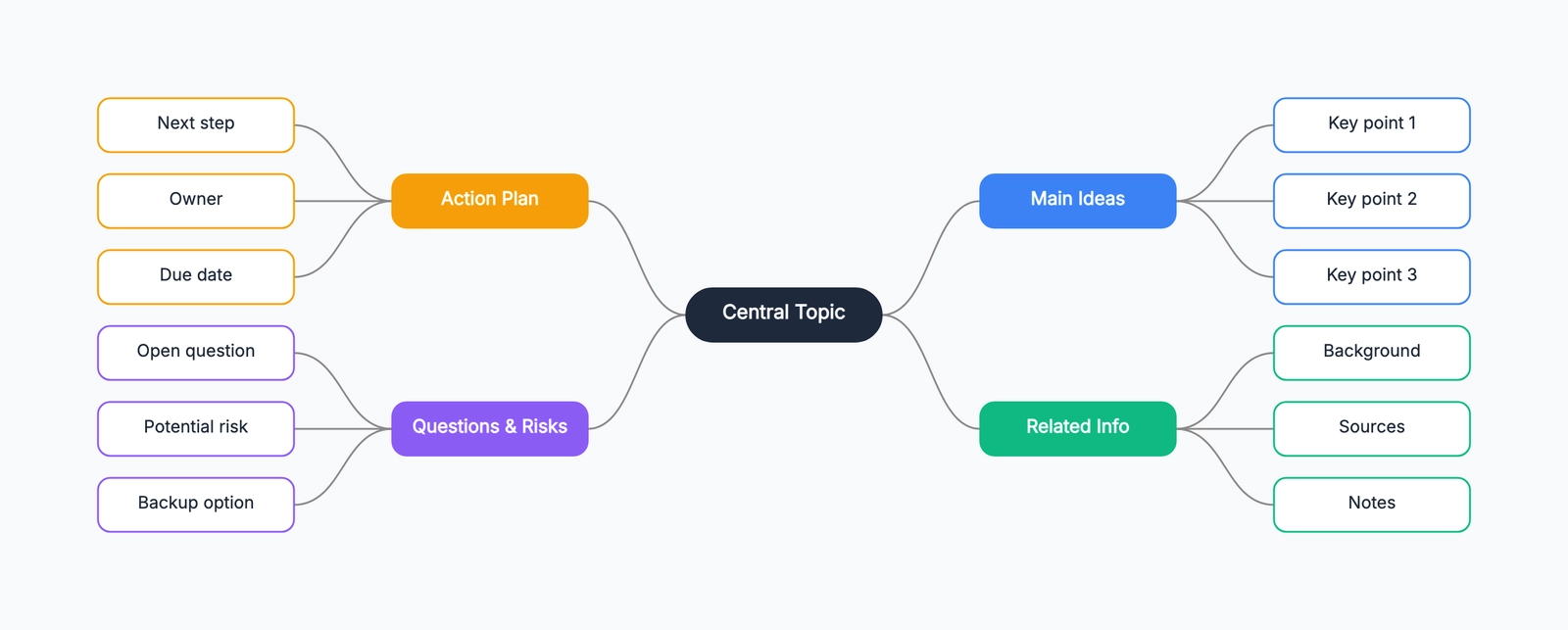
The test shows whether facilitator controls justify a managed platform or a lighter canvas covers the way your team actually works.
1. Miro
Free tier: 3 boards (unlimited members)
Style: Clean
Best for: Structured workshops and large team collaboration
Miro is Mural's closest direct competitor, and the comparison is genuinely close. It offers the same core idea — an infinite canvas for sticky notes, diagrams, and templates — with a template library that's even larger, spanning retrospectives, design sprints, journey mapping, agile planning, and more.
Real-time collaboration is smooth and granular, with permissions that scale from a small team to an enterprise. Miro also has a solid free tier: three editable boards with unlimited members, which covers light team use surprisingly well.
Where Miro differs from Mural is focus. Miro leans toward being a broad platform — sometimes to the point of feeling sprawling — while Mural keeps a tighter facilitation thread. If you want maximum template coverage and a tool that grows with your org, Miro is the natural choice. If Mural's specific workshop format is what you love, switching means adapting to Miro's way of doing things.
Best for: Teams that want the broadest collaboration platform with a generous free tier.
2. FigJam
Free tier: 3 files
Style: Clean, playful
Best for: Design teams already using Figma
FigJam is Figma's whiteboard product, and its main advantage is proximity. If your team already designs in Figma, FigJam uses the same shortcuts, the same file organization, and the same permissions. Dropping a Figma frame into a whiteboard and keeping it linked is genuinely useful for design reviews and critiques.
The workshop tooling is well-designed for its audience: sticky notes, stamps, reactions, and voting all feel native to a design team's flow. Running a critique or a quick retro alongside your design files is seamless.
Outside the Figma ecosystem, the limits show up. FigJam is a whiteboard tool first, not a diagramming tool — its shape library won't take you far on UML or network diagrams. The free tier caps you at three files, and it's most compelling when you're already paying for Figma.
Best for: Design teams in the Figma ecosystem who want a whiteboard that feels native to that environment.
3. Excalidraw
Free tier: Unlimited (open source)
Style: Hand-drawn
Best for: Fast, zero-friction sketching
Excalidraw takes the opposite approach from Mural: no templates, no facilitation mode, no accounts. Just an open canvas with a hand-drawn look that makes everything feel like a sketch in progress. Open the URL, share a link, and people can draw together.
For brainstorming and early ideation, that simplicity is the point. Diagrams look approachable and unfinished, so nobody treats them as final — which is exactly what you want in a discussion. It also has a free Mermaid-to-diagram converter for bringing text-based diagrams in.
The trade-offs are real for workshop users. There are no guided templates, no voting, no timers, and no facilitator controls. If your whiteboard usage is a few people thinking together, Excalidraw is liberating. If you're running a structured 45-minute workshop with a script, it won't carry the session.
Best for: Small teams that want free, instant whiteboarding without any setup.
4. tldraw
tldraw is a visual canvas with a hosted application and a separate developer SDK. The hosted app now supports account-based cloud file management; do not evaluate it from the old claim that every shared file has no account, ownership or storage boundary.
Use the app to test drawing, saving and reopening with the people who will actually maintain the board. Check what an invited collaborator can edit and who owns the file after the creator leaves. A successful shared-link session does not by itself establish long-term retention or administrative controls.
For application embedding, read the SDK's current license and deployment terms separately. The hosted app's free access is not a commercial SDK license. Compare the integration contract—load, save, export, authentication and version ownership—before building around it. For formal technical notation, also compare the shape and routing workflow with draw.io or Lucidchart.
5. CodePic
Free tier: Unlimited
Style: Hand-drawn
Best for: AI-assisted brainstorming and diagramming
CodePic is a free, hand-drawn alternative with MCP AI integration. It's an infinite whiteboard in the spirit of Excalidraw — sticky notes, freehand drawing, connectors, an endless canvas — with more structure available when you need it: a broad shape library and templates for flowcharts, sequence diagrams, system architecture, mind maps, and more.
The distinctive angle is AI. CodePic supports MCP, so you can describe what you want to Claude or Cursor — "lay out a brainstorm board for a product launch with these five risk areas" — and get editable shapes placed on the canvas. That changes the facilitation loop: instead of building the board by hand, you sketch the skeleton with AI and then rearrange.
Collaboration is currently read-only link sharing, so it suits sharing and async feedback rather than simultaneous editing. If real-time co-editing is a hard requirement for your workshops, Miro or FigJam are better fits. For solo thinking and AI-assisted diagramming at no cost, CodePic is a genuinely different option.
Best for: Individuals and technical teams who want AI-assisted diagramming on a free hand-drawn whiteboard.
6. Microsoft Whiteboard
Test the web or Teams experience with the organization's actual work or school accounts. Microsoft retired the standalone Windows and mobile Whiteboard apps on 16 October 2026. Do not base a rollout on the old standalone-app or personal-account assumptions.
Check participants outside the tenant, the meeting workflow, ownership and how a board is retained after the session. An existing Microsoft subscription does not by itself prove that every guest can edit. This option is most relevant when identity and meeting administration already live in that environment.
Quick Comparison
| Tool | Style | Free Tier | Real-time Collab | Facilitation | Best For |
|---|---|---|---|---|---|
| Mural | Clean | 3 murals | ✓ | Strong | Structured workshops |
| Miro | Clean | 3 boards | ✓ | Strong, broad | Large team collaboration |
| FigJam | Clean, playful | 3 files | ✓ | Good for design | Figma-native teams |
| Excalidraw | Hand-drawn | Unlimited | Shared link | Minimal | Zero-friction sketching |
| tldraw | Hand-drawn | Check hosted account plan | Shared link | Minimal | Reliable whiteboarding |
| CodePic | Hand-drawn | Unlimited | Read-only link | Minimal | AI-assisted diagramming |
| Microsoft Whiteboard | Clean, minimal | Free (365) | Via Teams | Basic | Microsoft-centric teams |
Test participation and the follow-up separately
Use a fictional planning session with six ideas, two groups and one chosen action. Ask participants to enter with the intended account roles, add content and find the active area. Then test the facilitator controls your session needs on the actual plan.
Afterward, assign an owner to the action, export a readable record and reopen the editable board. If outside collaborators can only view, record that before inviting them to a live exercise. If all you need is to prepare the discussion structure, a personal canvas may be enough; it does not replace the multiplayer step.
For Mural itself, the Free plan keeps three murals editable and allows view-only visitors. Compare against that actual baseline rather than assuming it has no usable free workshop capability. See Mural vs Miro for the closer two-product choice.
How to Choose
If you run structured workshops with scripts, timers, and voting, Miro is the closest drop-in alternative to Mural, with an even larger template library. If your team lives in Figma, FigJam removes more friction than any feature comparison can capture.
For open-ended brainstorming and sketching, Excalidraw and tldraw give you fast, free, real-time canvases. CodePic adds AI generation on top of a hand-drawn canvas if you work with Claude or Cursor.
Teams inside the Microsoft ecosystem get a free, Teams-integrated whiteboard from Microsoft Whiteboard — ideal for meetings, less suited to structured facilitation.
Price settles the rest. Miro, FigJam, and Mural all scale per member; the free tools on this list don't. For a team that only whiteboards occasionally, the free options are likely enough, and the hand-drawn style may even suit brainstorming better.
For a detailed breakdown of the two leading collaboration platforms, see our Miro vs FigJam comparison. And if you're weighing free whiteboard options broadly, our Best Free Online Whiteboard Tools in 2026 covers more ground.
Related Reading
- Excalidraw vs Miro: Simple Sketching or Team Whiteboard? — When the decision is between fast sketching and a full platform.
- Miro vs FigJam: Which Whiteboard Tool Fits Your Team? — The direct head-to-head for the collaboration platforms.
- Excalidraw Alternatives: Hand-Drawn Whiteboard Tools Compared — A deeper look at the sketching category.
- tldraw Alternatives in 2026: Hand-Drawn Whiteboards Compared — The same canvas category from the tldraw side.
- Best Free Online Whiteboard Tools in 2026 — A broad roundup of free whiteboards and canvases.