A video production workflow is the difference between a project that stalls and one that ships. Without it, the client expects one thing, the editor was never told the target length, and the review loop circles forever. With it, every stage has an owner, a deliverable, and an approval gate — and the whole team can see where the video is at any moment.
This guide walks through the ten stages of a typical workflow, then follows a complete 90-second brand video from brief to archive so you can see each stage's inputs, deliverables, and pass conditions in practice.
What Is a Video Production Workflow?
A video production workflow is the ordered set of stages a video goes through, from the first brief to the final archive. It is not a checklist of tasks; it is a map of the process — who does what, what each stage produces, and where decisions get made.
The value shows up in the handoffs. A script that is never approved before storyboarding gets redrawn later. A shoot that starts without a locked shot list burns budget on the day. An edit that reaches review without a named approver stalls for weeks. A workflow makes each handoff visible, so the failure points are predictable instead of discovered.
Teams that skip the map do not save time; they spend it later on rework. The map is cheapest at the start.
Who Does What: The Five Roles
A video workflow is driven by a few recurring roles. You do not need five people for each — in a small team, one person wears several hats — but the roles have to be distinct on the board.
Producer owns the project: the brief, the budget, the schedule, and the final delivery. Everything that crosses a stage boundary answers to the producer.
Creative owns the content: research, script, storyboard, and the visual direction that guides the edit.
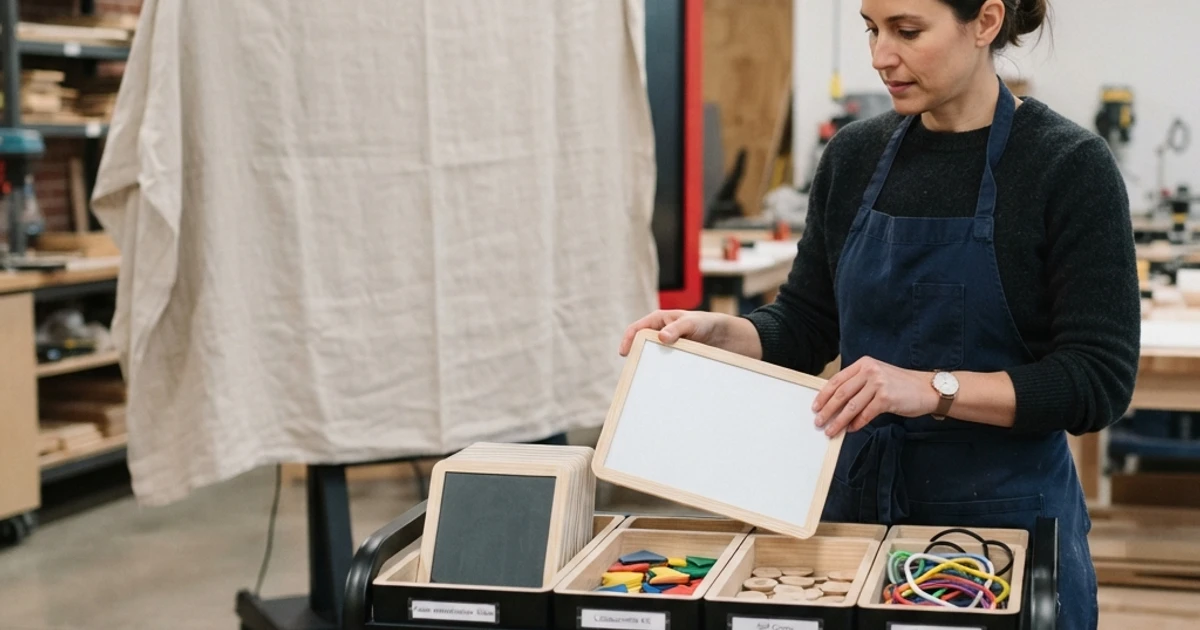
Production owns the shoot: crew, gear, locations, call sheets, and the footage captured on the day.
Post-production owns the edit: the cut, sound, color, captions, and any graphics.
Reviewer is the person who approves — usually the client or a stakeholder. The reviewer is a gate, not a stage; they appear at the review point and decide whether the work moves forward.
The 10-Step Video Production Workflow
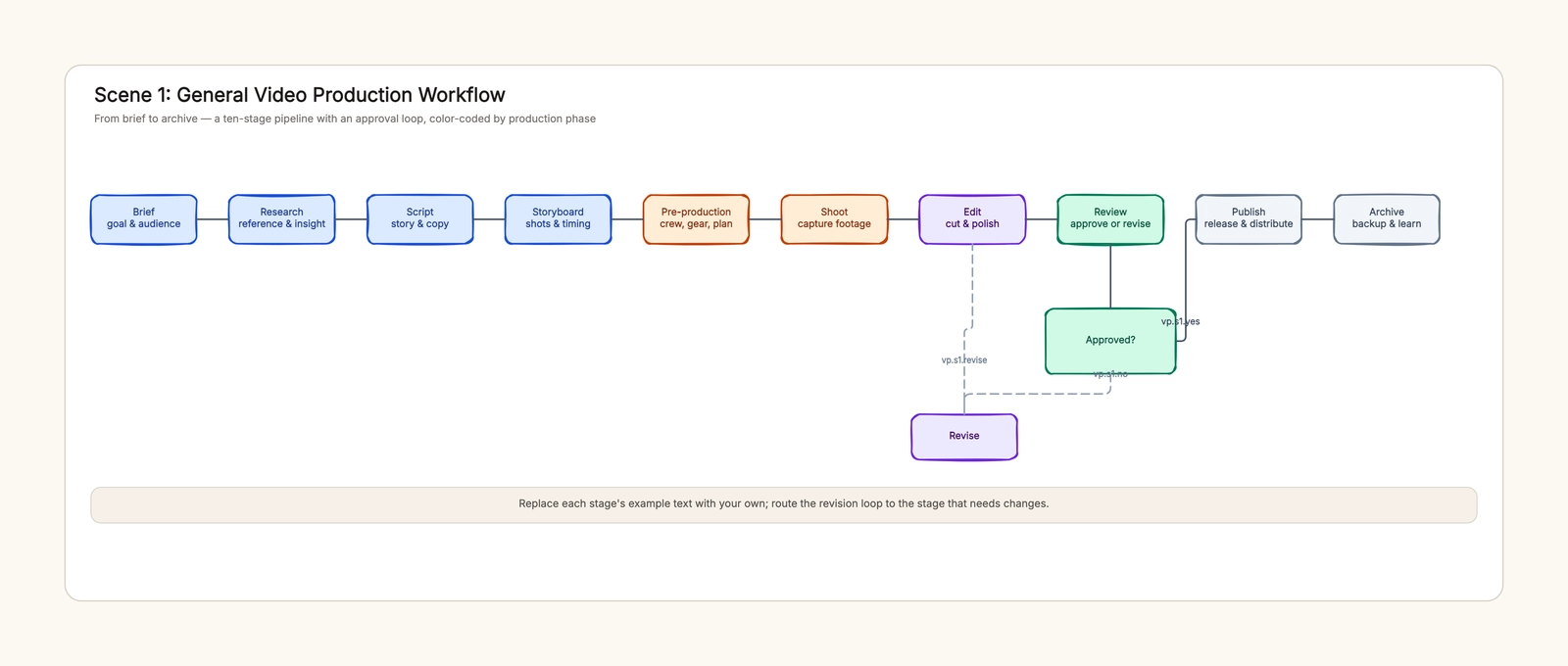
1. Brief. Define the goal, audience, length, and distribution channel. This is the reference every later stage checks against. Deliverable: a one-page brief with the target length and the single message the video must land.
2. Research. Gather references, competitor examples, and audience insight. The deliverable is direction: what the video should feel like, and what to avoid.
3. Script. Write the story and the copy — narration, on-screen text, and the structure. Pass condition: the script is approved by the creative lead and the producer before it moves on.
4. Storyboard. Turn the script into shots. Draw the key frames, the timing, and the transitions. This is where pacing problems surface, not on set. Deliverable: a shot list the production team can schedule.
5. Pre-production. Lock the plan: crew, gear, locations, releases, call sheets, and the shooting schedule. Deliverable: a production plan that says who is where on which day.
6. Shoot. Capture the footage according to the shot list. Deliverable: raw footage and a log of what was captured, with the good takes marked.
7. Edit. Cut the footage into the story — the rough cut first, then fine cut, sound, color, and captions. Deliverable: a review-ready cut at the target length.
8. Review. The named approver watches the cut. Two branches: approved, which moves to publish; or not-approved, which routes back to the stage that needs changes, with a revision budget so the loop has an exit.
9. Publish. Encode the final version for the target channels, upload, and distribute. Deliverable: the video live where the audience is.
10. Archive. Store the master, the raw footage, and the project files, then run a short retro: what worked, what did not, what to change next time.
Example: A 90-Second Brand Video
Let's run a complete example through all ten stages.
Brief. A coffee brand wants a 90-second launch video for a new cold brew, aimed at 25–35 city commuters, distributed on Instagram and YouTube. The single message: "Cold brew that fits your morning."
Research. The creative team collects references — other beverage launches, morning-routine content — and notes that fast-paced, early-light scenes perform best with this audience.
Script. The script opens with a rushed morning, introduces the cold brew as the pause, and ends with the product. Voiceover is written and the producer approves the 90-second structure.
Storyboard. Twelve shots are drawn: the alarm clock, the commute, the coffee in hand, the pause. Shot 7 gets flagged for pacing — it was too long in the storyboard, so it is trimmed before anyone sets foot on set.
Pre-production. A small crew and one location are booked, the model and release forms are confirmed, and a call sheet is sent with a 6 a.m. call time for the morning light.
Shoot. The crew captures the twelve shots plus b-roll. The good takes are logged on set, so the edit does not start from a wall of unlabeled footage.
Edit. The editor builds a rough cut to the storyboard timing, then fine-cuts it to 90 seconds, adds the voiceover mix, color-grades the early-light scenes, and burns in captions.
Review. The client watches the cut and asks for one change: the product shot should appear two seconds earlier. Because the revision budget allows one round, the editor makes the change, and the cut is approved.
Publish. The final version is encoded for Instagram and YouTube, uploaded with captions, and scheduled for the launch date.
Archive. The master, the raw footage, and the edit files are stored; the team notes that the shot list saved the shoot, and that the review gate worked because the approver was named in the brief.
Workflow Diagram vs. Timeline
The workflow diagram and the timeline answer different questions, and a project needs both.
The workflow diagram shows the process: stages, owners, deliverables, and the approval loop. It is what you agree on before starting, and it is drawn with shapes and connectors — a box for each stage, a diamond for the approval gate, and a dashed line for the revision loop.
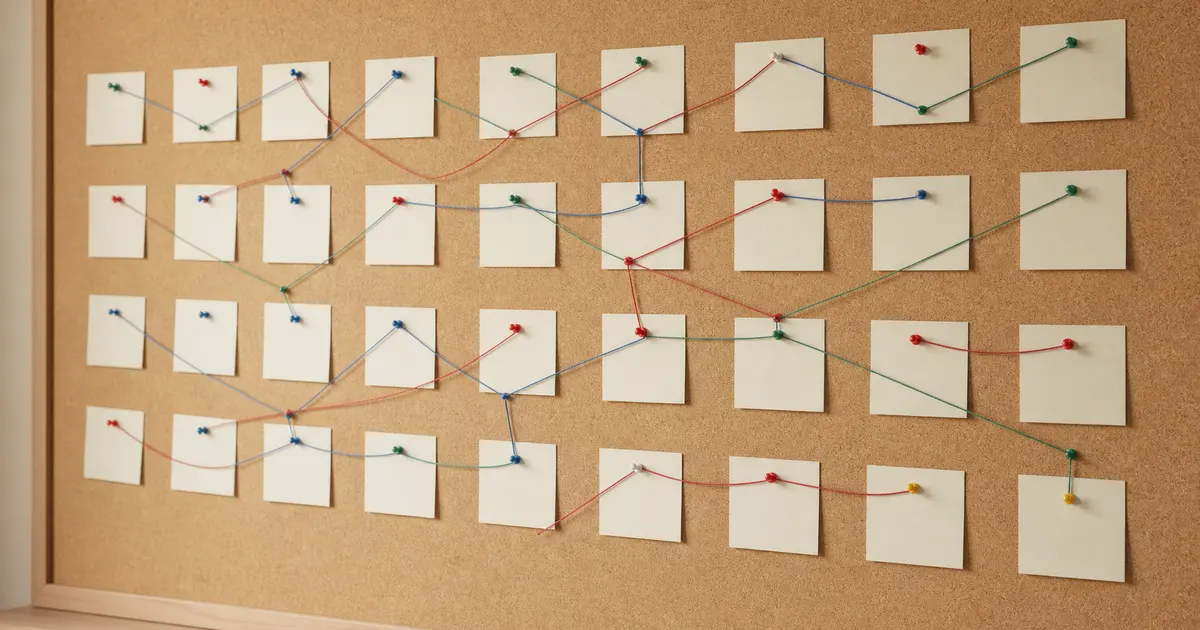
The timeline shows the schedule: each milestone mapped to a week, with a status per milestone. It is what you run the project against, and it is drawn as a line of dated milestones.
Draw the workflow first to agree on the process, then lay the milestones onto a timeline to schedule them. If you want both without drawing from scratch, the video production workflow template includes a workflow scene and a timeline scene side by side.
How a Film Workflow Differs
A film production workflow follows the classic five-stage pipeline: development, pre-production, principal photography, post-production, and delivery.
Development is where a video project's brief and script live — but for film it also covers financing, casting, and the locked screenplay. Pre-production adds location scouting and rehearsals to the planning. Principal photography is the shoot, run by daily call sheets and rushes. Post-production covers picture, sound, color, and VFX. Delivery is not just publishing — it is mastering, QC, and the release plan for festivals or platforms.
The difference is depth and gatekeeping: film stages have more approvals and longer lead times, and the deliverables (locked script, shooting schedule, delivery master) are heavier. If you are planning a film, the film production scene in the template gives you the five-stage structure with example tasks.
Common Mistakes
Skipping the brief. Production starts with no agreed goal or length, and the edit has nothing to check against. The brief is the first stage for a reason.
No owner per stage. A stage without a named owner is a stage nobody feels responsible for. Assign producer, creative, production, post, or reviewer to each step.
Skipping the storyboard. Pacing problems that cost hours on set are caught in minutes on a storyboard. Drawing the shots before the shoot is where timing issues surface, not during production.
Approval loop with no exit. A review gate that loops forever never ships. Name the approver and set a revision budget.
Reviewing the wrong person. If the approver is not the person who can say yes, the review produces notes that change nothing.
How to Keep the Workflow Working
A workflow is only useful if it stays current. Set an owner for the workflow itself — usually the producer — and update the board whenever scope, owners, or deadlines change. Run a short retro after each project and adjust: if the review always loops twice, tighten the revision budget; if a stage always stalls, check whether it has an owner.
The template's scenes are editable placeholders, so you can adapt the stages to your own team instead of treating the ten steps as fixed.
Next Steps
Start with a one-page brief, name an owner for each stage, and draw the approval gate with an exit before you shoot a frame. If you want the structure ready-made, the video production workflow template gives you the workflow, timeline, and film scenes to edit.
Related Guides
- Video Production Workflow Template — workflow, timeline, and film pipeline scenes.
- Storyboard Template — plan shots and timing before the shoot.
- Gantt Chart Template — schedule the production with dates and dependencies.
- RACI Chart Template — assign who is responsible, accountable, consulted, and informed at each stage.