When production breaks, the first casualty is usually coordination. One engineer starts debugging silently, nobody declares a severity, the support team has no status to share, and three people independently page the same database owner. The technical fix might be simple — the chaos around it is what turns a five-minute blip into an hour-long outage. An incident management flowchart fixes that by making the response explicit, not just the repair.
This guide maps a complete incident management process in the ITIL spirit — detection through postmortem — with the decision branches that decide how loud and how fast you respond. For the format basics, see What Is a Flowchart?.
The Incident Management Process, Step by Step
Here is a standard incident flow. Each numbered step is a shape in the diagram; the decisions are where it branches. This is the coordination view — the technical debugging lives inside step 7 and has its own troubleshooting flowchart.
1. Detect or report the incident. The entry point — an alert fires, a monitor trips, or a user reports something is wrong. This is the Start terminator.
2. Log the incident. Open an incident record with a timestamp, who reported it, and the symptoms. Nothing should be worked before it's logged, or you lose the timeline you'll need for the postmortem.
3. Assess severity (decision). "How bad is this — P1, P2, or P3?" Scope and impact decide the severity, and severity decides everything downstream: who's paged, how fast, and how widely it's communicated. P1 (major outage) takes a very different path than P3 (minor, single-user).
4. Immediate response required? (decision). For a P1, the answer is yes — spin up a war room and page on-call now. For lower severities, the incident can queue for the next business hours. This branch is what stops every alert from waking up the whole team.
5. Notify stakeholders / open a war room. Assign an incident commander, pull in the right responders, and start a dedicated channel or bridge. In parallel, update the status page so customers and support aren't left guessing.
6. Communicate status. Post regular updates — to the war room, to leadership, and to customers via the status page. Communication is a first-class step here, not an afterthought; it runs alongside the technical work below.
7. Diagnose and mitigate. Responders work the technical problem: find what's failing and apply a mitigation (a rollback, a failover, a feature flag). This is where troubleshooting happens — see the dedicated flow.
8. Mitigated? (decision).
- Yes → move to recovery.
- No → escalate: pull in more responders, raise the severity, or engage a vendor, then loop back to diagnosis.
9. Recover service. Confirm the service is healthy and the impact is gone. Update the status page to "monitoring," then "resolved."
10. Close the incident. Record the resolution, the timeline, and the impact, then close the record. Communicate the all-clear to stakeholders.
11. Postmortem (review). After things calm down, hold a blameless review: what happened, why, and what action items prevent a repeat. This feeds back into better detection and faster response next time.
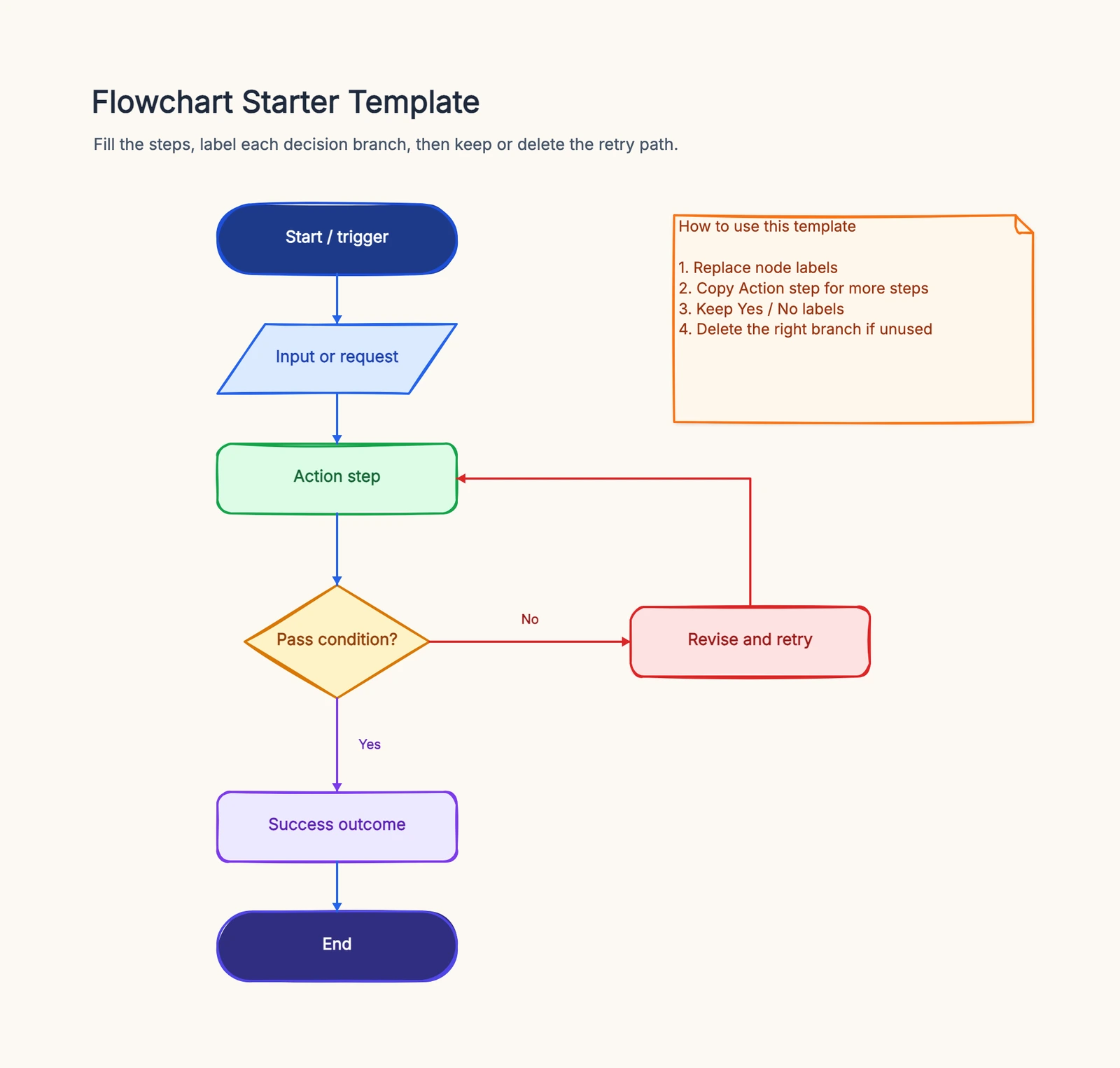
The two decision points — severity assessment and "mitigated?" with its escalation loop — are what make this an incident process rather than a hope. Start from the flowchart template to draw it and adapt the severity tiers to your team.
Common Variations
Not every team runs incidents the same way. A few common branches to add:
- On-call rotation. Before "notify stakeholders," many flows add a "who's on call?" routing step that pages the current rotation rather than a fixed person.
- Severity-based SLAs. Each severity gets its own response and resolution clock. The flow can branch per severity into different notification and update cadences.
- Public status page. For customer-facing systems, add an explicit "post to status page" step (and updates) so external communication is never forgotten under pressure.
- Blameless postmortem. For P1/P2, the postmortem is mandatory with assigned action items; for low-severity incidents it may be skipped or batched into a weekly review.
Common Mistakes
No severity triage. If every incident takes the same path, you either over-respond to minor blips or under-respond to real outages. The severity decision is what right-sizes the response.
No communication branch. Teams that map only the technical fix leave customers and leadership in the dark. Communication and the status page deserve their own steps running in parallel with diagnosis.
Skipping the postmortem. Closing the incident without a review means the same outage recurs. The postmortem step is what turns an incident into a permanent improvement.
Unlabeled decision branches. Every diamond ("P1, P2, or P3?", "Mitigated?") needs labeled exits, or responders guess under pressure.
Frequently Asked Questions
What is an incident management flowchart?
An incident management flowchart maps how an organization coordinates its response to an incident — detection, logging, severity triage, notification, diagnosis and mitigation, recovery, closure, and postmortem — so the whole team responds consistently.
How is incident management different from troubleshooting?
Troubleshooting is the engineering work of finding and fixing the technical root cause. Incident management is the coordination layer around it — severity classification, who gets notified, how status is communicated, and the postmortem afterward. See the troubleshooting flowchart for the technical side.
Ready to map your own incident process? Open the flowchart template — adapt the severity tiers, escalation loop, and communication steps to your team, no signup required.
Key Roles in Incident Management
Every step in the flowchart connects to a specific role. Without clear ownership, the flowchart is just a diagram.
Incident Commander: One person owns the incident from detection to resolution. They do not fix everything — they coordinate everyone else. The flowchart should make it obvious who the commander is at any given moment and when the role transfers.
Communications Lead: Handles internal and external messaging. During a major incident, this person posts status updates, drafts customer-facing communications, and keeps stakeholders informed. They are not debugging — they are keeping everyone else from being interrupted by "what is happening?" questions.
Subject Matter Experts: The people who actually diagnose and fix the problem. The flowchart routes them to the right incident based on severity and type. For high-severity incidents, SMEs should be paged automatically — do not rely on someone checking a Slack channel.
Scribe: Documents the timeline — what was tried, when, and what happened. This creates the post-incident review document without requiring someone to reconstruct events from memory three days later. The scribe role is often overlooked but is the difference between a useful postmortem and a vague recollection.
Incident Severity Levels
A flowchart is only useful if severity is defined before the incident starts. Here is a practical framework:
SEV 1 — Critical: Complete service outage affecting all users. Revenue loss is measurable per minute. Requires immediate page to all on-call engineers. Communications lead notifies executives within 15 minutes.
SEV 2 — Major: Core functionality degraded for a significant percentage of users. Checkout is slow but not down. Pages load but search is broken. Page on-call team. Customer-facing status page updated within 30 minutes.
SEV 3 — Minor: Non-critical feature affected, or issue impacts only internal users. Handle during business hours. No executive escalation required.
SEV 4 — Cosmetic: Visual bug, typo, or minor annoyance. Add to the backlog. No immediate action required.
The flowchart should branch at the first decision point based on severity. A SEV 1 follows a different path than a SEV 4 — the response team, communication cadence, and escalation path all change.
Related Reading
- Troubleshooting Flowchart — the technical debugging side; incident management coordinates the response, troubleshooting finds the root cause
- Types of Flowcharts — process, swimlane, and more
- What Is a Flowchart? — the format basics
- Flowchart Symbols Guide — every shape explained