Two support agents handling the same ticket will often take different paths — one escalates immediately, another tries three fixes first. That inconsistency is exactly what frustrates customers and inflates resolution times. A customer service flowchart fixes it by making the path explicit: receive, route, resolve, escalate, close — the same way every time.
This guide maps a complete customer support process you can adapt, plus the common branches and the mistakes that quietly break a support workflow. For the format basics, see What Is a Flowchart?.
The Customer Service Process, Step by Step
Here is a standard support flow. Each numbered step is a shape in the diagram; the decisions are where it branches.
1. Receive the request. The entry point — a customer reaches out by email, chat, phone, or a web form. This is the Start terminator.
2. Log a ticket. Capture the customer's details and the issue in your help desk. Nothing should be worked before it's logged, or you lose tracking and SLAs.
3. Categorize and route (decision). "What type of issue is this?" Billing → billing team; technical → tech support; general → tier-1 queue. Routing early prevents tickets bouncing between teams.
4. First-contact resolution attempt. The assigned agent tries to resolve within the first interaction — the cheapest, fastest outcome for everyone.
5. Resolved at first contact? (decision).
- Yes → confirm with the customer → close the ticket.
- No → escalate to a higher tier or specialist.
6. Escalation. A senior agent or specialist takes over. The ticket stays open and tracked; the customer is kept informed of status.
7. Confirm resolution. Before closing, verify with the customer that the issue is actually solved — not just that you think it's solved.
8. Close the ticket. Record the resolution, tag the category, and close. This data feeds back into improving the process.
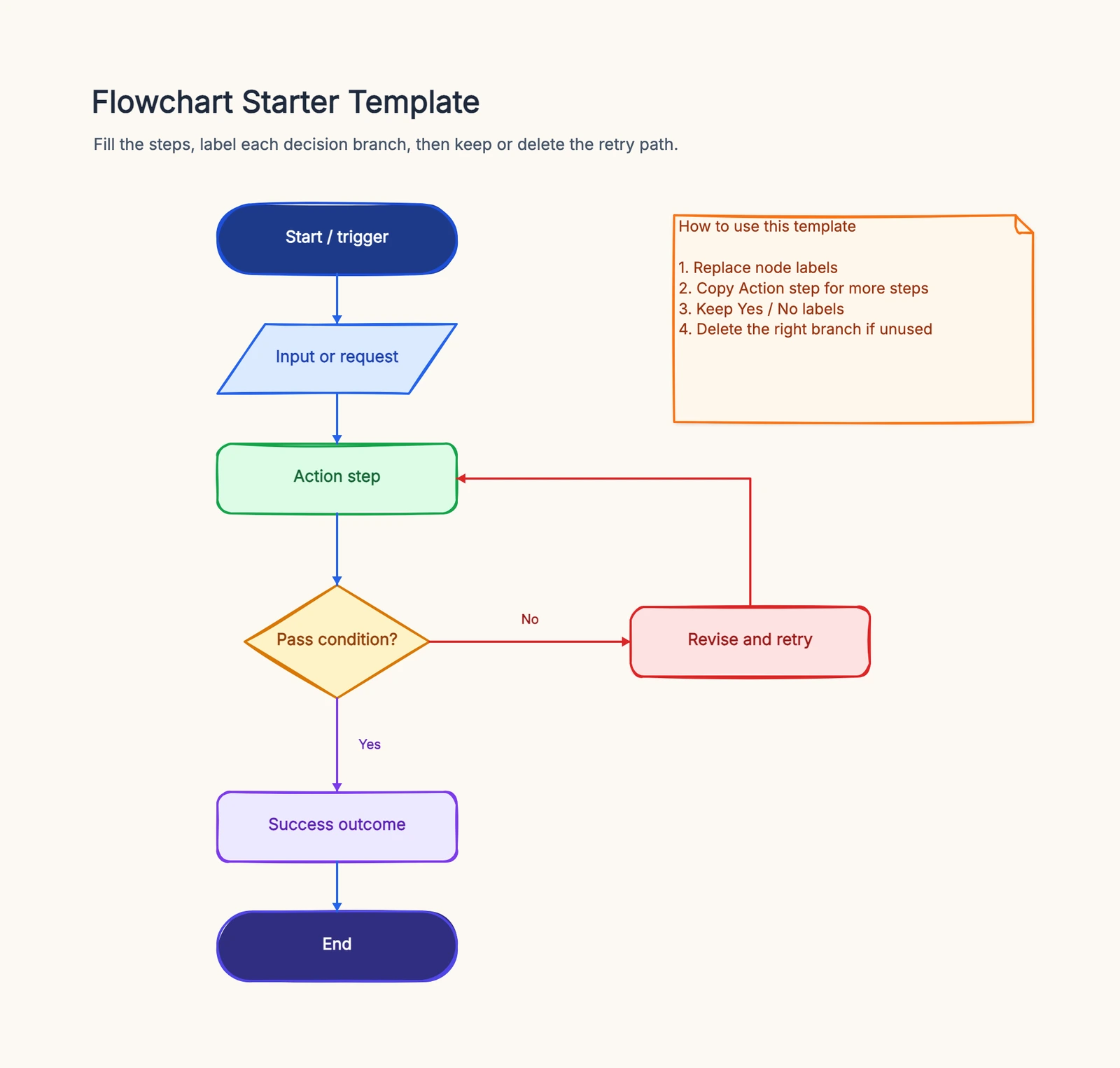
That escalation loop in steps 5–6 is what separates a real support flow from a wish. Start from the flowchart template to draw this process and adapt it to your team's tiers.
Common Variations
Not every support team uses the same flow. A few common branches to add:
- Multi-channel intake. If you support phone, email, chat, and social, the Start often fans into a "channel?" decision that normalizes everything into one ticket queue.
- Self-service deflection. Many flows add an early "Can the customer self-serve?" step that routes to a help center article before a human gets involved.
- SLA timers. Add notes or branches for "response within SLA?" so breaches trigger escalation automatically.
- Customer satisfaction (CSAT). After closing, a branch can trigger a satisfaction survey that loops low scores back for follow-up.
Common Mistakes
No escalation path. If every ticket is assumed solvable at tier 1, the diagram lies. Real support has a "No → escalate" branch.
Closing before confirming. Marking a ticket resolved without customer confirmation is the fastest way to reopen it. Build the confirmation step in.
Routing after work starts. If categorization happens after an agent already picked up the ticket, you get re-assignments and dropped context. Route first.
Unlabeled decision branches. Every diamond ("Resolved?", "Billing or technical?") needs labeled exits, or new agents guess.
Frequently Asked Questions
What is a customer service flowchart?
A customer service flowchart maps how a support request moves from first contact to resolution — intake, routing, troubleshooting, escalation, and closure — so every agent handles requests consistently.
How do you show escalation in a customer service flowchart?
Use a decision diamond like "Resolved at first contact?" with a "No" branch that routes to a higher support tier, then loops back to resolution and closure once handled.
Ready to map your own support process? Open the flowchart template — adapt the intake, routing, and escalation steps to your team, no signup required.
Related Reading
- Types of Flowcharts — process, swimlane, and more
- Approval Process Flowchart — another common business flow
- How to Make a Flowchart — the general tutorial
- Flowchart Symbols Guide — every shape explained