The best free mind map maker depends on what you need to protect or deliver. Choose Coggle for real-time collaboration when public maps are acceptable, XMind for solo or offline work, Miro when the map belongs inside a larger workshop, and CodePic when you want to start without an account and move straight from a template into the editor.
Free does not always mean unrestricted. Some products cap private maps, editable boards, nodes, monthly objects, or export formats. This comparison checks those limits first, then looks at collaboration, offline access, and how easily you can get the finished map out of the product. If the format itself is new to you, read what a mind map is and when to use one before choosing software.
What to Look For in a Free Mind Map Tool
Branching behavior. Does adding a new branch feel natural? Can you restructure the map easily when ideas shift? Some tools make rearranging feel like fighting the software; others make it feel instant.
Layout types. The standard radial layout (center outward) works for most mind maps. Some tools add tree layouts, fishbone diagrams, and outlines — useful if you use mind maps for varied purposes.
Collaboration. Real-time co-editing lets multiple people build a mind map together. Shared link viewing lets others see but not edit. Both are different from file-sharing collaboration.
Free plan scope. The most common restriction is a cap on the number of maps. Three maps is enough to evaluate the tool; five to ten is enough for light use; unlimited is what you need for regular work.
Export options. Can you get the mind map out as an image, PDF, or a format that other tools can read?
Coggle
Free tier: 3 private diagrams, unlimited public diagrams
Collaboration: Real-time
Layout types: Freeform radial
Coggle is one of the most thoughtfully designed free mind map tools. The branching is smooth — hovering over a node reveals add buttons in all directions, and moving branches is drag-and-drop without any friction. The real-time collaboration is solid, and the visual output is clean.
The free tier limits private diagrams to 3, but public diagrams are unlimited. For individuals who don't mind their maps being publicly accessible, this is a genuinely generous free tier. For anyone who needs private maps for sensitive work, 3 is quickly limiting.
You can add images and markdown to nodes, and the export includes PNG and PDF. The interface is browser-based only — no desktop app.
Best for: Individual users who want a clean, collaborative mind map tool and can work within 3 private maps (or are comfortable with public maps).
MindMeister
Free tier: 3 mind maps
Collaboration: Unlimited collaborators, but free maps are not private
Layout types: Standard radial, tree
MindMeister is one of the most recognized names in mind mapping, with a polished interface and a long track record. The free tier allows 3 mind maps — enough to evaluate it thoroughly and complete a short project, but not for ongoing use.
The free plan lists unlimited collaborators, templates, presentations, and mobile apps, but it does not include private maps or file exports. Do not use it for confidential planning, and expect to upgrade if you need a downloadable image or PDF.
MindMeister integrates with MeisterTask (their task management tool), which is useful if you want to convert mind map nodes into actionable tasks.
Paid plans start around $6/month for individuals, which is reasonable if you use mind maps regularly.
Best for: Users who want a polished interface and don't mind the 3-map limit for occasional use. The free tier works as a permanent evaluation mode more than a long-term free solution.
XMind
Free tier: Unlimited local maps; up to 10 manually created online maps Collaboration: View-only sharing on free; real-time editing requires Premium Layout types: Radial, tree, fishbone, timeline, matrix, org chart
XMind is one of the most feature-rich options on this list. Its current free plan supports unlimited basic local topics and maps, up to 10 manually created online maps, three days of version history, five Pitch slides, and single-map PNG export with a watermark.
The key limitation is collaboration. Free users can publish view-only links, but real-time editing requires Premium. The desktop apps remain useful for solo and offline work, while online-map and export limits matter for a cloud-first workflow.
For solo users who need a powerful offline mind mapping tool with multiple layout modes, XMind is hard to beat. For teams that need real-time collaboration, it's not the right choice.
Paid plans add broader export, more online maps, and real-time collaboration. The free tier covers basic individual mapping, but not every online or collaborative workflow is unlimited.
Best for: Individual power users who want the deepest feature set in a free mind map tool, particularly multiple layout types and offline use.
Run the Same 15-Minute Mind Map Test
Before moving real project notes into any tool, give two candidates the same small job. Use a topic you already understand, add five main branches, add two child nodes under each branch, move one branch to a different category, share the map, and export an image. This exposes the limits that feature tables hide: whether restructuring is quick, whether the free map stays private, and whether the export is usable.
You can use the free online mind map maker as the baseline. Choose “Create a Mind Map,” replace the sample center topic, and compare the same structure in the other candidate. Do not test with confidential material until you have confirmed the product's free-plan privacy rules.
Miro
Free tier: 3 boards
Collaboration: Full real-time, unlimited team members
Layout types: Freeform (not mind-map-specific)
Miro isn't a dedicated mind map tool — it's a whiteboard platform where mind mapping is one of many things you can do. For teams already using Miro, this means you can run a mind mapping session without switching tools. The free plan's three boards come with unlimited collaborators and full real-time features.
Free boards are visible to the team and cannot be made private. Image export is available at low resolution, so test the exported file before relying on it in a presentation or report.
The canvas is freeform, which gives you more flexibility than a structured mind map tool — you can mix mind map nodes with sticky notes, images, shapes, and other elements on the same board. This is useful for collaborative workshops where mind mapping is part of a larger session.
The limitation is that Miro's mind map experience isn't as polished as a dedicated tool. Auto-layout is less sophisticated, and the shapes aren't specifically designed for mind mapping.
Best for: Teams already in Miro who want to run collaborative sessions that include mind mapping, without needing a dedicated tool.
GitMind
Free tier: Up to 3 files, 60 nodes and 2 images per mind map Collaboration: Available with plan-dependent limits Layout types: Several standard layouts
GitMind is a web-based mind mapping tool whose current free account is capped at three files, 60 nodes and two images per mind map, 100 MB of cloud storage, and seven days of version history. It covers standard branching, node customization, links, and several layouts.
Free accounts can export standard-quality images; PDF and HD image export are paid features. The interface is available in multiple languages, which is useful for international teams.
GitMind is useful for evaluating its web workflow, but the three-file and 60-node limits make it a trial-sized free workspace rather than an unlimited long-term library.
Best for: Occasional web-based maps that fit within three files and 60 nodes, especially when a standard image export is enough.
Whimsical
Free tier: Unlimited boards, with 50 new board objects per month
Collaboration: Real-time; public links can allow viewing, comments, or editing Layout types: Radial, tree
Whimsical covers mind maps, flowcharts, wireframes, and sticky notes in one tool. The interface is clean and the mind map feature is well-designed — branching feels natural and the visual output looks professional without extra effort.
The free plan no longer caps the number of boards. Instead, it limits creation to 50 new board objects and 50 document blocks per month, keeps seven days of version history, and adds a watermark to exports. A mind map can consume that object allowance quickly because every node and connector counts toward the monthly creation limit.
Best for: Individuals or small teams evaluating a polished multi-purpose canvas whose maps stay within the monthly object allowance.
CodePic
Free tier: Unlimited
Collaboration: Read-only link sharing
Layout types: Standard radial and tree
CodePic is a free diagramming tool that includes mind mapping alongside flowcharts, sequence diagrams, org charts, and other diagram types. The hand-drawn style makes mind maps feel like whiteboard sketches — deliberately exploratory rather than polished.
The key differentiator is AI integration. CodePic supports the MCP protocol, which means you can connect it to Claude or Cursor and generate a mind map structure from a plain-language description. Describe a topic and the main branches and sub-branches appear. For brainstorming sessions where you want a starting structure that you'll then refine, this changes the workflow considerably.
Collaboration is currently read-only link sharing — you can share a view link but multiple people can't edit simultaneously.
Best for: Technical teams using AI tools who want to generate mind map structures from text descriptions, or anyone who wants unlimited mind mapping with the hand-drawn whiteboard aesthetic.
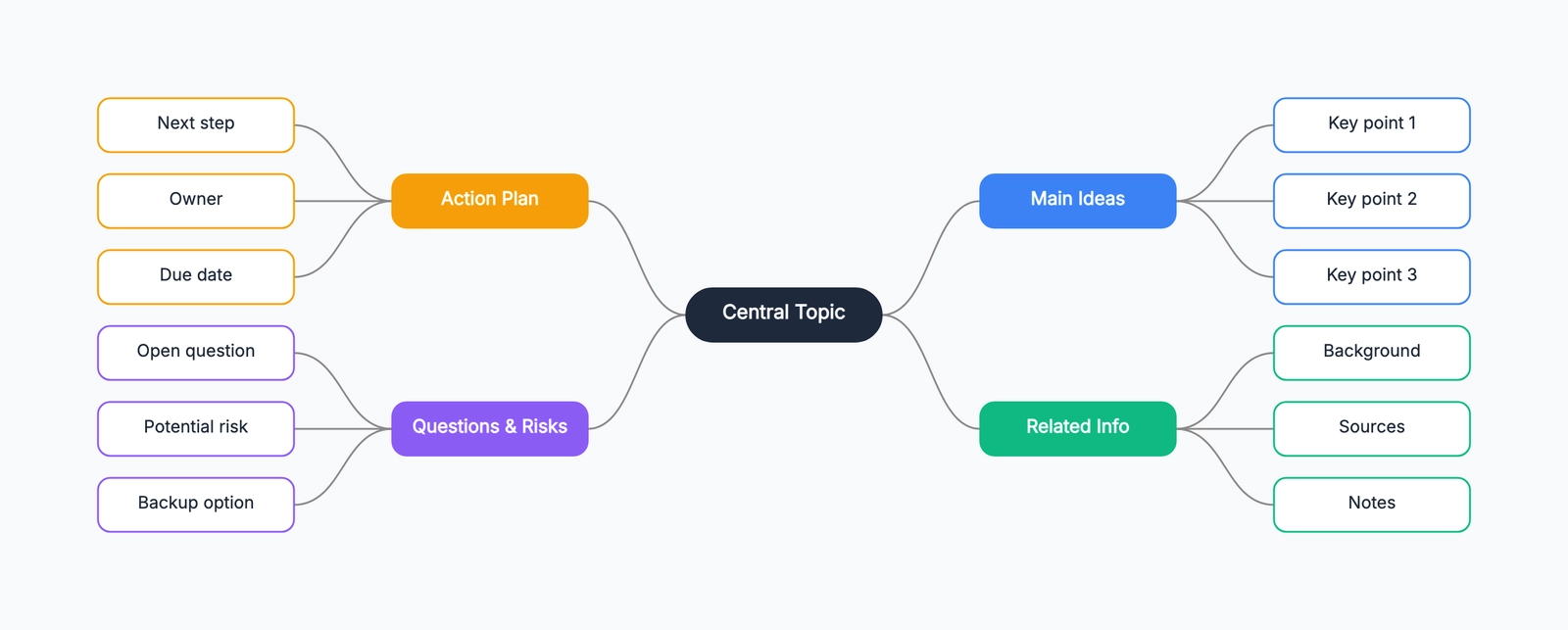
Open the mind map template to start from a ready-made structure.
Quick Comparison
| Tool | Free Plan | Collab | Layouts | Export | AI |
|---|---|---|---|---|---|
| Coggle | 3 private / unlimited public | Real-time | Freeform | PNG, PDF | No |
| MindMeister | 3 non-private maps | Real-time | Radial, tree | Paid | No |
| XMind | Unlimited local / 10 online | View-only free | Many | PNG with watermark | Paid |
| Miro | 3 non-private boards | Real-time | Freeform | Low-resolution image | Limited |
| GitMind | 3 files / 60 nodes | Limited | Several | Standard image | No |
| Whimsical | Unlimited boards / 50 objects monthly | Real-time | Radial, tree | Watermarked | Limited credits |
| CodePic | Unlimited | Read-only link | Radial, tree | Yes | MCP/Claude |
How to Choose
If real-time collaboration is essential: Coggle is the clearest free option when public maps are acceptable; MindMeister supports collaborators, but free maps are not private.
If you need a powerful solo tool: XMind offers multiple layouts and offline use, but note the 10-online-map and free-export boundaries.
If your team is already in Miro: Stay there. The mind map experience isn't the best available, but switching tools for one feature type rarely makes sense.
If you want a polished interface for occasional use: MindMeister or Whimsical — accept that you'll hit the free tier limits quickly.
If you use AI tools in your workflow: CodePic, for the ability to generate mind map structures from natural language.
The fastest way to evaluate: pick two tools that seem relevant, spend 15 minutes mind-mapping the same topic in both, and see which one feels more natural. The tool that makes you think about ideas rather than about the software is the right one.
Related Reading
- What Is a Mind Map? A Clear Explanation with Examples — the fundamentals of mind mapping
- Mind Maps: A Better Way to Brainstorm — practical brainstorming techniques
- Mind Map Templates — ready-to-use templates to get started