Two recruiters working the same opening will often run it differently — one phone-screens everyone, another sends half straight to a hiring manager. That inconsistency is exactly what lets good candidates slip away and drags time-to-hire out for weeks. A hiring process flowchart fixes it by making the path explicit: requisition, post, screen, interview, offer, onboard — the same way every time.
This guide maps a complete recruitment process you can adapt, plus the common branches and the mistakes that quietly break a hiring workflow. For the format basics, see What Is a Flowchart?.
The Hiring Process, Step by Step
Here is a standard recruitment flow. Each numbered step is a shape in the diagram; the decisions are where it branches.
1. Create the job requisition (JD). The entry point — the hiring manager defines the role, responsibilities, and requirements. This is the Start terminator. Nothing should be posted before the requisition is approved.
2. Post the opening. Publish the role to job boards, your careers page, and referral channels. The wider and more targeted the reach, the better the candidate pool.
3. Screen resumes. Review incoming applications against the requirements. This is the first filter that separates qualified candidates from the rest.
4. Resume qualified? (decision).
- Yes → move to the phone screen.
- No → reject and archive the application (with a polite rejection note).
5. Phone screen. A short call to confirm basics — interest, availability, salary expectations, and a quick skills check before investing interview time.
6. On-site / technical interview. The core evaluation — one or more rounds with the team, technical exercises, or a panel, depending on the role.
7. Passed interview? (decision).
- Yes → proceed to the background check.
- No → reject the candidate and notify them.
8. Background check. Verify references, employment history, and any role-specific requirements before committing to an offer.
9. Send the offer. Extend a written offer with compensation, start date, and terms.
10. Offer accepted? (decision).
- Yes → onboard the new hire.
- No → return to the candidate pool or reopen the requisition and post again.
11. Onboard. Provision accounts, schedule orientation, and start the new hire. This is the End terminator for a successful path.
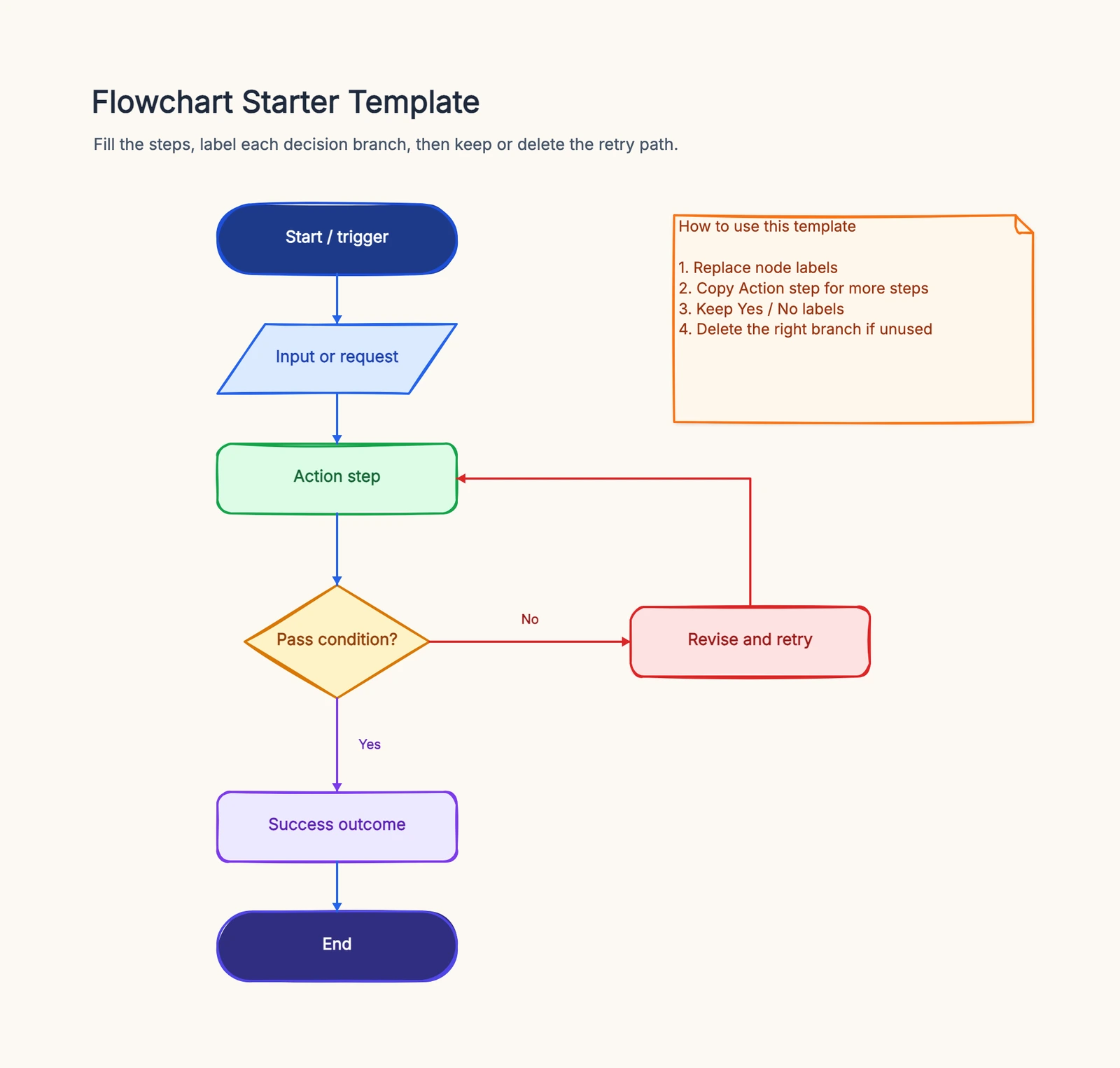
Those reject branches in steps 4, 7, and 10 are what separate a real recruitment flow from a wish. Start from the flowchart template to draw this process and adapt it to your team's stages.
Common Variations
Not every hiring team uses the same flow. A few common branches to add:
- Multiple interview rounds. Many roles add several "Passed round N?" decisions in sequence — recruiter screen, hiring manager, panel, then final — each with its own reject branch.
- Bulk / high-volume hiring. For seasonal or call-center roles, the screen and phone steps are often replaced with automated assessments that batch-filter applicants before any human review.
- Referral channel. Referrals frequently skip the open posting and feed directly into the resume screen, sometimes with an expedited track.
- Hiring committee scoring. Instead of a single "Passed interview?" decision, interviewers submit scores that feed a committee review, which makes the pass/fail call.
Common Mistakes
No reject branches. If the diagram only shows the happy path to an offer, it lies. Real hiring rejects candidates at every decision — screen, interview, and offer.
Offer before background check. Extending an offer and then failing a reference check forces awkward rescindments. Verify first, then commit.
Skipping the phone screen. Sending unvetted resumes straight to on-site interviews wastes the team's time. The phone screen is a cheap, fast filter — keep it.
Unlabeled decision branches. Every diamond ("Resume qualified?", "Offer accepted?") needs labeled exits, or new recruiters guess where candidates go.
Frequently Asked Questions
What is a hiring process flowchart?
A hiring process flowchart maps how a candidate moves from job requisition to onboarding — posting, screening, interviews, background checks, and offers — so every hire follows the same consistent path.
How do you show rejection in a hiring process flowchart?
Use a decision diamond like "Resume qualified?" or "Passed interview?" with a "No" branch that routes to a reject or archive step, while the "Yes" branch continues down the pipeline toward an offer.
Ready to map your own recruitment process? Open the flowchart template — adapt the requisition, screening, and interview steps to your team, no signup required.
Related Reading
- Types of Flowcharts — process, swimlane, and more
- What Is a Flowchart? — the format basics
- How to Make a Flowchart — the general tutorial
- Flowchart Symbols Guide — every shape explained