SaaS landing page
Who uses it: Product marketer or designer laying out a new feature page
[Header] Logo + Nav + Sign Up button
[Hero] Headline + 2-line sub + demo button
[Social proof] 5 company logos
[Features] 3-col grid: icon + title + 2 lines
[How it works] 3-step numbered flow
[Pricing] 3 cards + FAQ accordion
[Footer] Links + newsletter
Why this works: Wireframing the landing page structure first prevents the common mistake of designing each section in isolation and then discovering the overall page has no clear visual hierarchy.
Mobile onboarding flow
Who uses it: UX designer mapping the first-run experience for a mobile app
Screen 1: Welcome + Get started CTA
Screen 2: Permission request (notifications)
Screen 3: Profile setup form
Screen 4: Interest selection (chips)
Screen 5: Home screen (empty state)
Why this works: Wiring the onboarding as a screen-by-screen flow makes it easy to count the steps a new user must complete and identify any that can be removed or deferred.
Analytics dashboard
Who uses it: Product manager or developer designing an internal data tool
[Top bar] Date range picker + export button
[KPI row] 4 metric cards: revenue, users, churn, NPS
[Chart row] Line chart (left 60%) + donut (right 40%)
[Table] Sortable data grid with pagination
[Sidebar] Filter panel with checkboxes
Why this works: Blocking out the dashboard grid first prevents engineers from building beautiful charts that nobody can find because the layout buries them below the fold.
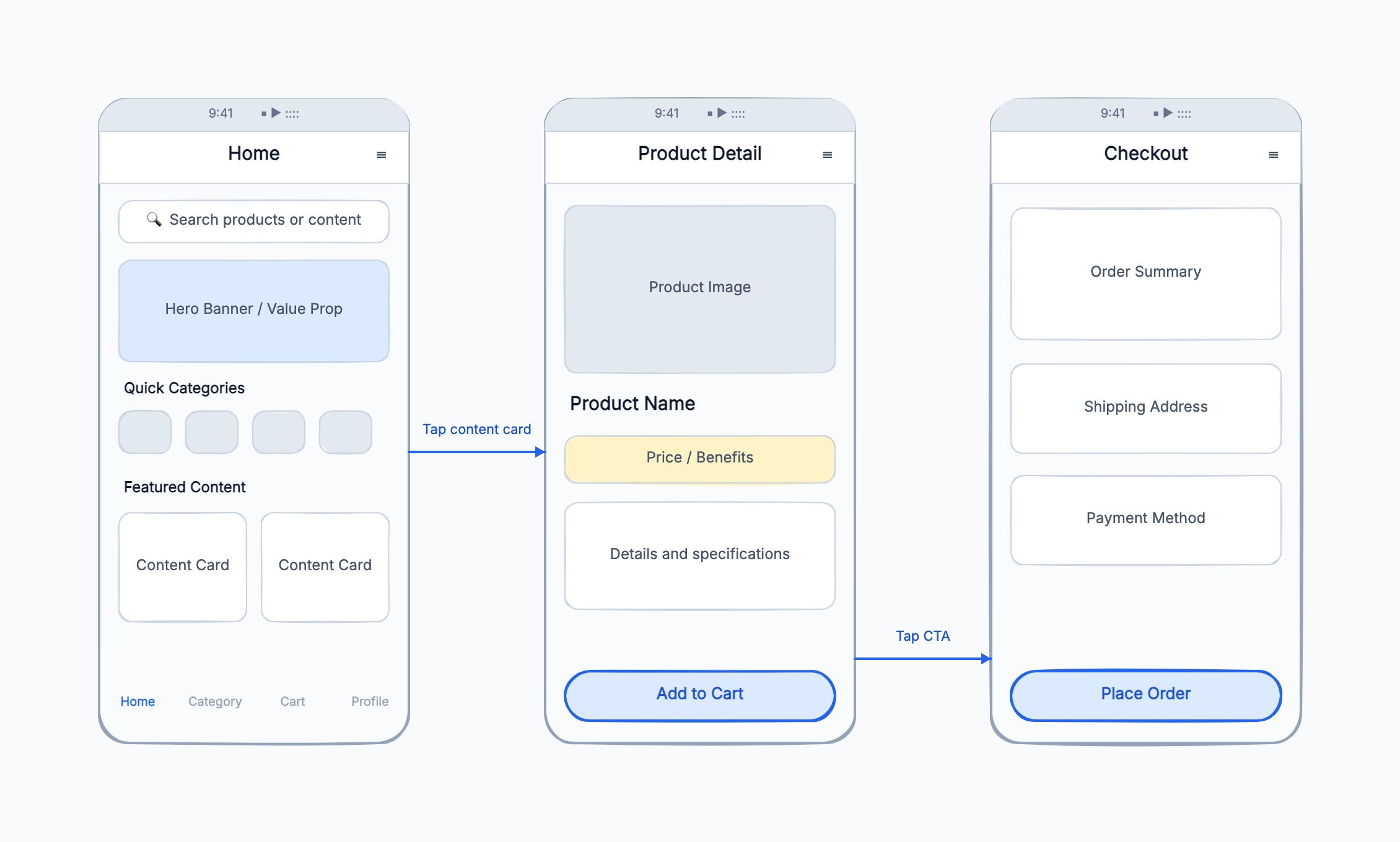
E-commerce checkout
Who uses it: UX designer or developer reducing cart abandonment
Step 1: Cart review + promo code field
Step 2: Shipping address form
Step 3: Delivery method selection
Step 4: Payment details
Step 5: Order summary + place order CTA
Confirmation: Order number + next steps
Why this works: A step-by-step wireframe makes it obvious when the checkout has too many screens — if users have to make more than four decisions before paying, conversion typically drops.
Admin panel with sidebar nav
Who uses it: Developer or designer building an internal tool
[Sidebar] Logo + nav items + user avatar
[Main area] Page title + action buttons
[Data table] Columns + filters + bulk actions
[Modal] Edit form triggered from table row
Why this works: Separating sidebar navigation from the main content area in the wireframe stage clarifies which nav items are global and which are context-specific, avoiding a cluttered sidebar later.
Article or blog post layout
Who uses it: Content strategist or developer building a CMS template
[Header] Publication name + nav
[Hero image] Full-width
[Title + author + date]
[Body] Text with inline images
[Sidebar] Related articles + ad slot
[Footer] Tags + comment section
Why this works: Wireframing the reading experience before building the CMS template helps align the content team and developers on how much flexibility authors actually need.