Brand intro video
Who uses it: A marketing team producing a 90-second brand introduction
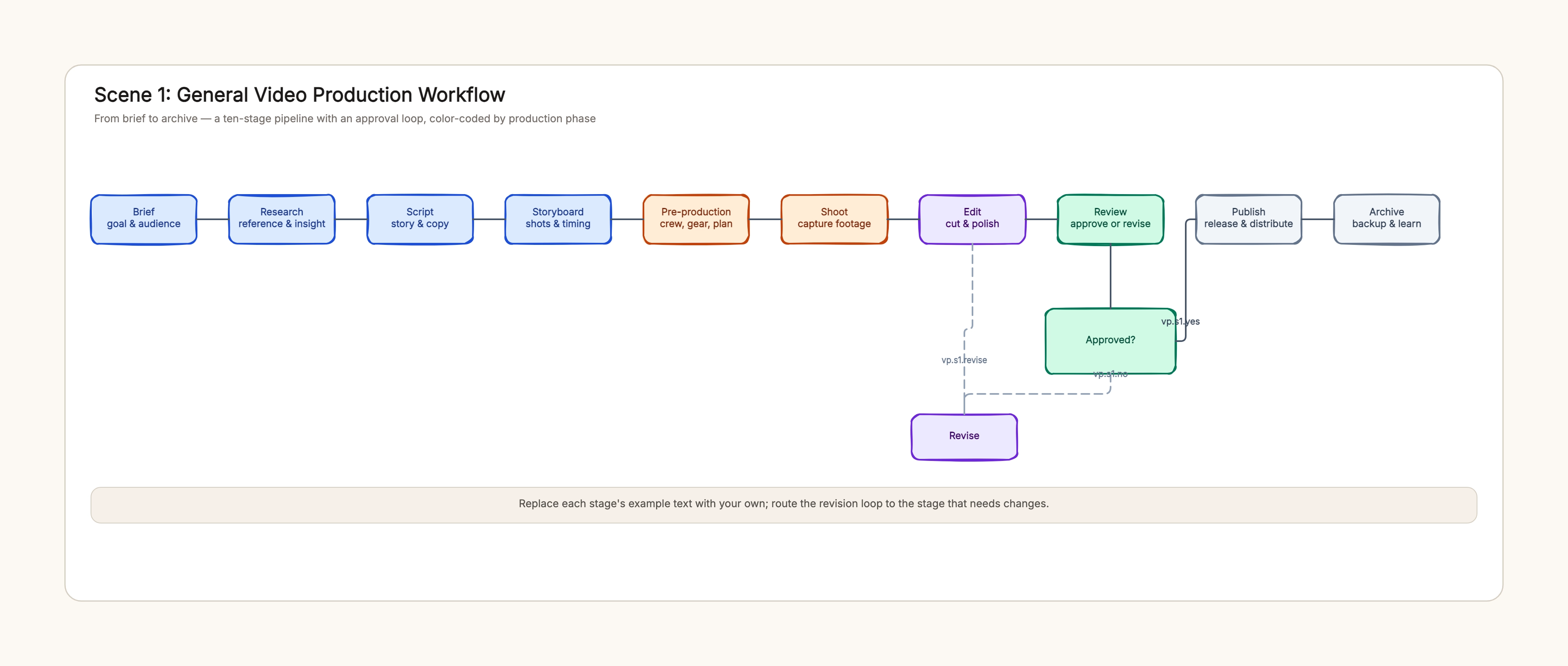
Brief — goal, audience, length
→ Research — competitor references
→ Script — story & voiceover copy
→ Storyboard — shots & timing
→ Pre-production — crew, location, gear
→ Shoot — 1-day shoot
→ Edit — cut & music
→ Review — client approval (loop back on changes)
→ Publish — website & social
→ Archive — master & assets
Why this works: A brand intro video is approval-driven, so the review gate and the revise loop matter most. Keeping the stages and owners visible lets marketing and the client agree on who approves before the edit starts.
Product demo video
Who uses it: A product team recording a walkthrough of a new feature
Brief — feature, user, key messages
→ Script — step-by-step narration
→ Storyboard — screens & transitions
→ Pre-production — test environment, mic, screen recorder
→ Shoot — record screens & voiceover
→ Edit — cuts, captions, annotations
→ Review — PM & design approval
→ Publish — docs & release notes
Why this works: Product demos depend on a stable test environment, so pre-production is a real stage here. The workflow makes the environment and recording plan explicit before the shoot, which is where most demo projects fail.
Client case story
Who uses it: An agency team producing an interview-based customer story
Brief — story angle, client sign-off
→ Research — interview questions
→ Script — narrative arc
→ Pre-production — interviewee, location, releases
→ Shoot — interview + b-roll
→ Edit — story cut, captions
→ Review — client approval loop
→ Publish — campaign channels
→ Archive — raw & master
Why this works: Client stories are built around an interview, so the releases and the interviewee availability are part of pre-production. The approval loop is drawn with the client as the named approver, which prevents surprise changes late in the edit.
Event recap video
Who uses it: An events team producing a 60-second recap after a conference
Brief — moments to capture, length
→ Pre-production — camera plan, crew rota
→ Shoot — keynotes, booth, atmosphere
→ Edit — highlight cut, music
→ Review — internal approval
→ Publish — social & website
→ Archive — raw footage
Why this works: An event recap compresses a live event into a short cut, so the shoot plan (who films what) and the edit direction matter more than script. The workflow keeps the capture plan visible and the review short, because the recap needs to go out fast.
Training video series
Who uses it: An L&D team producing a multi-part onboarding series
Brief — curriculum, learner, length per episode
→ Script — episode scripts with shared templates
→ Storyboard — slides & screen recordings
→ Pre-production — recording studio, equipment
→ Shoot — record all episodes
→ Edit — batch cut, captions
→ Review — SME & compliance check
→ Publish — LMS & internal channels
Why this works: A training series is produced in batches, so the workflow separates scripting from recording and review from publish. The compliance review is a named gate, which keeps the series consistent across episodes.
Short film
Who uses it: An indie team producing a 10-minute short film
Development — script final draft, budget & financing
→ Pre-production — casting, locations, shooting schedule
→ Principal Photography — daily call sheets, rushes
→ Post-production — picture edit, sound, color, captions
→ Delivery — master & formats, release plan
Why this works: A short film follows the classic film pipeline, where casting and financing live in development and the shooting schedule drives pre-production. The workflow keeps the five stages distinct so a small team can see where the bottlenecks are.