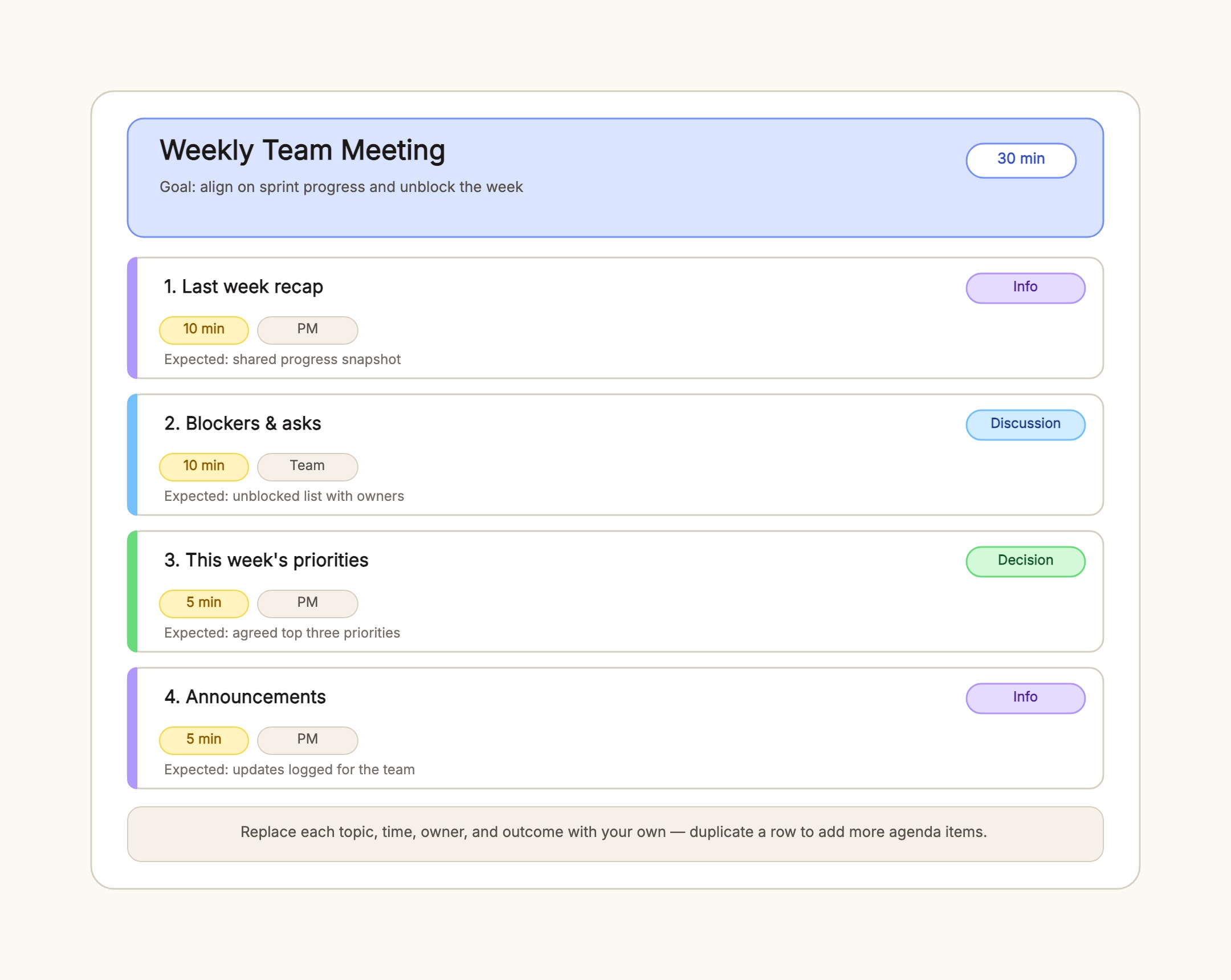
Weekly team sync
Who uses it: A team lead or product manager running a recurring team meeting
Goal: align on sprint progress and unblock the week — 30 min
Last week recap — 10 min — PM — progress snapshot
Blockers & asks — 10 min — team — unblocked list
This week's priorities — 5 min — PM — top three
Announcements — 5 min — PM — updates logged
Why this works: A weekly sync is tactical, so every item is time-boxed and ends with an outcome. Status tags keep decisions separate from updates.
Quarterly board meeting
Who uses it: A board secretary or chair preparing a governance meeting
Goal: approve the budget and confirm strategy — 90 min
Call to order & minutes — 5 min — Chair
Financial review — 20 min — CFO
Budget approval — 20 min — Chair — vote recorded
Strategy update — 25 min — CEO
Committee reports — 15 min — Chairs
New business & adjournment — 5 min — Chair
Why this works: A board agenda leads with approvals and governance. Decision items are marked so the votes and the record are unambiguous.
Staff all-hands
Who uses it: A CEO or people-ops lead running a company-wide meeting
Goal: share updates and celebrate wins — 45 min
Welcome & wins — 5 min — CEO
Company performance — 10 min — CFO
Product roadmap — 10 min — CPO
People & culture — 5 min — HR
Q&A — 10 min — Everyone
Closing — 5 min — CEO
Why this works: An all-hands favors alignment and morale. It front-loads wins, shares numbers, and reserves a real block for Q&A instead of trailing off.
Project kickoff meeting
Who uses it: A project manager launching a new initiative
Goal: align on scope, roles, and first milestones — 60 min
Project overview & goals — 15 min — PM
Scope & timeline — 15 min — PM
Roles & responsibilities — 10 min — PM
Risks & decisions — 10 min — team
Next steps & owners — 10 min — PM
Why this works: A kickoff agenda answers the four questions a team needs before work starts: what, when, who, and what happens next.
Client status call
Who uses it: An account manager running a recurring client meeting
Goal: report progress and confirm next steps — 30 min
Progress since last call — 10 min — AM
Open items & blockers — 10 min — AM
Feedback & decisions — 5 min — client
Next steps — 5 min — AM
Why this works: A client call is a status update with a decision wrapper. Keeping decisions separate stops the call from becoming a free-form review.
One-on-one check-in
Who uses it: A manager meeting a direct report
Goal: check progress, priorities, and growth — 30 min
How it's going — 10 min — report
Priorities & blockers — 10 min — both
Growth & feedback — 5 min — manager
Actions — 5 min — both
Why this works: A one-on-one agenda is short and two-way. The employee speaks first, and the meeting ends with actions, not just a chat.