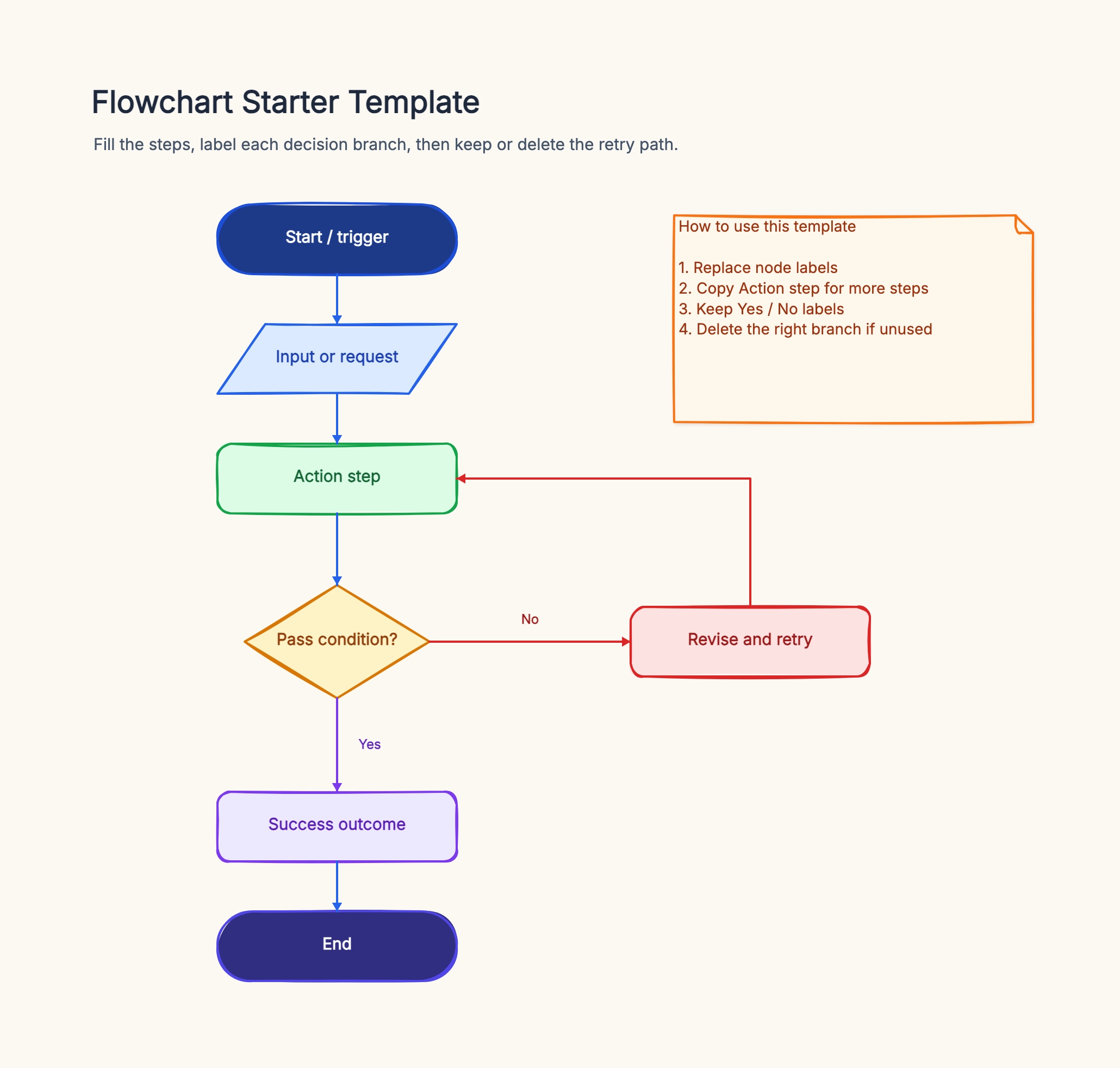
Software release checklist
Who uses it: Developer or DevOps engineer managing a deployment pipeline
Code merged to main
|- Run CI tests
| |- Fail → notify author, stop
| |- Pass → build artifact
|- Deploy to staging
|- Smoke tests pass?
| |- No → rollback, file incident
| |- Yes → deploy to production
Why this works: Each branch shows exactly what to do when tests fail or pass, so the team does not have to discuss the same decision every sprint.
Customer support escalation
Who uses it: Support team lead standardizing how tickets move between tiers
Ticket received
|- Tier 1 can resolve?
| |- Yes → close ticket
| |- No → escalate to Tier 2
|- Tier 2 can resolve?
| |- Yes → close + document fix
| |- No → escalate to engineering
Why this works: Mapping escalation paths as a flowchart removes ambiguity about when a ticket should move up, which cuts average resolution time.
Employee onboarding flow
Who uses it: HR manager building a repeatable onboarding process
Offer accepted
|- Send welcome email + IT request
|- Equipment ready on day 1?
| |- No → flag to IT lead
| |- Yes → run orientation
|- Role requires access to finance systems?
| |- No → standard access
| |- Yes → compliance training first
Why this works: Decision branches for equipment and system access mean the same diagram handles multiple job types without a separate checklist per role.
Budget approval workflow
Who uses it: Finance or operations team documenting spend thresholds
Purchase request submitted
|- Under $500?
| |- Yes → manager approves
|- Under $5,000?
| |- Yes → director approves
|- Over $5,000
| |- CFO approval required
|- PO issued
Why this works: Threshold-based branching makes the approval rules visible so requesters know upfront who needs to sign without asking HR each time.
User registration process
Who uses it: Product manager or developer designing an authentication flow
User clicks Sign Up
|- Email already registered?
| |- Yes → show 'Log in instead'
| |- No → create account
|- Send verification email
|- Email verified within 24 h?
| |- No → resend or expire account
| |- Yes → activate and redirect
Why this works: Mapping edge cases like duplicate emails and expired links in a flowchart catches gaps in the spec before any code is written.
Content publishing checklist
Who uses it: Content strategist or editor managing a multi-step review process
Draft submitted
|- SEO review passed?
| |- No → revise and resubmit
| |- Yes → legal review
|- Legal clearance?
| |- No → edit flagged sections
| |- Yes → schedule publish
|- Published
Why this works: A linear checklist cannot show what happens when a step fails. The flowchart makes the rework loop explicit so writers know exactly where their draft is stuck.