Miro and FigJam are the two whiteboard tools most often shortlisted by product and design teams. They share a category — online collaborative whiteboards — but they were built from opposite starting points. Miro grew from the workshop facilitation world outward into design and engineering. FigJam grew from inside Figma's design ecosystem outward into broader collaboration.
If your team is choosing between them, the question isn't really "which whiteboard is better." It's "which team are we, and what kind of collaboration do we actually do day to day?" Here's a detailed comparison to help answer that.
At a Glance
| Miro | FigJam | |
|---|---|---|
| Free tier | 3 editable boards, unlimited members | 3 team FigJam files + unlimited drafts |
| Paid from | ~$8/member/mo (Starter, annual) | Through Figma paid seats |
| Real-time collab | ✓ (full, unlimited on free) | ✓ (full, included) |
| Templates | 7,000+ official and community templates | Smaller, design and team focused |
| AI features | Miro AI (clustering, summaries, generation) | FigJam AI (diagram generation, sorting) |
| Figma integration | View-only embeds | Native, two-way editing |
| Best for | Cross-functional workshops, enterprise | Design teams, Figma users |
| Visitor access | Paid plans support visitor editing | Link sharing / open sessions |
The summary: Miro is broader — a platform for running workshops across an organization. FigJam is tighter — a whiteboard purpose-fit for design teams in the Figma ecosystem. Here's the detail behind each row.
What Each Tool Is Built For
Miro started as a replacement for physical whiteboards and sticky-note exercises in conference rooms. Its DNA is facilitation: a facilitator stands at the front, participants place stickies, vote with dots, cluster ideas, and fill templates. The feature set grew from that — timer, voting, talktrack, presentation mode, breakout frames — all designed to run structured sessions with groups.
FigJam started from a different need: designers and their cross-functional partners needed a quick, low-friction space to think together alongside Figma design files. FigJam's DNA is informal — stamps, emotes, cursor chat, marker mode, and a deliberately playful tone that makes it feel less like a meeting and more like a sketchpad everyone can draw on.
This origin difference explains most of the feature choices. Miro invests in structure (the workshop runs on time, everyone knows which frame to work in). FigJam invests in spontaneity (you open a file, someone drops in, the conversation starts).
The Real Difference: Workshop Room vs. Design Room
Miro vs FigJam is easier to understand if you picture the room each tool is trying to replace.
Miro replaces the workshop room. It assumes people from different functions will arrive, need orientation, follow a structure, vote, cluster ideas, present frames, and leave with a shared plan. The product is broad because the audience is broad.
FigJam replaces the design room. It assumes the conversation is near Figma files, prototypes, critique, and product decisions. The board is lighter because the design context already provides much of the structure.
That is why feature-by-feature comparisons can feel confusing. A timer, voting flow, or template count matters more in Miro's world. File proximity and Figma muscle memory matter more in FigJam's world. Pick the room you are actually trying to run.
Test the Room with One Mind Map
Open the same mind map in both tools, ask three people to add branches, then cluster and present the result. This tests the meeting experience rather than isolated toolbar features.
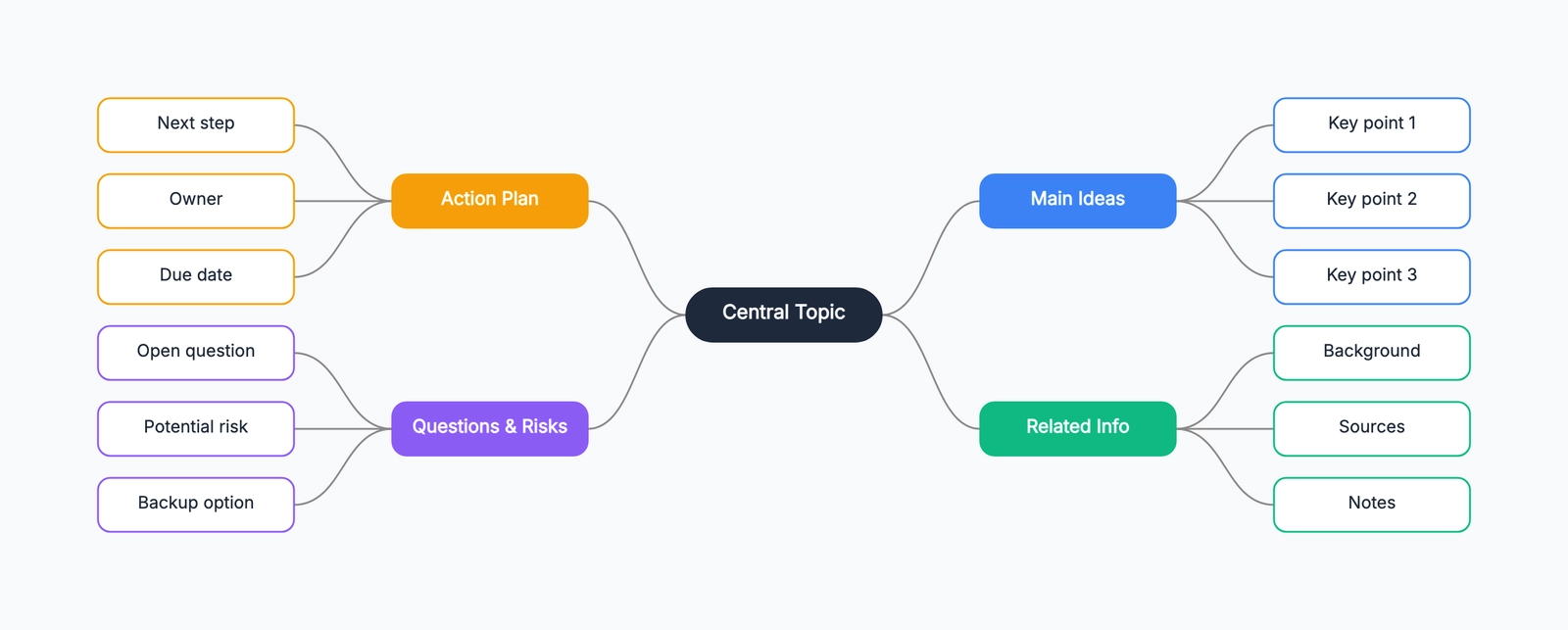
Mind map
Try this templateFigJam usually wins when the conversation stays close to design work. Miro earns its extra structure when the session needs facilitation and a formal outcome.
Pricing
Cost comparison depends on whether your team already pays for Figma.
Miro's Free plan gives you 3 editable boards with unlimited team members — useful for a single active project or a small team evaluating workshop workflows. The Starter plan at about $8/member/month (annual) unlocks unlimited and private boards, visitor editing, high-resolution exports, timer, voting, and more AI/MCP usage. Business plans add deeper facilitation, AI, integrations, and security controls.
FigJam's Free plan gives you 3 FigJam files in a team project plus unlimited drafts. If your team is already on a paid Figma plan, FigJam access is usually part of the same seat model rather than a separate whiteboard subscription. That makes it cheap for design teams already paying for Figma, but harder to compare one-to-one with Miro if your team only wants a whiteboard.
The practical math: For a design team already paying for Figma, FigJam may feel like a no-brainer because it fits into the tool you already fund. For a cross-functional team where only a few people are designers, putting everyone into Figma just to use FigJam often makes less sense — Miro's board-first pricing and visitor-editing options may fit better.
Collaboration Experience
Both tools do real-time multiplayer well — multiple cursors on the canvas, see who's editing what, shared link access for guests.
Miro's collaboration is built for structured sessions. Features like timer, voting, facilitation mode, and "bring everyone to me" reflect the assumption that someone is leading the session. Paid visitor-editing options let people join by link without becoming full workspace members, which matters when half your workshop participants are from outside the core team. Miro also supports video chat inside the board (Smart Meetings on Business plan), so you can run an entire workshop without switching to Zoom.
FigJam's collaboration is lighter and more conversational. Section markers, stamps, emotes, and cursor chat make the experience feel less like a facilitated meeting and more like a shared sketchpad. FigJam also makes it easy to temporarily share a file with anyone via link — guests don't need Figma accounts. The tone is deliberately informal, which teams either love (it lowers the barrier to participation) or find distracting (it can feel unfocused without a facilitator).
The difference becomes most visible in cross-functional settings. Miro's structure helps when participants range from executives to engineers — everyone knows where to look and what to do. FigJam's informality works beautifully when the participants are designers and their immediate collaborators who already share a visual vocabulary.
Templates and Use Case Coverage
This is where the two tools diverge most sharply.
Miro's template library is genuinely massive — its current pricing page advertises 7,000+ official and community-made templates. They cover workshops (retrospectives, sailboat, pre-mortem), strategy (business model canvas, SWOT, OKR planning), diagramming (flowcharts, ERDs, UML, BPMN), research (affinity maps, empathy maps, journey maps), and technical architecture (AWS, Azure, C4 model). For most use cases, someone has already built a starting point.
FigJam's template library is smaller and concentrated in design and team workflows: design critiques, brainstorming, retros, user flows, empathy maps, and stakeholder mapping. Figma also lets Starter users use community templates. It covers the core design-team use cases well but doesn't try to be a one-stop template hub for the whole organization.
For a design team, FigJam's template coverage is likely fine. For a product organization that also needs strategy templates, technical diagramming, and research synthesis across functions, Miro's library is the differentiator.
AI Features
Both tools have added AI, and both are still early-stage compared to dedicated AI diagramming tools.
Miro AI (included on paid plans, limited on Free) can cluster sticky notes by theme, summarize board content, generate diagrams from prompts, and create mind maps automatically. The sticky note clustering is the most practically useful feature — drop 50 stickies from a brainstorm and Miro groups them by topic in seconds. The diagram generation from natural language is functional but less polished than specialized AI tools.
FigJam AI (included on all plans, with volume limits on Free) can generate templates from prompts, sort and summarize stickies, and suggest next steps for common workflows. It's integrated into FigJam's toolbar and works inline — highlight stickies, click "sort," and FigJam groups them. It's convenient rather than powerful, which fits FigJam's lightweight ethos.
The practical difference is breadth and workflow. Miro now includes diagram generation and MCP connectivity alongside its broader workspace formats. FigJam AI stays closer to meeting preparation and synthesis: generating workshop starters, sorting stickies, and summarizing outcomes.
Integrations and Ecosystem
Miro's integrations are extensive: Jira, Confluence, Slack, Microsoft Teams, Google Drive, Zoom, Webex, Asana, Notion, and many more. Miro positions itself as a hub — the whiteboard connects to the tools different teams already use, so the workshop output flows into the project tracker or the wiki without manual copy-paste.
FigJam's integrations are fewer but strategic: Figma (deep, two-way), Asana, Jira, GitHub, Microsoft Teams, and a widget system for adding simple interactive elements (polls, voting, embed). The Figma integration is the killer feature — paste Figma frames directly into a FigJam board and they stay linked, so design changes update in the whiteboard. No other whiteboard tool has this level of Figma connectivity.
The integration question usually answers itself: if you live in Figma, FigJam's Figma integration is irreplaceable. If you live in a broader tool ecosystem (Jira + Confluence + Slack + Zoom), Miro's integrations are more complete.
Design and Facilitation Features
A few features worth calling out specifically because they reflect fundamentally different philosophies:
Facilitation toolkit (Miro): Timer with music, voting with results display, private mode for anonymous input, "bring everyone to me," talktrack recordings, breakout frames, presentation mode. These are workshop-runner tools — they assume one person is guiding the session.
Design-specific interactions (FigJam): Stamps (emoji reactions you stamp onto the canvas), cursor chat (type a message that floats above your cursor), marker mode (highlighter that fades), section markers for organizing space, and an overall visual language that designers immediately recognize from Figma. These assume a peer-to-peer, informal session.
If you run structured workshops with clear facilitation, Miro's toolkit saves you from using three separate tools (whiteboard + timer + voting app). If your sessions look more like "open the board and start sketching together," FigJam's lighter touch feels more natural.
When to Choose Which
Choose Miro if:
- You run workshops with cross-functional participants (not just designers).
- You need a deep template library spanning strategy, planning, diagramming, and research.
- Your team uses tools like Jira, Confluence, Slack, or Teams and wants the whiteboard integrated into that workflow.
- You have a facilitator who will own the session structure (timer, voting, breakout frames).
- You have more than 3 active boards at a time.
Choose FigJam if:
- Your team already uses Figma — the integration is the primary advantage.
- Your sessions are informal, peer-to-peer, and design-focused.
- You value a lightweight, playful tone over structured facilitation.
- You want a tool that designers will open voluntarily rather than one they'll need to be onboarded into.
- You don't need templates beyond design and team workflows.
A Lighter Alternative
Both Miro and FigJam require accounts, paid plans for serious use, and come with the overhead of a full collaboration platform. If what you actually need is a fast, free, hand-drawn-style whiteboard where you can sketch ideas and drop in structured content when you need it — without setting up a team, managing seats, or paying a subscription — that's a different category.
CodePic is a free, no-signup infinite whiteboard with a hand-drawn aesthetic. It covers flowcharts, sequence diagrams, ERDs, org charts, mind maps, wireframes, and more through a deep shape and template library — all on the same canvas. It also supports MCP (Model Context Protocol) integration, so Claude or Cursor can place editable content onto the canvas from a plain-language description. The trade-off is collaboration: CodePic supports read-only link sharing rather than the simultaneous multi-user editing both Miro and FigJam give you. If your work is solo or asynchronous and you want structure without the platform overhead, it's worth a look.
The Honest Summary
Miro and FigJam are both excellent at what they were built for — those things just aren't the same. Miro is a workshop platform that happens to have a whiteboard. FigJam is a design-team whiteboard that happens to have workshop features.
If your team is design-led and already in Figma: FigJam is the path of least resistance and the integration alone justifies it. If your team is cross-functional and runs structured sessions: Miro's breadth makes it the safer default. If you don't need either the platform or the Figma integration — you just want a fast, free canvas to think on — there are simpler tools for that.
Related Reading
- Excalidraw vs tldraw (2026): Which Hand-Drawn Whiteboard Is Better? — A detailed comparison of the two leading hand-drawn whiteboards.
- tldraw Alternatives in 2026: Hand-Drawn Whiteboards Compared — Six tldraw alternatives, side-by-side.
- Excalidraw vs Miro: Infinite Canvas Tools for Very Different Jobs — How a lightweight sketching tool compares to an enterprise collaboration platform.
- Excalidraw Alternatives: Hand-Drawn Whiteboard Tools Compared — The matching alternatives list from the Excalidraw side.
- Miro vs draw.io: Collaboration Platform or Diagramming Tool? — A complementary comparison for when your next question is collaboration canvas vs technical diagramming tool.