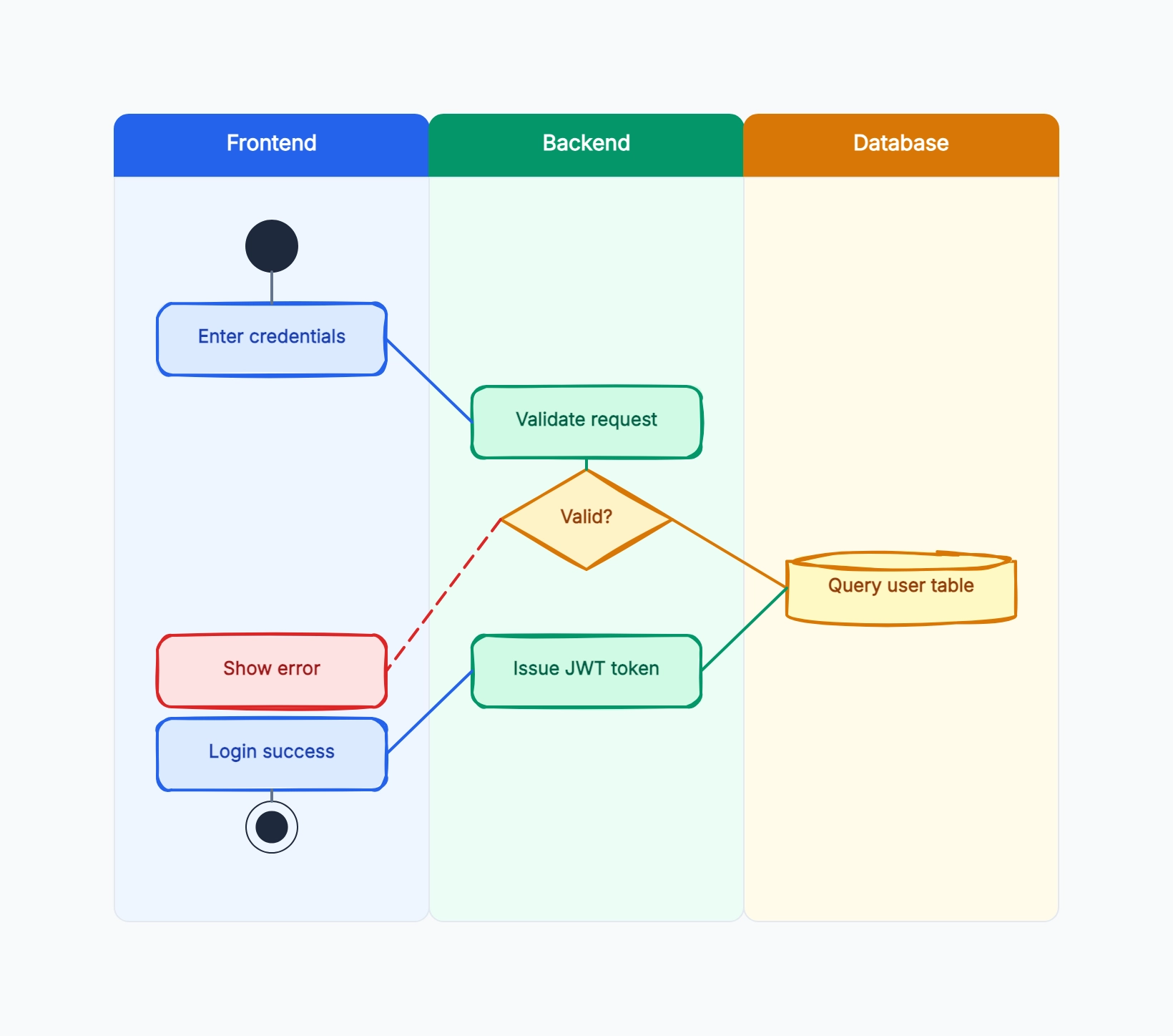
Software release process
Who uses it: Engineering manager documenting the path from code commit to production
Developer: Write code → Submit pull request → Fix review comments
Tech Lead: Review PR → Approve merge
CI System: Run tests → Build artifact
QA: Test on staging → Approve release
DevOps: Deploy to production → Monitor
Why this works: The swimlane makes it immediately clear that QA and DevOps are downstream dependencies — if either lane has a backlog, releases queue up. This is invisible in a single-lane flowchart.
Customer onboarding flow
Who uses it: Customer success team mapping a SaaS onboarding process
Customer: Sign contract → Complete setup form → Attend kickoff → Go live
Sales: Hand off to CS → Join kickoff call
Customer Success: Send welcome email → Configure account → Run kickoff → 30-day check-in
Product: Provision account → Activate features
Why this works: Onboarding delays almost always happen at lane boundaries — the customer is waiting on CS, or CS is waiting on Product. The swimlane pinpoints these handoffs so you can add SLAs to each one.
Support ticket escalation
Who uses it: Support operations lead designing a tiered escalation process
Customer: Submit ticket → Provide information → Confirm resolution
L1 Support: Triage → Attempt resolution → Escalate if unresolved
L2 Support: Investigate → Resolve or escalate
Engineering: Root cause analysis → Deploy fix → Notify L2
Why this works: Swimlane diagrams for support show where time is spent waiting versus working. If L2 escalates to Engineering but Engineering has no SLA on response, that gap becomes obvious in the diagram.
Expense reimbursement process
Who uses it: Finance team documenting the end-to-end reimbursement workflow
Employee: Submit expense report → Attach receipts → Receive payment
Manager: Review and approve report
Finance: Validate receipts → Check policy compliance → Process payment
Payroll: Issue reimbursement in next pay cycle
Why this works: A common frustration with reimbursements is not knowing where in the process the request is stuck. The swimlane gives employees and managers a shared reference to track status.
Hiring process
Who uses it: HR business partner standardizing the interview-to-offer process
Candidate: Apply → Complete assessment → Interview → Receive offer
Recruiter: Screen resume → Schedule interviews → Extend offer
Hiring Manager: Review shortlist → Conduct interviews → Make hire decision
HR: Background check → Prepare contract → Send onboarding info
Why this works: Candidates frequently experience delays because no one told them the hiring manager was on leave. A swimlane shared with candidates sets clear expectations about who is responsible for each step.
Content approval workflow
Who uses it: Marketing manager running a multi-stakeholder content review
Writer: Draft content → Revise based on feedback
Editor: Review draft → Approve or return with comments
Legal: Check claims and compliance
Brand: Verify tone and visuals
Marketing Director: Final approval → Publish
Why this works: Content review bottlenecks are usually caused by unclear approval order — legal reviews brand-approved copy and asks for changes, forcing another round. The swimlane forces teams to agree on the sequence before work starts.