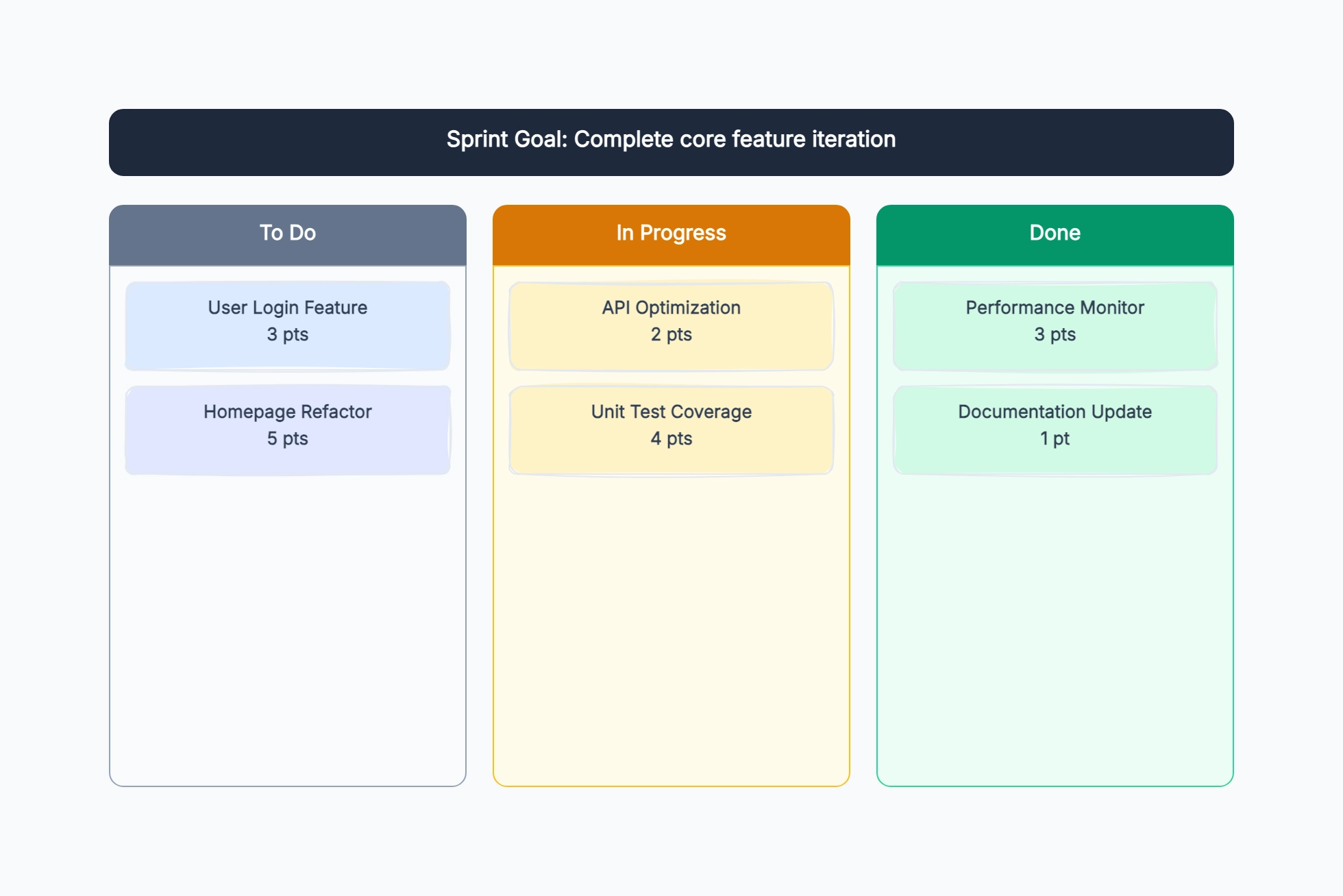
Standard scrum sprint plan
Who uses it: Scrum master or developer planning a two-week sprint
Sprint goal: complete user profile feature
Story 1 (5pts): Edit profile form — Alice
Story 2 (3pts): Upload avatar — Bob
Story 3 (2pts): Update notification preferences — Alice
Story 4 (8pts): Privacy settings page — Bob
Capacity check: 18 pts vs. 20 pt capacity
Definition of done: deployed to staging, QA signed off
Why this works: Writing the definition of done explicitly in the sprint plan prevents the classic end-of-sprint debate about whether a story is 'really' done when it passes unit tests but is not yet QA verified.
Feature launch sprint
Who uses it: Product manager and tech lead planning a sprint around a specific launch
Sprint goal: ship checkout v2 to production
Story 1: Guest checkout flow (8pts)
Story 2: Promo code field (3pts)
Story 3: Order confirmation email redesign (5pts)
Story 4: Payment error handling (5pts)
Non-story: QA regression suite (8hrs)
Launch criteria: all stories done + smoke test passing
Why this works: Adding explicit launch criteria to the sprint plan aligns product, engineering, and QA on what must be true before go-live — 'all stories done' is not sufficient if the regression suite has not run.
Design sprint planning
Who uses it: UX lead planning a week of design work alongside an engineering sprint
Sprint goal: finalize designs for onboarding v2
Design task 1: wireframes for 3 onboarding screens (2 days)
Design task 2: user testing session (1 day)
Design task 3: iterate based on feedback (1 day)
Design task 4: handoff to engineering (0.5 days)
Sync with engineering: daily 15-min check-in
Why this works: Planning design work in sprint increments alongside engineering creates natural handoff points and prevents the situation where designs arrive too late for the engineers to build in the same sprint.
Bug-fix sprint
Who uses it: Engineering team dedicating a sprint to clearing technical debt and bugs
Sprint goal: reduce P1/P2 bug count by 50%
Bug 1: login loop on mobile (3pts) — Dev A
Bug 2: data export timeout (5pts) — Dev B
Bug 3: notification duplicate send (2pts) — Dev A
Tech debt: migrate auth library (8pts) — Dev B
Buffer: 20% unplanned work reserved
Why this works: Reserving 20% of capacity for unplanned work in a bug sprint is realistic — bugs often spawn new bugs during investigation, and under-planning a bug sprint leads to scope creep and missed sprint goals.
Solo maker weekly sprint
Who uses it: Freelancer or indie developer planning a personal work week
Sprint goal: launch landing page and submit to directories
Task 1: write landing page copy (Mon)
Task 2: code and deploy landing page (Tue–Wed)
Task 3: submit to 5 product directories (Thu)
Task 4: write launch announcement (Thu–Fri)
Stretch: set up email capture (Fri if time allows)
Why this works: Adding a stretch goal to a solo sprint prevents the common mistake of finishing early and losing momentum — there is always a next thing ready to pull in if the main tasks are done.
Cross-functional product sprint
Who uses it: Product team with design, engineering, and QA in one sprint plan
Sprint goal: ship billing upgrade flow
Design: upgrade modal wireframes (Day 1–2)
Engineering: backend subscription API (Day 1–4)
Engineering: frontend upgrade UI (Day 3–6)
QA: test plan and execution (Day 6–8)
PM: update docs and notify CSM (Day 8)
Launch: Day 10
Why this works: A cross-functional sprint plan with explicit tracks for each discipline makes handoff dependencies visible — the diagram shows that engineering cannot start the frontend until design is done.