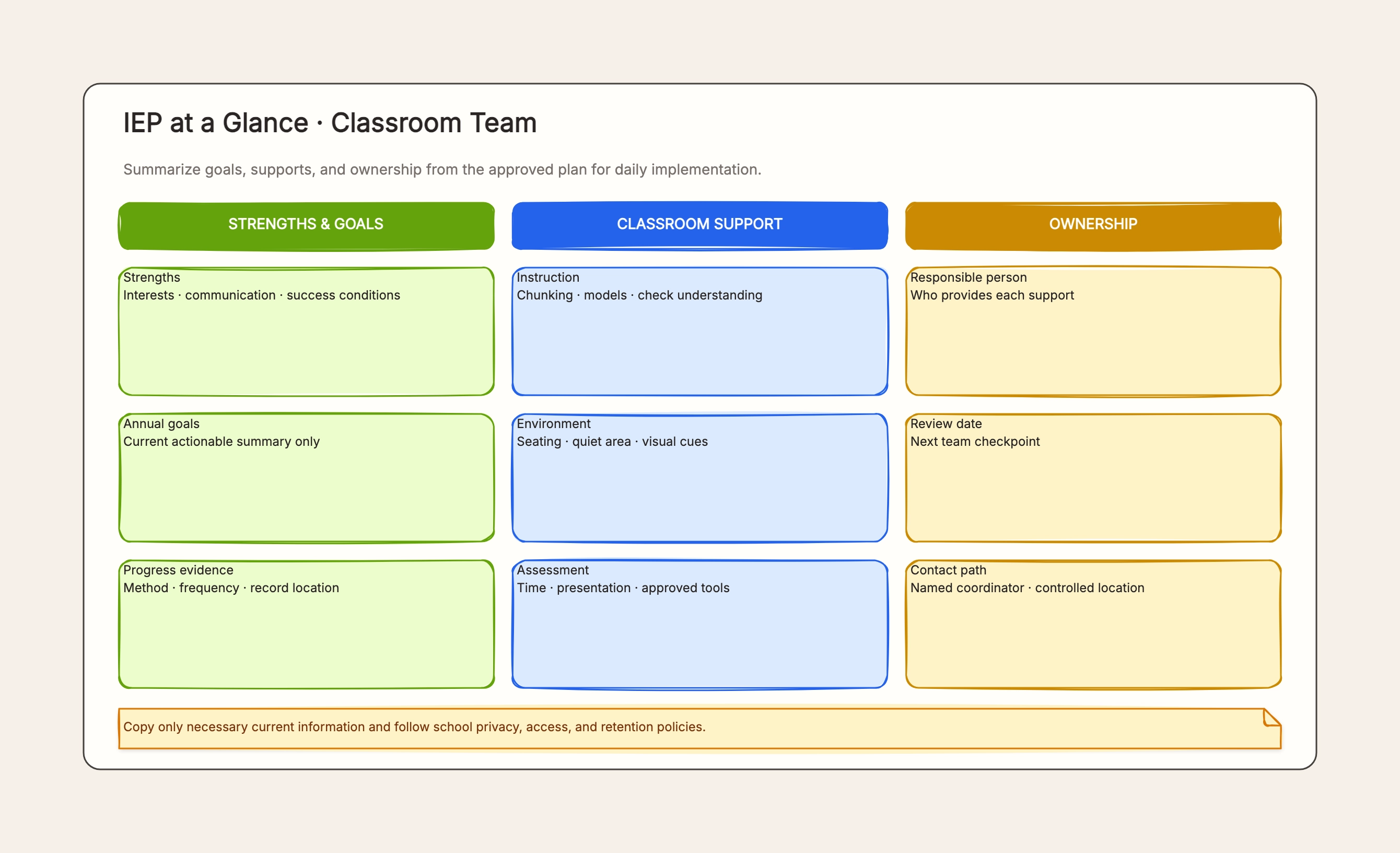
Classroom team
Who uses it: Authorized teacher
Strengths
Goals
Supports
Owners
Why this works: Turns the formal plan into an implementation summary.
These examples emphasize minimum necessary information, controlled access, and the priority of the formal plan.
Who uses it: Authorized teacher
Why this works: Turns the formal plan into an implementation summary.
Who uses it: Temporary teacher
Why this works: Limits information to the current assignment.
Who uses it: IEP team
Why this works: Organizes facts before a formal meeting.
Who uses it: Course teacher
Why this works: Removes information unrelated to the current class.
Who uses it: New-term team
Why this works: Preserves continuity for authorized staff.
Who uses it: Records administrator
Why this works: Prevents old copies from circulating.
The summary supports daily implementation; the formal IEP remains the complete governing document.
The ongoing team needs implementation detail, while a substitute should receive only what is necessary for that assignment.
Staff can record facts and existing provisions; the template must not infer a new diagnosis.
Student-sensitive information requires school authorization and access control.
Keep only the summary and controlled locations necessary for staff work.
Formal changes to goals or services require the applicable IEP team process.
It is a working summary of approved goals, supports, and ownership for authorized staff.
No. The formal document and applicable process always control.
Only according to school policy and only with the minimum information needed for the assignment.
Go back to the template, swap in your own content, and keep the same structure if it fits your project.
Use this template: /editor/new?template=iep-at-a-glance
Create a controlled IEP summary