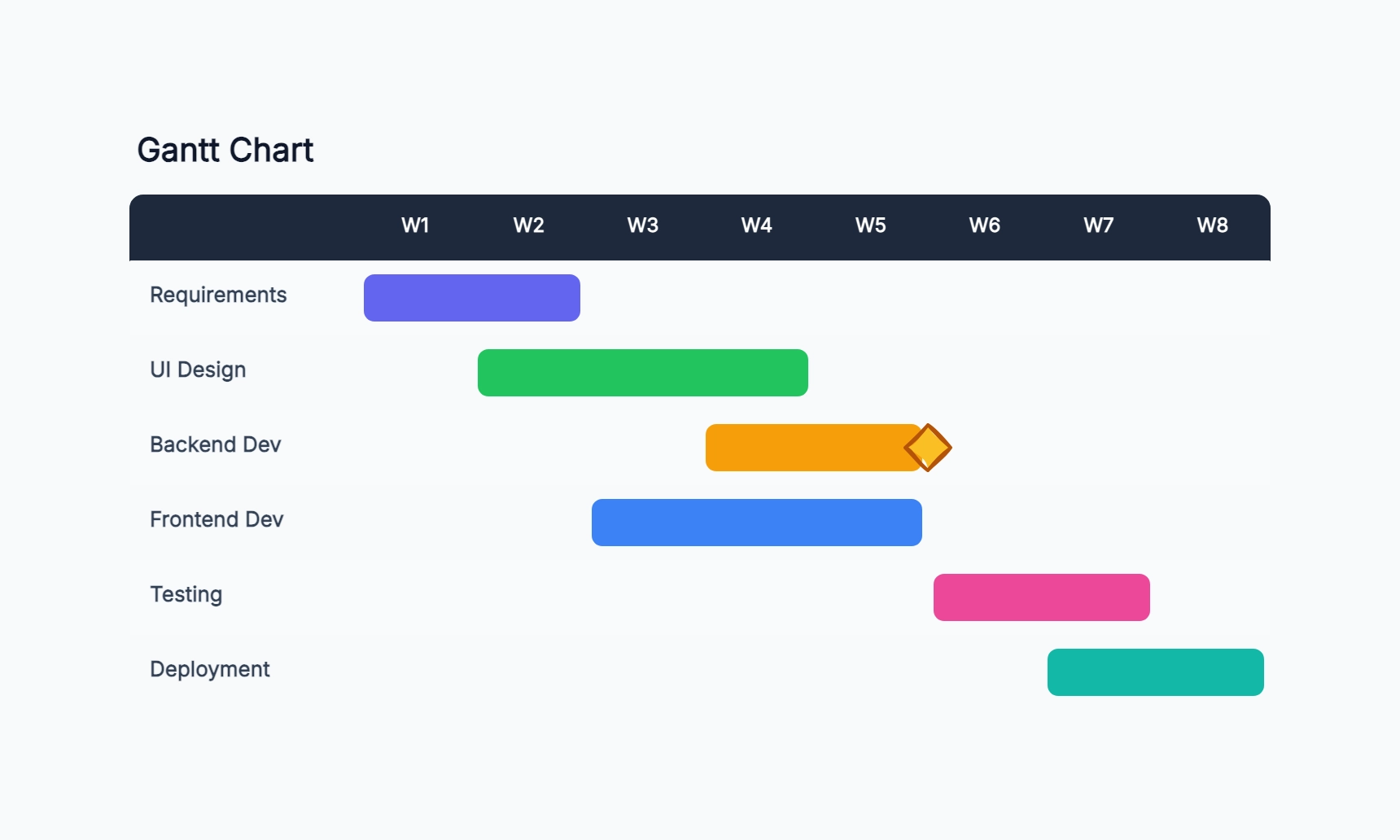
Software sprint plan
Who uses it: Developer or scrum master planning a two-week sprint
Day 1: Sprint planning
Day 1–8: Feature development (3 tasks in parallel)
Day 6–9: Code review
Day 9–10: QA testing
Day 10: Sprint demo (milestone)
Day 10: Retrospective
Why this works: Showing parallel development tasks on the same rows makes it obvious when two engineers are blocked by the same dependency and need to coordinate.
Marketing campaign timeline
Who uses it: Marketing manager coordinating content, design, and paid media
Week 1: Strategy and brief
Week 2–3: Content creation
Week 2–3: Visual asset production (parallel)
Week 4: Review and approval
Week 5: Paid media setup
Week 5: Campaign live (milestone)
Why this works: Running content and design in parallel shortens the timeline, but the Gantt makes it clear that both must finish before the approval gate, which is the real bottleneck.
Website redesign project
Who uses it: Project manager at a digital agency managing a client project
Week 1–2: Discovery and audit
Week 2–4: Information architecture
Week 4–7: UX wireframes
Week 7–10: Visual design
Week 10–14: Development
Week 14–15: UAT and launch
Why this works: Each phase has a clear handoff point, so the client and team both know when feedback is needed and when work moves to the next stage without waiting for a status meeting.
Event planning schedule
Who uses it: Event coordinator managing vendors, venue, and logistics
8 weeks out: Venue confirmed
6 weeks out: Speakers confirmed
4 weeks out: Marketing push starts
2 weeks out: Final catering numbers
1 week out: Run-of-show finalized
Day of: Event (milestone)
Why this works: Working backwards from the event date makes deadline dependencies obvious — if speaker confirmation slips, the marketing push slips too.
Research project plan
Who uses it: Graduate student or researcher planning a multi-month study
Month 1: Literature review
Month 2: Research design
Month 3–4: Data collection
Month 5: Data analysis
Month 6: Draft writing
Month 7: Revision and submission
Why this works: Long research projects benefit from a Gantt because each phase has a minimum duration — the chart makes it clear that skipping the review phase pushes every downstream task.
Product roadmap quarter view
Who uses it: Product manager sharing a quarterly plan with engineering and leadership
Q1 Jan: Discovery and spec
Q1 Feb: Design and prototype
Q1 Mar: Alpha build
Q2 Apr: Beta release (milestone)
Q2 May: Iteration based on feedback
Q2 Jun: GA launch (milestone)
Why this works: A quarter-level Gantt is less granular than a sprint plan but gives leadership the big-picture view they need to plan resourcing and announcements.