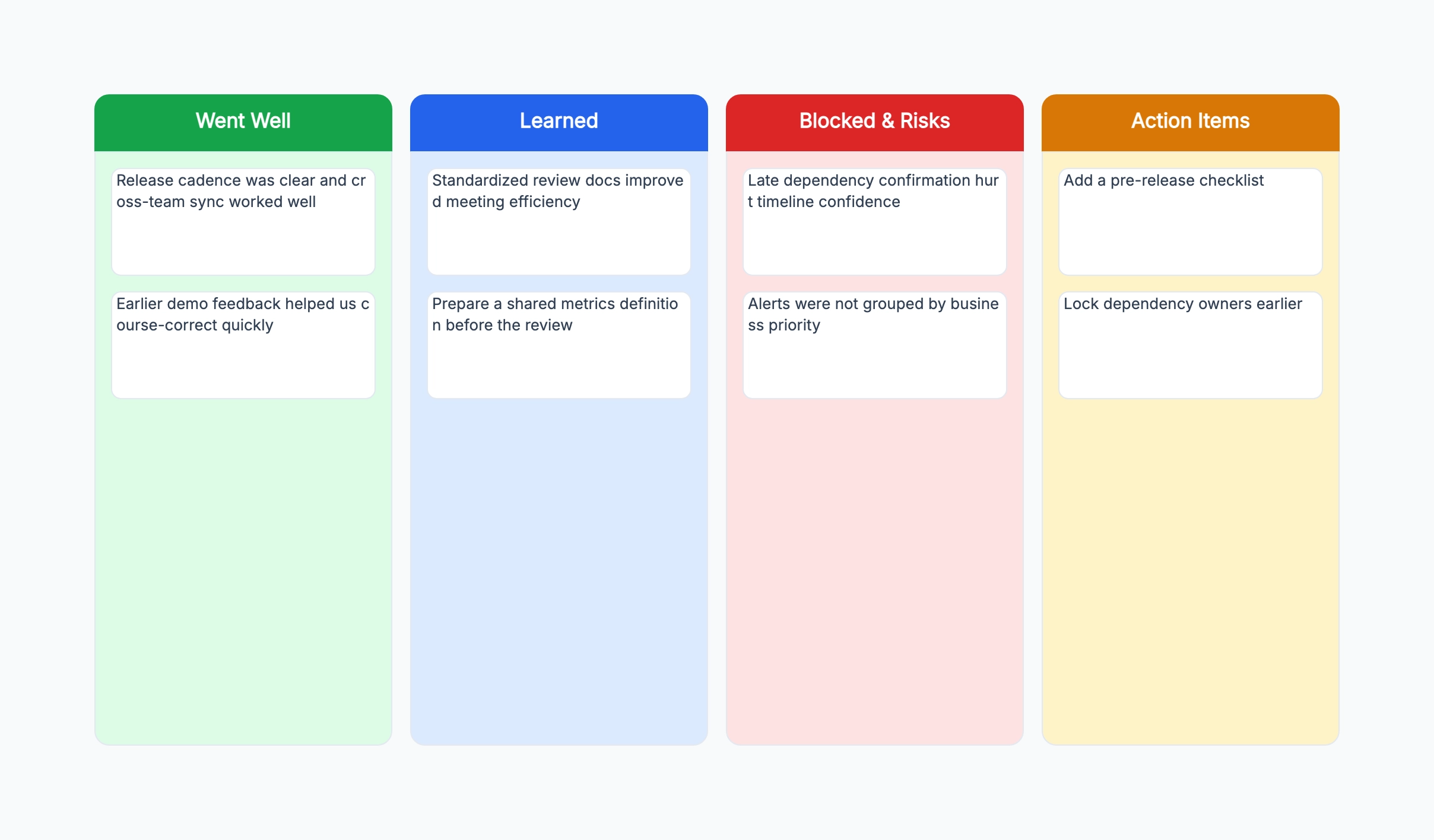
Standard sprint retrospective (Start / Stop / Continue)
Who uses it: Scrum team running an end-of-sprint retrospective
Start: things the team should begin doing
Stop: things the team should stop doing
Continue: things the team should keep doing
Silent writing: 5 minutes individual stickies
Group and vote: prioritize top 2–3 clusters
Action items: owner + deadline per item
Why this works: Start/Stop/Continue is the most versatile retrospective format because it generates both positive reinforcement and improvement actions — formats that only ask for problems can create a culture of complaint rather than improvement.
Four Ls retrospective
Who uses it: Team looking for a format that goes deeper than went well / needs improvement
Liked: what did you enjoy about this sprint?
Learned: what new knowledge did you gain?
Lacked: what was missing or blocking you?
Longed for: what do you wish had been available?
Group stickies by column and vote on priorities
Action items for top Lacked and Longed for clusters
Why this works: The Liked and Learned columns often surface positive habits worth repeating — teams that only focus on Lacked and Longed for miss the opportunity to consciously reinforce what is already working.
Post-mortem retrospective
Who uses it: Engineering or product team reviewing a production incident or failed release
Timeline: reconstruct what happened and when
Root causes: what allowed this to happen?
What went well during the response?
What needs to change in process, tooling, or monitoring?
Action items: preventive, detective, and corrective
Owner and deadline for each action
Why this works: A blameless post-mortem focuses on system and process failures rather than individual mistakes — the timeline reconstruction is the most important step because it corrects the incorrect mental models that led to the incident.
Remote team retrospective
Who uses it: Distributed team running a retrospective across time zones
Async input: team adds stickies 24 hours before the sync
Column 1: What helped us work well remotely?
Column 2: What made remote work harder?
Column 3: What process change would help most?
Sync session: group, discuss, vote
Action items: small, specific, immediately actionable
Why this works: Collecting stickies asynchronously before the live session ensures that quieter team members contribute equally and that the sync time is spent on discussion rather than writing.
Quarterly team health check
Who uses it: Team lead or engineering manager running a quarterly check-in
Dimension 1: Team collaboration and communication
Dimension 2: Process and tooling
Dimension 3: Code quality and technical debt
Dimension 4: Work-life balance and sustainable pace
Red / Yellow / Green rating per dimension
One action item per red or yellow dimension
Why this works: A quarterly health check using dimensions rather than open-ended questions produces more structured feedback and makes it easy to track whether a dimension has improved since the last check-in.
Project close retrospective
Who uses it: Project manager or team wrapping up a multi-month project
What was the original goal? Did we achieve it?
What decisions did we make that we would make again?
What decisions do we regret?
What would we do differently from day one?
What knowledge should we pass on to the next team?
Document: lessons learned with owner context
Why this works: A project close retrospective documents institutional knowledge before the team disbands — the questions about regretted decisions are the most valuable and the most likely to be skipped without a structured format.